$199.99
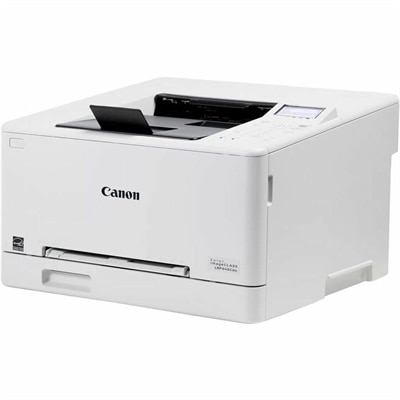
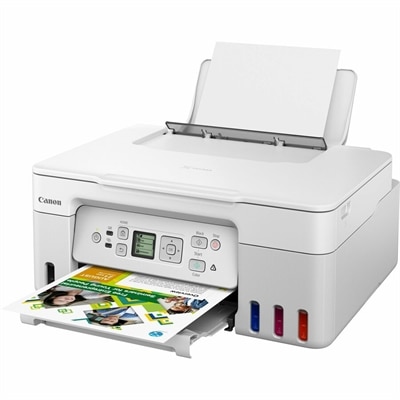
A white wireless multifunction printer with high-capacity ink tanks, 4800 x 1200 dpi resolution, and print, scan, copy.
Printers for Mac and Windows offer seamless compatibility for homes, offices, and creative spaces using either operating system. Whether you’re looking to handle everyday documents or vibrant photos, you’ll find a wide selection designed to meet your needs. Explore reliable options that integrate effortlessly with your devices, making it easy to print, scan, and share from anywhere. Discover the right printers for Mac and Windows to enhance productivity and keep your workflow running smoothly.
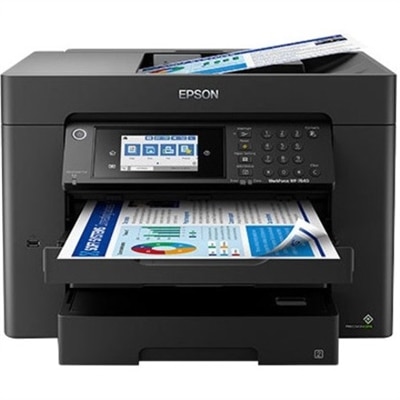
A white wireless multifunction printer with high-capacity ink tanks, 4800 x 1200 dpi resolution, and print, scan, copy.
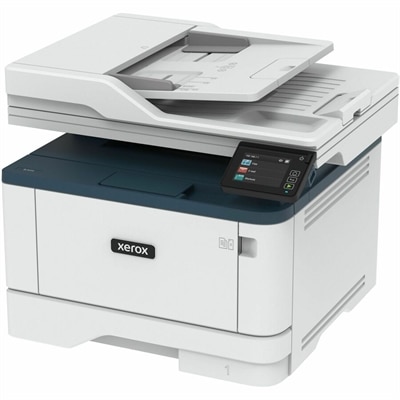
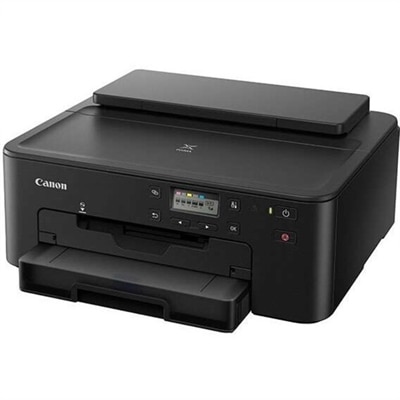
A wireless multifunction printer with automatic two-sided printing, scanning, copying, mobile support, and a 50-sheet feeder.
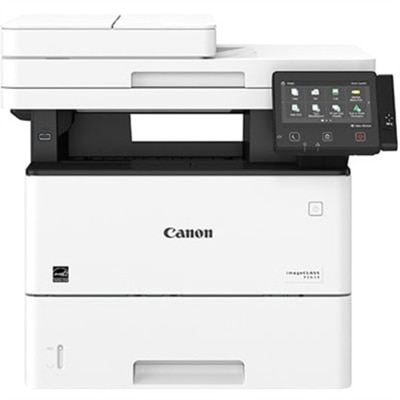
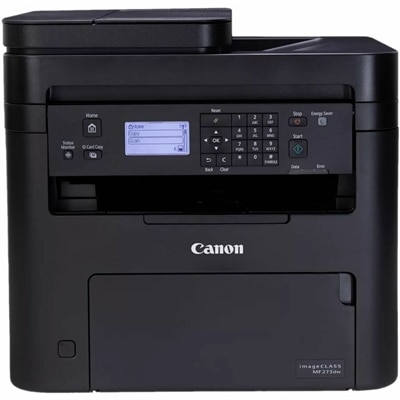
A monochrome multifunction laser printer with copier, fax, scanner, 45-ppm output and customizable color touchscreen.
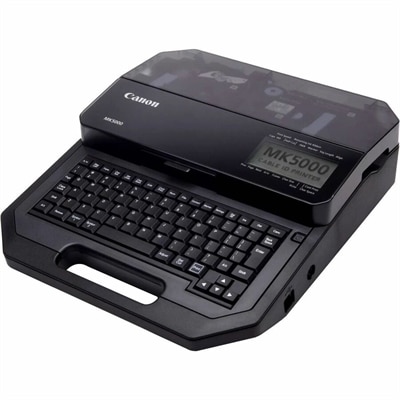
A thermal-transfer marker printer delivering 300-dpi output across tubes, tapes and plastic plates with dual-power flexibility.
Printers for Mac and Windows can give a household, home office, classroom, or small business a shared way to turn digital work into useful paper copies. A compatible printer can handle everything from shipping labels and permission forms to recipes, invoices, school projects, scanned records, and family photos. Many modern models connect over Wi-Fi, allowing a Mac laptop, Windows desktop, tablet, or phone to send a document without running a cable across the room. Before choosing, consider where the printer will sit and how people will use it. A compact design can fit neatly on a shelf or corner desk, while an all-in-one model may be a better match for a busy workspace that also needs scanning and copying. If several computers share the same network, look for dependable wireless connectivity and straightforward setup across both operating systems. Driverless printing standards such as Apple AirPrint and Mopria can make everyday printing easier by reducing the need to download separate software, although it is still wise to confirm compatibility with the versions of macOS and Windows installed on your computers. Ethernet can provide a reliable wired connection for a stationary desktop, while dual-band Wi-Fi may help maintain a steady connection in a home with multiple connected devices. A clear control panel, automatic document feeder, two-sided printing, and a useful paper tray can also make a noticeable difference. These details may seem minor when comparing specifications, but they are the features that turn a printer from an occasional appliance into a dependable part of the daily routine. Think about the kinds of pages that tend to pile up around your home: a few black-and-white forms each week, colorful presentations for work, or photo pages made during the cooler months when indoor projects become more appealing. Your answer can help narrow the right size, speed, and printing technology.
Inkjet and laser printers serve different printing habits. Inkjet models are often a practical choice for color documents, illustrations, craft projects, and photographs because they can produce smooth color transitions and detailed images on suitable paper. Cartridge-free or high-capacity tank designs may appeal to people who print frequently and want to reduce the interruptions associated with replacing small cartridges. They can be especially useful in a home where children print school materials, an artist prepares reference images, or someone regularly creates labels and colorful handouts. As with any ink-based printer, using the device periodically and following care instructions can help maintain print quality. Laser models are commonly valued for sharp text, quick output, and efficient handling of larger batches of documents. A monochrome laser printer can suit a home office that mostly produces contracts, shipping documents, reports, or other black-and-white pages, while a color laser printer can add polished graphics and colored charts to business materials without relying on an inkjet workflow. For shoppers comparing color options, Color Laser Printers For Mac can be a useful category to explore alongside other printers for Mac and Windows. Pay attention to more than the printer’s purchase price: review the expected page yield of replacement supplies, the cost of specialty paper, the print speed for the type of work you do, and whether automatic two-sided printing is included. A printer rated for a higher monthly volume may be a better fit for a busy office, while a lighter-duty model can be perfectly suitable for occasional household use. Scanning and copying can add value when you need to digitize receipts, duplicate signed forms, or make a quick copy of an identification document. Fax capability may still matter in certain offices and professional settings, though it may be unnecessary for a household that handles documents electronically. Resolution, color accuracy, paper-size support, and borderless printing are also worth checking if photos, greeting cards, envelopes, or creative projects are part of your plans.
A printer can be a thoughtful practical gift for someone setting up a first apartment, working from home, returning to school, or organizing a small creative space. It can spare a new homeowner a trip to a print shop for lease paperwork, help a student prepare a presentation at the kitchen table, or give a family a simple way to print travel documents and keepsake photos. The best choice depends on the recipient’s habits rather than on a long list of advanced features. Someone who prints a handful of pages at a time may appreciate a compact wireless model that is easy to maintain, while a home-based professional may benefit more from fast two-sided output, a document feeder, and a generous paper capacity. Families sharing one printer should look for simple user controls and broad support for computers and mobile devices, especially when one person uses macOS and another relies on Windows. Placement matters as well: leave room for paper to feed smoothly, keep the printer near a stable wireless signal, and consider access to power and replacement supplies. During the cooler months, when desks and dining tables often become workstations for longer stretches, a quiet printer with a small footprint can help preserve a comfortable room. Whether you need crisp black text, vivid color pages, occasional scans, or a flexible device for several people, printers for Mac and Windows are designed to bridge different computer preferences in one shared setup. Confirm operating-system support, connection options, paper handling, supply costs, and the tasks you expect to perform most often. With those practical details in mind, it becomes easier to choose a printer that fits naturally into your workspace and continues to be useful long after the first page comes out.
Add the products you would like to compare, and quickly determine which is best for your needs.