$65.99
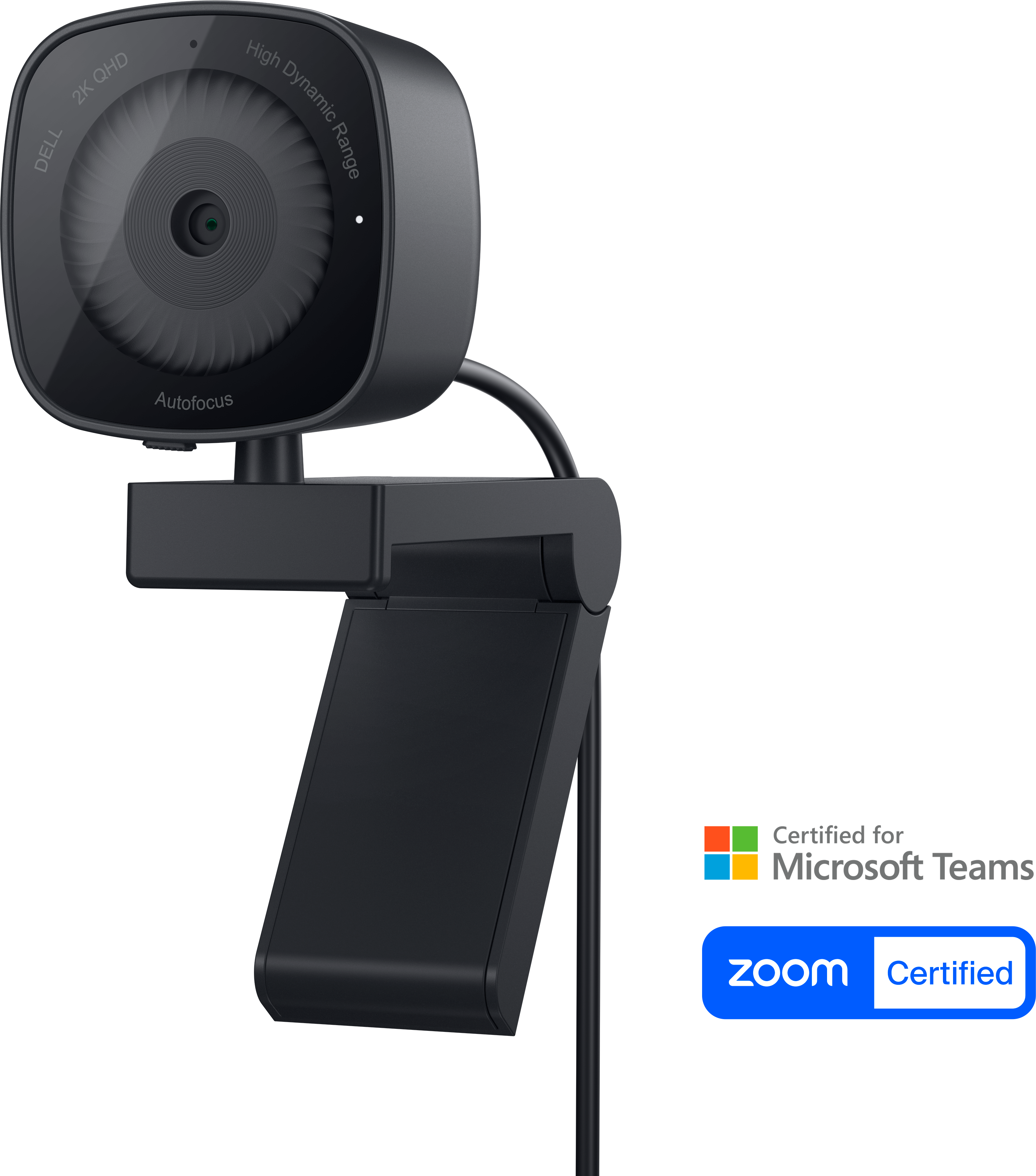
A 2K QHD webcam designed for clear, confident everyday video collaboration.
Discover the ultimate tools to enhance your productivity and connectivity with our diverse selection of remote clients. Whether you're working from home, managing a team across different locations, or simply seeking seamless communication solutions, these innovative products are designed to keep you connected effortlessly. Explore options that cater to various needs and preferences, ensuring you find the perfect match for your remote work setup. Embrace the future of collaboration and efficiency with remote clients that offer flexibility and reliability, making it easier than ever to stay in sync with your colleagues and projects.
A 2K QHD webcam designed for clear, confident everyday video collaboration.
An AI-powered premium conferencing soundbar delivering clear audio with enhanced noise cancellation.
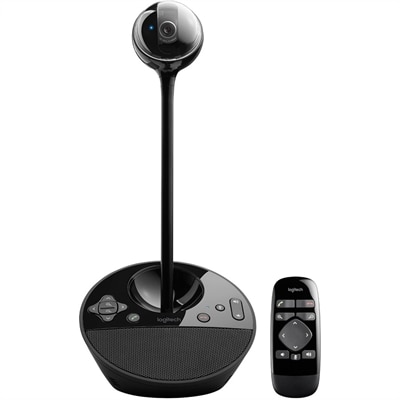
A 1080p conference camera with full-duplex speakerphone audio, autofocus, remote pan-tilt-zoom, and echo cancellation.
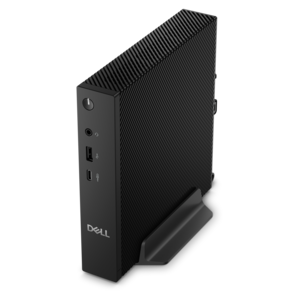
A compact thin client supporting cloud software, ThinOS, Windows 11 IoT Enterprise, or no operating system.
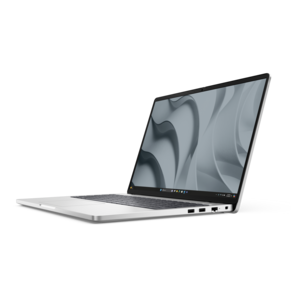
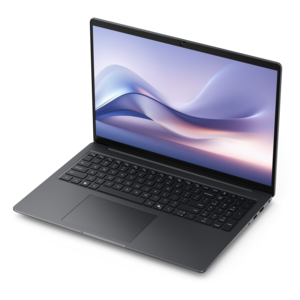
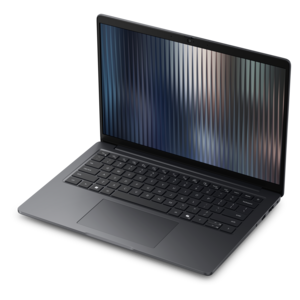
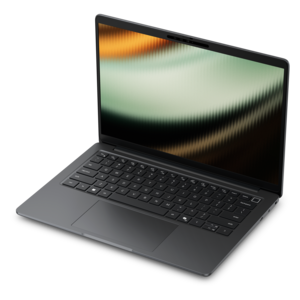
A durable modular laptop with a 16:10 display, numeric keypad, robust security, and built-in AI options.
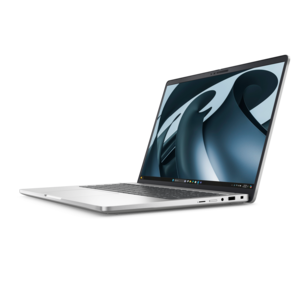
A secure, scalable commercial AI PC featuring a durable aluminum body and spacious productivity-focused display.
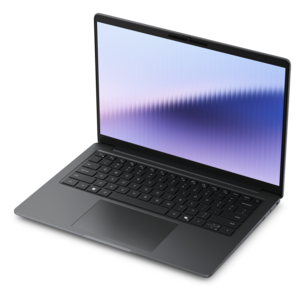
A remarkably thin laptop delivering portable performance with Series 3 Intel Core Ultra processors.
A thin, lightweight Copilot+ PC combining powerful Intel CPU, GPU, and NPU performance for productive multitasking.
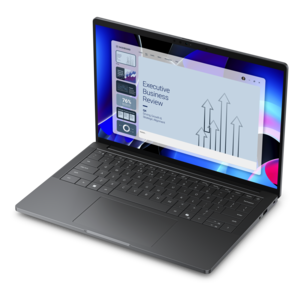
An elegant, ultralight, durable AI PC delivering premium productivity experiences for highly mobile professionals.
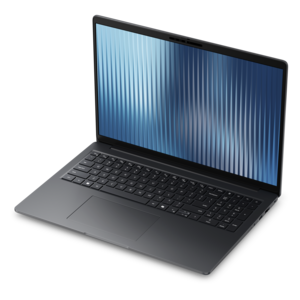
A durable, lightweight business laptop offering reliable productivity with commercial-grade security and manageability.
A durable, lightweight business laptop offering reliable everyday productivity with commercial-grade security and manageability.
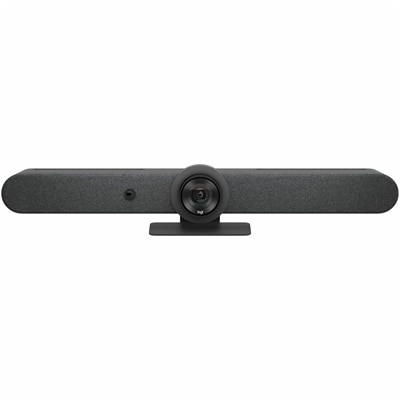
A graphite all-in-one video bar featuring AI framing, motorized PTZ, 15x zoom, adaptive microphones, and speakers.
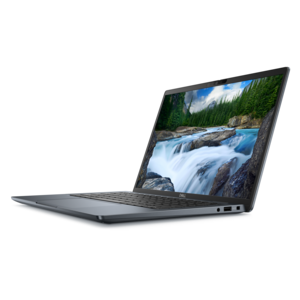
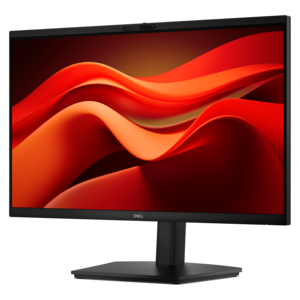
Remote clients make it possible to access a computer, desktop environment, files, or applications from another location, giving people a practical way to work, study, provide support, or manage everyday tasks without sitting in front of the host computer. A remote client may be a software application installed on a laptop or desktop, a browser-based access tool, or a device configured to connect securely to a separate computer. Once connected, the remote user can typically view the host system’s desktop, open approved applications, work with files, and use a keyboard and mouse as though they were seated at the other computer. The experience depends on more than the remote access software alone. A capable laptop with a clear display, comfortable keyboard, reliable battery, and built-in camera can make a noticeable difference during a full day of remote work, especially when moving between a home office, shared workspace, classroom, or quiet corner of the house. A desktop can be a strong choice for a dedicated workspace where a larger screen, wired accessories, and easy component access are priorities. For people who spend hours reviewing documents, monitoring applications, or assisting colleagues from a distance, a spacious monitor can reduce window switching and make small text easier to read. Accessories such as a full-size keyboard, precision mouse, headset, webcam, docking solution, or adjustable stand can also help turn a temporary setup into a more comfortable workstation. Explore Remote Computing for computing options that can support remote access needs across home and professional environments.
When choosing a device for use as a remote client, start with compatibility. Confirm that the operating system supports the remote access application or browser extension you plan to use, and check whether the host and client require matching software versions, account permissions, or a particular connection method. Some workplaces and schools use a secure virtual private connection before allowing access, while others rely on an approved application with multifactor authentication. The client device should have dependable wireless capability or an appropriate wired connection, enough memory for the operating system and other programs running alongside the remote session, and a processor suited to video calls, document work, web applications, or specialized software. A stable connection matters because delays can make typing feel sluggish, interrupt audio, or cause the remote desktop image to appear blurry. Display resolution and screen size are equally important: a compact screen may be convenient for travel, while a larger display can make spreadsheets, creative tools, dashboards, and side-by-side windows easier to manage. If the device will be used away from an outlet, consider battery capacity and charging convenience. For shared spaces, a quiet design, privacy-conscious camera placement, and a comfortable keyboard can make remote sessions less distracting. Security should remain part of the buying decision. Look for devices that support current operating system updates, screen locks, encrypted storage, biometric sign-in when appropriate, and user controls that allow access to be limited to approved accounts. A remote client should never be selected on speed alone; the best fit balances performance, portability, security, comfort, and the requirements of the host computer.
Remote clients serve a wide range of people. A professional may use one to reach a workstation at the office while working from home, review a file during travel, or provide technical assistance without needing to be physically present. A student may connect to a school computer to use licensed applications or continue a project from a personal laptop. Families can use remote access for practical support, such as helping a relative adjust settings or retrieve an important document, provided that permission and account security are handled carefully. Small teams may appreciate the flexibility of allowing staff to work from different locations while keeping familiar applications and files available through an authorized environment. These devices can also make thoughtful gifts for someone creating a home office, beginning a course, changing careers, or spending more time on personal projects during the cooler months. A portable laptop suits someone who works in more than one room, while a desktop and monitor combination may be better for a recipient who has a permanent workspace. Before purchasing, consider where the device will be used, how many hours it will be active, whether video communication is part of the routine, and which accessories could improve comfort. Keep the host computer powered on or configured for approved wake and access settings only when appropriate, use strong unique credentials, install updates promptly, and sign out of remote sessions when finished. With the right client device and careful setup, remote access can feel less like a technical workaround and more like a natural extension of the user’s everyday computer.
Add the products you would like to compare, and quickly determine which is best for your needs.