$199.99
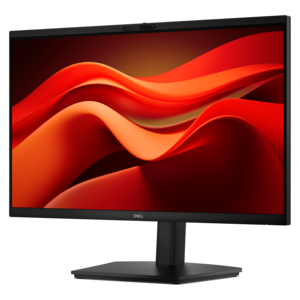
A Full HD conferencing monitor with built-in webcam, speakers, and microphone for seamless everyday collaboration.
Embrace the future of work and play with remote computing solutions that empower you to stay connected from anywhere. Whether you're managing a team across different time zones, diving into creative projects, or simply staying in touch with loved ones, our range of devices and accessories is designed to keep you productive and engaged. Explore cutting-edge technology that seamlessly integrates into your lifestyle, ensuring efficiency and flexibility without compromise. Discover how remote computing can redefine your digital experience, offering the freedom to work and enjoy entertainment wherever life takes you.
A Full HD conferencing monitor with built-in webcam, speakers, and microphone for seamless everyday collaboration.
A smart docking station offering up to 130W USB-C power delivery and remote management capabilities.
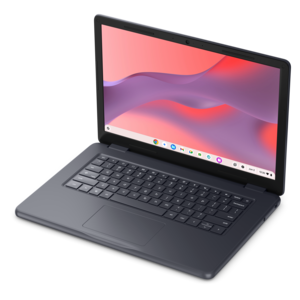
A durable, serviceable Chromebook tailored for education environments and commercial learning needs.
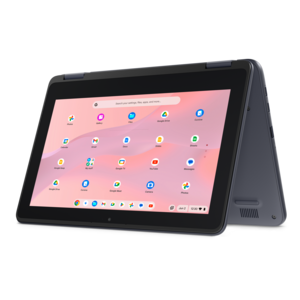
A durable, serviceable Chromebook designed for K–12 learning environments.
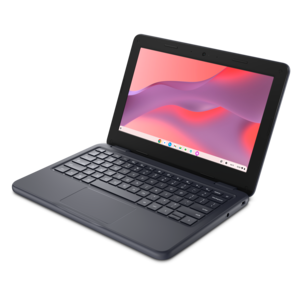
A durable, serviceable laptop or 2-in-1 designed specifically for K-12 learning environments.
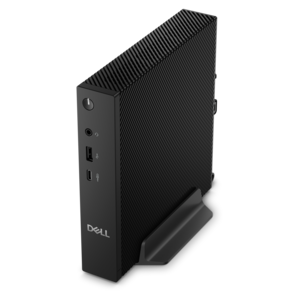
A compact thin client supporting cloud software, ThinOS, Windows 11 IoT Enterprise, or no operating system.
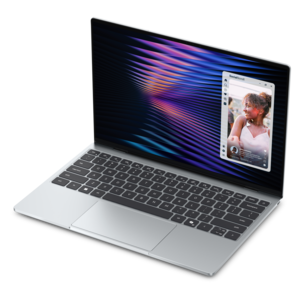
A remarkably thin, lightweight laptop designed for ultimate mobility and effortless everyday productivity.
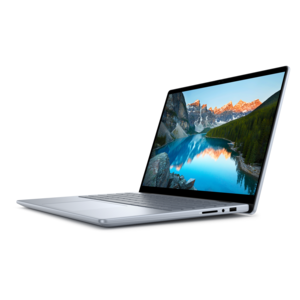
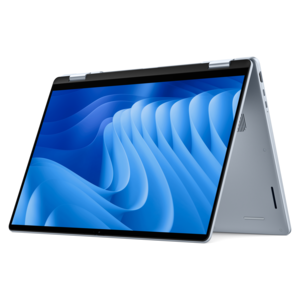
A versatile 2-in-1 laptop with Intel Core processors, DDR5 memory, and multiple modes for creative work.
A sleek, portable laptop with an expansive 16:10 display for reliable productivity anywhere.
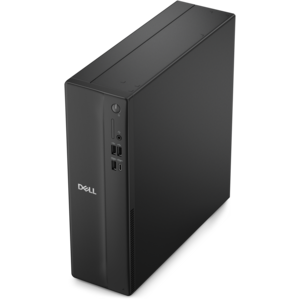
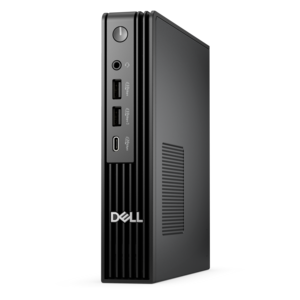
A compact desktop designed for everyday productivity and creative tasks.
A modern laptop with AMD Ryzen™ processors, delivering effortless productivity and captivating entertainment in a design.
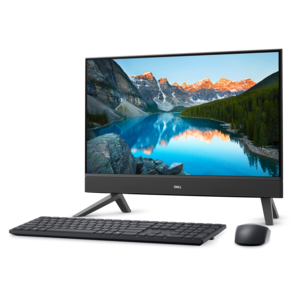
A compact all-in-one desktop designed for productive work and enjoyable entertainment.
A modern laptop with Intel® Core™ processors and graphics for effortless productivity and captivating entertainment.
A lightweight AI-powered laptop designed for creative professionals and small businesses.
A sleek laptop with a stylish design, delivering powerful performance for modern multitasking.
A sleek, portable laptop with an expansive 16:10 display and AI PC options for work anywhere.
An AI-ready laptop with a spacious display, designed for creators and developers seeking high performance.
A spacious-display laptop with built-in AI and Intel Arc graphics for creative and development workflows.
A durable, modular laptop featuring robust security, spacious 16:10 display, numeric keypad, and optional built-in AI.
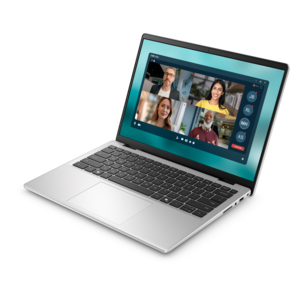
A thin, lightweight business laptop powered by AMD Ryzen processors with commercial-grade security and manageability.
A durable, lightweight business laptop with commercial-grade security, manageability, and reliable everyday productivity.
A secure, scalable commercial AI PC in a sleek, durable aluminum body for on-the-go multitasking.
A durable modular laptop with robust security, a spacious display, and optional built-in AI for workdays.
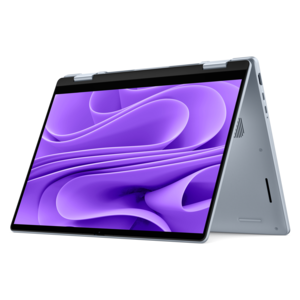
A versatile 2-in-1 laptop with built-in AI and a spacious display for creative work.
Remote computing is the practice of accessing, controlling, or using a computer from another location through a local network or the internet. In a typical setup, the device in front of you acts as the client: it sends keyboard and mouse input to a remote host, which then returns the display, files, and application activity to your screen. A remote desktop session can make another computer feel as though it is sitting on the desk in front of you, even when that computer is in a different room, office, or city. Other approaches are more lightweight. A command-line connection can provide direct access to software and system tools without displaying a complete desktop, while cloud-based computing can deliver applications and virtual workspaces through an online connection rather than relying entirely on the hardware nearby. Common connection methods include Remote Desktop Protocol, or RDP, Virtual Network Computing, or VNC, and Secure Shell, or SSH. Depending on the setup, sessions may be protected with encryption, multi-factor authentication, or a virtual private network. The right equipment can make these experiences feel more natural: a responsive laptop is useful for travel and flexible work, a desktop can provide a steady home-office base, a larger monitor can make multiple windows easier to follow, and a comfortable keyboard, mouse, headset, or webcam can reduce friction during long sessions. The products gathered on this page are suited to people who need dependable access to work, creative tools, files, or applications beyond the computer immediately in front of them.
Remote computing is especially useful for people who divide their time between a home office, a workplace, a classroom, and travel. A professional might connect to a more capable computer at the office to use specialized software or retrieve a file without carrying the full workstation home. A student may use a laptop to reach course materials and applications hosted by a school, while a support specialist can remotely view a customer’s desktop to diagnose a problem with permission. Families can also benefit when one person needs access to a shared computer from another room, or when a compact device is used to connect to a more powerful system. For these situations, consider the experience from end to end rather than focusing only on processing power. Screen size, resolution, brightness, and viewing comfort matter when a remote desktop contains dense menus or several windows. A reliable keyboard and precise pointing device can make frequent commands feel less tiring. If conversations, presentations, or troubleshooting sessions are part of the routine, look for accessories that support clear audio and video. Portability may be the priority for someone moving between locations, while a larger display and an adjustable workspace may be more valuable for someone who spends cooler months working from home. Battery life, available ports, wireless capability, camera quality, and the operating system’s compatibility with the chosen remote access software are also worth checking before purchase. When a computer will remain in one place as the host, quiet operation, dependable performance, and easy access to updates can be just as important as mobility.
Security and connection quality shape the remote computing experience as much as the device itself. A fast internet connection can help the remote display respond smoothly, but latency, wireless interference, and the performance of the host computer also affect how quickly keystrokes, pointer movements, audio, and video are delivered. For demanding work, a wired connection at the primary workstation may improve consistency, while a strong wireless connection can provide welcome flexibility elsewhere in the home. Secure setup should include unique passwords, current operating-system updates, access limited to approved users, and multi-factor authentication whenever available. A virtual private network can add a protected path for certain workplace or personal configurations, while encrypted remote access protocols help safeguard information as it moves between locations. Before choosing equipment, think about who will use it, where sessions will take place, how many windows must remain visible, and whether the device needs to travel in a bag or stay connected to a permanent workspace. A bright, uncluttered desk with a comfortable display can make early-morning tasks easier, while a lightweight laptop and compact accessories can help maintain continuity when plans change. For readers comparing related computing environments, Server Computing offers additional context about remote systems and centralized access. Whether the goal is working from home, supporting another user, reaching applications while traveling, or creating a flexible setup for study and personal projects, choosing compatible, comfortable, and secure equipment can turn a remote session into a practical extension of everyday computing.
Add the products you would like to compare, and quickly determine which is best for your needs.