Serial Ports
Serial ports are essential components that facilitate seamless communication between various devices and computers, enabling efficient data transfer and connectivity across a wide range of applications. Whether you're setting up a new computer system or upgrading existing hardware, understanding the role of serial ports can significantly enhance your setup's versatility and performance. Explore our collection to discover options that cater to diverse needs, ensuring reliable connections for both personal and professional use.
This product is not available
Check out the following recommendations.




Serial Ports
Serial ports give computers a direct way to communicate with compatible peripherals, instruments, and other equipment by sending data sequentially, one bit at a time. A traditional PC serial port is commonly associated with RS-232, an electrical signaling standard used for communication between two devices. The term COM port refers to the communication port designation used by certain operating systems, whether the connection comes from built-in hardware or an adapter. Although many current laptops and desktops lack a dedicated serial connector, serial connections remain useful for equipment designed around a straightforward command-and-response interface. A laboratory balance sending measurements to a desktop, a barcode scanner feeding information into a business application, or a programmable instrument receiving commands from a laptop can all depend on this type of connection. The familiar nine-pin, D-shaped connector is technically called DE-9, although it is frequently labeled DB9. Older serial equipment may instead use a larger, 25-pin DB-25 connector. Neither connector shape alone establishes compatibility: the electrical standard, pin assignments, and communication settings also matter. RS-232 generally uses separate transmit and receive lines, allowing full-duplex communication when supported by both devices. A UART, or universal asynchronous receiver/transmitter, handles the conversion between the computer’s internal data and the asynchronous serial stream. Unlike connections that depend on a shared clock signal, asynchronous serial communication uses agreed timing and framing settings so each end can interpret the incoming bits. That simplicity helps explain why serial interfaces continue to serve useful roles on workbenches, in offices, and alongside specialized peripherals long after the original computer has been replaced. For someone keeping a dependable instrument in regular use, the right serial connection can bridge the gap between familiar equipment and a newer computer without changing the device’s established workflow. Serial accessories are therefore less about adding a new feature for its own sake and more about preserving a precise, practical connection that an existing task requires.
Compatibility starts with the interface specified by the connected device, not simply the presence of a matching plug. RS-232, RS-422, and RS-485 are distinct electrical standards, and a basic connector adapter does not convert one into another. Likewise, the logic-level serial pins found on some electronic boards are not equivalent to an RS-232 port; connecting incompatible voltage levels can damage hardware. For a laptop without a built-in serial connection, USB To COM Port Adapters provide a category of accessories intended to connect a USB port to compatible serial equipment. The adapter must support the required serial standard, the computer’s operating system, and any driver requirements associated with its controller. Its USB connector also needs to fit the computer, whether the available connection is USB-A or USB-C. Desktop users may have another option in an internal serial expansion card, provided the computer has a compatible expansion slot, the correct bracket clearance, and operating system support. At the peripheral end, connector gender and pinout deserve equal attention. A straight-through cable preserves corresponding pin connections, while a null-modem cable crosses particular signals to support communication between devices that require that arrangement. These cable types are not interchangeable just because their plugs fit. Hardware flow control can introduce further requirements, since some equipment relies on additional control lines rather than only transmit, receive, and signal ground. Communication software usually needs matching baud rate, data bits, parity, and stop bits; a mismatch can produce unreadable characters or prevent a useful exchange altogether. A setup that repeatedly collects readings from the same instrument may also benefit from a consistent COM port assignment, especially when the application expects a particular port number. Checking the equipment documentation against these details makes the connection more predictable, whether the task is capturing a few measurements at a desk or maintaining a recurring workflow throughout the workday.
Physical construction and fit influence how comfortably serial accessories work in everyday spaces. A compact adapter can be convenient beside a laptop, but a bulky connector body may block neighboring ports or press against the edge of a stand. A short cable between the USB plug and serial connector can relieve crowding, while a longer cable may help position a peripheral without pulling the computer toward the back of the desk. Cable length should still suit the signaling standard, baud rate, and operating environment: longer is not automatically better, particularly when electrical interference or higher communication speeds reduce the margin for a clean signal. Shielding can help limit interference when properly implemented, and securely fitted connector shells protect the contact area from incidental knocks. Flexible cable jackets and molded strain relief help manage bending near the plugs, where repeated movement often concentrates stress. Materials vary by accessory, so durability is better assessed through documented construction and intended use than through appearance alone. Where compatible threaded posts are present, retaining screws help keep a serial connector seated during routine movement; they should be tightened gently rather than forced. On a busy workbench, routing the cable away from chair wheels, sharp edges, and frequently moved tools can prevent more trouble than choosing extra length without a clear need. For care, keep connectors dry, avoid pulling cables by their jackets, and follow the manufacturer’s cleaning instructions. Inspecting for bent pins or a loosened shell is especially useful before reconnecting equipment that has been moved between locations. People who work with measurement instruments, maintain older computer peripherals, or pursue electronics projects often value these small details because a stable connection lets the task remain the focus. A student recording readings for a project and a technician checking a familiar instrument may need different cable arrangements, but both benefit from matching the complete connection path. The most suitable serial port accessory brings together the correct electrical interface, dependable software support, appropriate cabling, and a physical fit that works naturally with the surrounding workspace.
FAQs:
Serial ports remain important in modern computing for connecting legacy equipment, industrial machinery, networking hardware, and scientific instruments. They are commonly used for device configuration, debugging, and communication with peripherals that require a reliable, straightforward data connection.
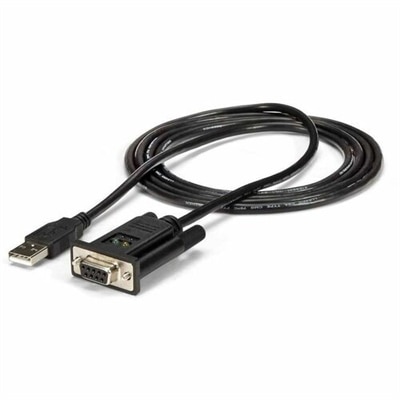
To connect a device with a serial interface to a computer with only USB ports, you can use an rs-232 cable to usb adapter or a com to usb adapter. These adapters convert the serial signal to USB, allowing you to use legacy equipment with newer laptops and desktops.
Serial port adapters and accessories are especially useful for IT professionals, engineers, technicians, educators, and hobbyists. They are essential for anyone who needs to interface with specialized or legacy hardware, such as laboratory instruments, industrial controllers, or vintage computing devices.
When selecting a serial port solution, consider the type of device you’re connecting, compatibility with your operating system, required data transfer speeds, and the physical port form factor. Expansion options like PCI peripherals can also be helpful for adding additional ports or functionality.
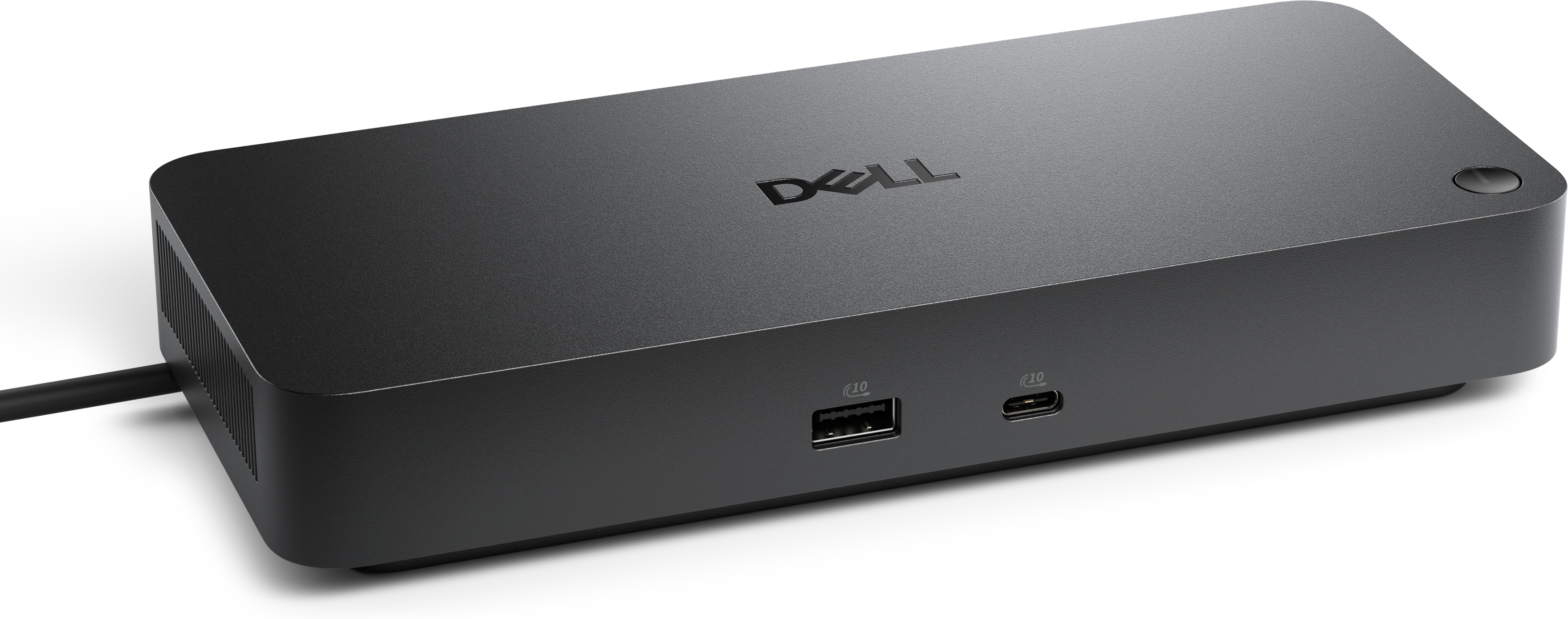
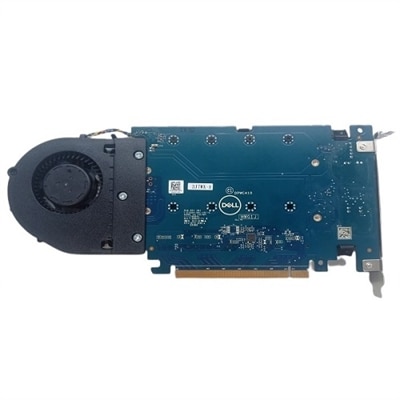
Yes, you can add serial ports to desktops or laptops using external USB-to-serial adapters or internal expansion cards. For desktops, PCI or PCIe cards are available, while laptops can use USB adapters or docking stations that include serial port options.