Small Form Factor Pluggable Transceivers
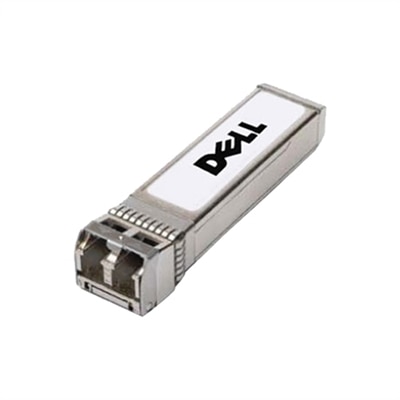
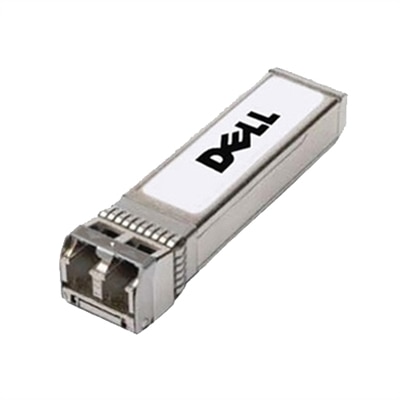
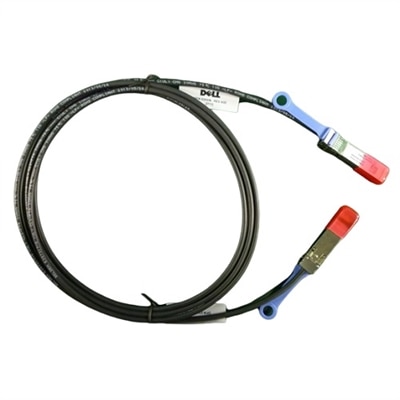
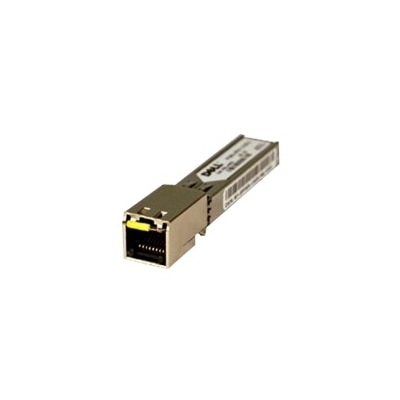
Small form factor pluggable transceivers are essential components for modern networking environments, offering reliable connectivity and efficient data transfer across various devices. Designed to support high-performance networks, these compact modules help optimize space without compromising on network speed or flexibility. Explore a wide selection of small form factor pluggable transceivers to find the right solution for expanding or upgrading your current infrastructure with ease.
This product is not available
Check out the following recommendations.




Small Form Factor Pluggable Transceivers
Connectivity for laptops and desktops starts with matching the computer’s ports to the monitors and accessories you plan to use. USB-C adapters, laptop docking stations, and external display adapters can help expand a compatible computer’s connections, but connector shape alone does not establish compatibility. A USB-C port may support data transfer, video output, charging, or a combination of these functions, depending on the computer’s specifications. Before choosing an accessory, check the supported USB or Thunderbolt standard, display output capabilities, and power requirements for your particular model. For Dell laptops and desktops, reviewing the model’s documentation alongside the accessory’s specifications helps you identify compatible options. This approach is especially useful for creating a home office workstation, connecting an external monitor, or organizing a desktop setup with a keyboard, mouse, and other USB peripherals. Monitor and accessory compatibility also depends on the capabilities of every component in the connection path. For example, achieving a particular screen resolution and refresh rate requires support from the computer’s graphics hardware, its output port, the adapter or docking station, the cable, and the monitor itself. HDMI and DisplayPort connections are common choices for external displays, while compatible USB-C monitors may combine video, peripheral connectivity, and laptop charging through one cable. Check the monitor’s power delivery rating against your laptop’s requirements, since some configurations may still need a separate power adapter. For a dual-monitor setup, verify the computer’s supported display count and the docking station’s operating system requirements before purchasing. Selecting compatible laptop accessories, monitor cables, and docking solutions can simplify everyday connections and make a workspace easier to maintain as your computing needs change.
FAQs:
Small form factor pluggable transceivers offer flexibility, scalability, and space efficiency. Their compact design enables high port density, allowing you to connect multiple devices in limited rack space. They also support hot-swapping, so you can upgrade or replace modules without disrupting network operations.
Yes, sfp modules are designed to support both fiber-optic and copper cabling. This versatility allows you to mix and match connections based on your network’s requirements, making it easier to adapt to different environments and transmission distances.
To ensure compatibility, check the specifications of your networking hardware, such as switches or routers, and verify which sfp module standards they support. It's important to match the module’s data rate, connector type, and supported cable (single-mode, multi-mode, or copper) with your device’s requirements.
Small form-factor pluggable transceivers are commonly used by IT professionals, network administrators, small business owners, and anyone responsible for building or maintaining network infrastructure. They are also popular for upgrading home offices and educational facilities that require reliable, scalable connectivity.
Yes, one of the key advantages of pluggable transceivers is the ability to upgrade your network’s speed or extend its range simply by replacing the modules. This modular approach allows you to adapt to changing bandwidth needs without investing in entirely new network hardware.