$366.00
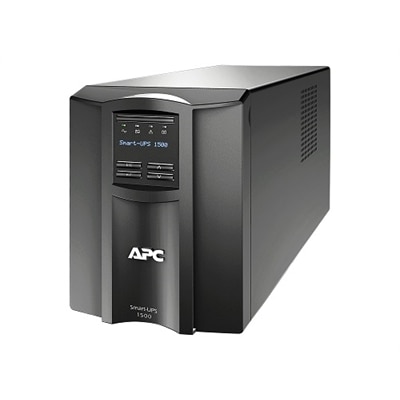
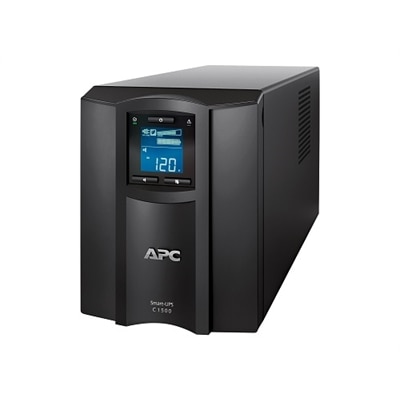
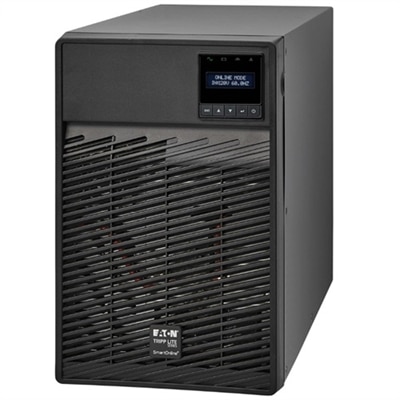
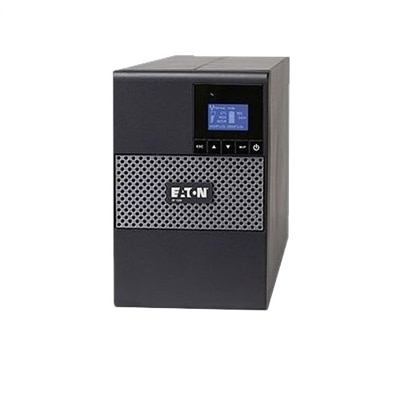
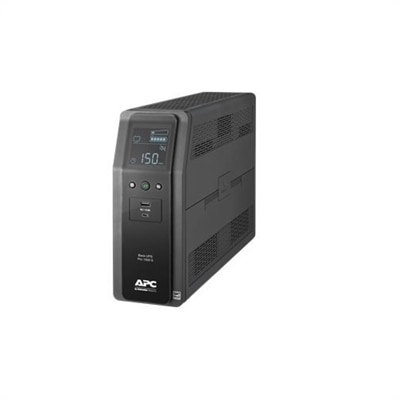
A black tower UPS with 1500VA capacity, 10 outlets, USB ports, and user-replaceable battery.
Ensure reliable network performance and protect your critical equipment with UPS for Cisco switches. These uninterruptible power supplies are designed to provide dependable backup power and help maintain connectivity during outages or fluctuations. Explore a range of options tailored to support Cisco switch installations, helping to keep your business operations running smoothly and minimizing downtime. Find the ideal UPS for Cisco switches to enhance your network’s resilience and safeguard your investment.
A black tower UPS with 1500VA capacity, 10 outlets, USB ports, and user-replaceable battery.
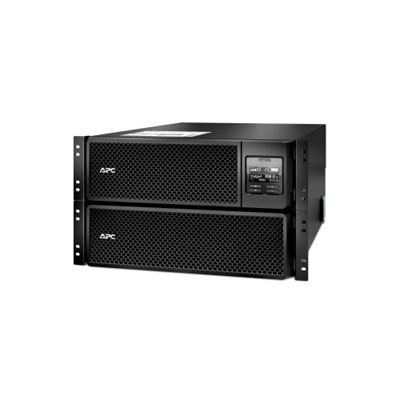
A black 10kVA rack-mountable UPS providing pure sine wave power and extended runtime for critical electronics.
A black tower UPS offering 1500VA power, 8 outlets, and advanced remote monitoring capabilities.
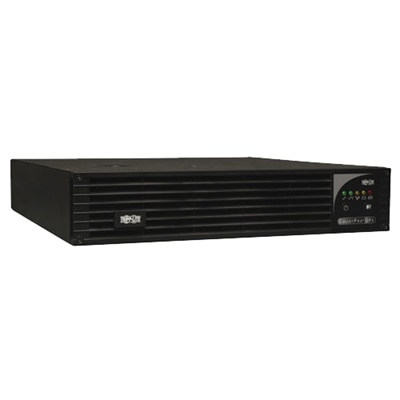
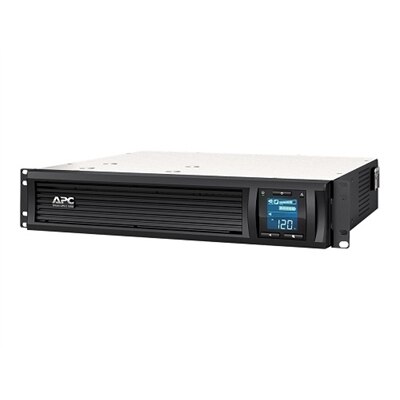
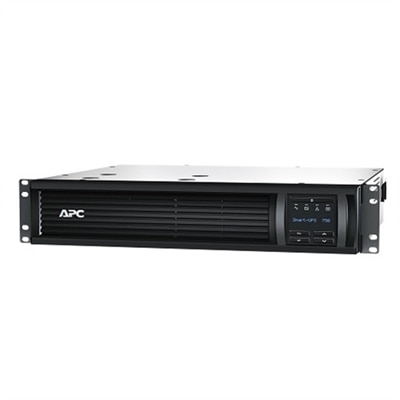
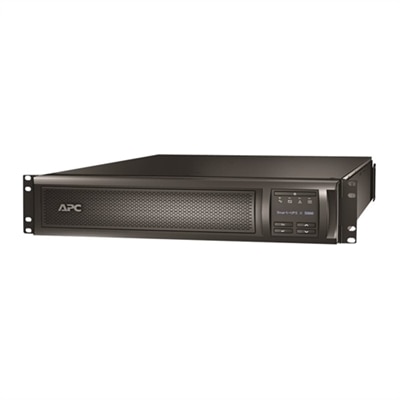
A 2U rack-mountable UPS with LCD interface offers network-grade power protection and auto-voltage regulation.
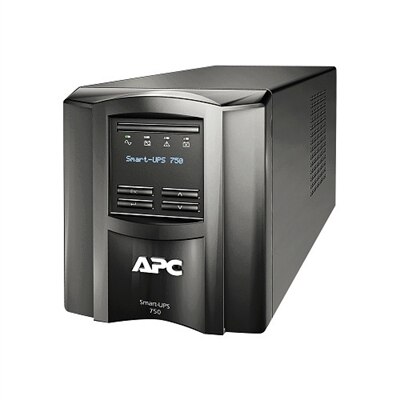
A black tower UPS offering 750VA power, surge protection, and remote monitoring for critical electronics.
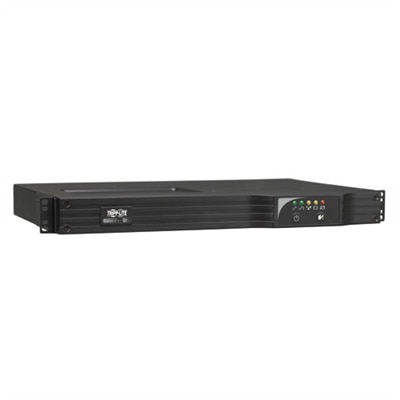
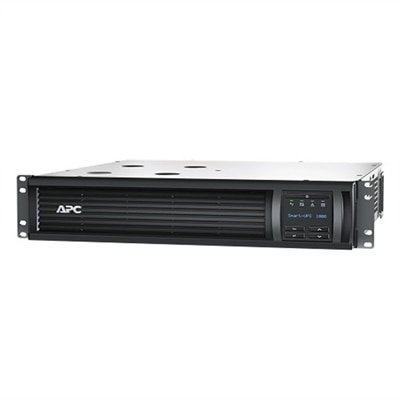
A black rack-mountable UPS offering 1000VA power, surge protection, and remote monitoring capabilities.
A reliable UPS with sine wave output, 6 outlets, and advanced voltage regulation for critical equipment.
A 1.5kVA rack-mount UPS offering reliable power protection for critical IT and network equipment.
A black tower UPS providing 1440VA power with 8 outlets, remote monitoring, and graphic LCD interface.
A black 750VA rackmount UPS offering pure sine wave power and cloud-based remote monitoring.
A black rack-mountable UPS offering 1000VA power, remote monitoring, and surge protection for critical electronics.
A line-interactive UPS offering 1.44kVA/1.1kW backup with true sine wave and optional cybersecure network card.
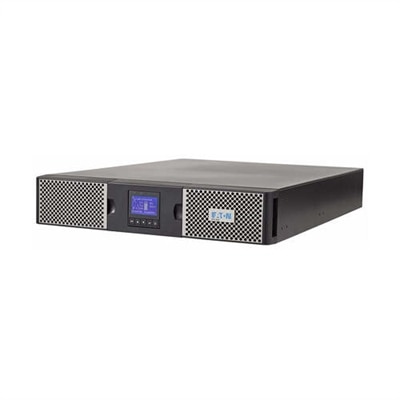
A double-conversion UPS with LCD, 7 outlets, and optional remote management for critical IT applications.
A line-interactive UPS with 750VA/600W capacity, offering reliable battery backup and cybersecurity options.
A black rack-mountable UPS providing pure sine wave power with SmartSlot and extended runtime features.
An uninterruptible power supply can help keep essential switching equipment running when the electrical supply drops, flickers or fails. For a small office, home workspace, retail location or equipment closet, that brief protection may preserve connectivity long enough for power to return or give connected devices time to shut down cleanly. A UPS for switches is especially useful in locations where a momentary outage can interrupt calls, wireless access, point-of-sale activity, security devices or access to shared files. Start by identifying the equipment that will draw power from the UPS, including the switch itself and any devices powered through its ports. Power over Ethernet, commonly called PoE, can significantly increase the total load because the switch may also supply power to phones, cameras, wireless access points and other connected devices. Check the switch’s documentation or its power-monitoring interface for actual consumption rather than relying only on the maximum rating. Add the wattage of every device that will be supported, then include a safety margin of at least 25 percent to allow for changing workloads, additional connections and normal measurement uncertainty. A UPS rated only for the equipment’s current draw may run near its limit, reduce battery runtime and leave little room for future expansion. Capacity is commonly listed in both volt-amperes, or VA, and watts. Watts describe the usable electrical load, while VA reflects the apparent power handled by the UPS. Compare the watt rating as carefully as the VA rating, and choose a unit that exceeds both requirements. Compact capacity may suit a basic, non-PoE switch with a light load, while a larger PoE installation or several connected switches may require substantially more capacity. When planning a growing workspace, reviewing options alongside 48 Port Switches can help clarify how port count and connected devices may affect the expected power requirement.
Runtime should match the way the UPS will be used. If the goal is simply to bridge short interruptions or allow an orderly shutdown, a few minutes of runtime may be sufficient. If the equipment must remain available through longer outages, look for a model with a larger battery capacity or support for additional battery modules, while confirming that the desired runtime is available at the intended wattage. Published runtime figures are typically measured under specific loads, so a UPS may run for much longer with only a switch connected than it will with phones, cameras or wireless equipment drawing power from every PoE port. Line-interactive designs can help regulate modest voltage fluctuations without using battery power for every change, which may preserve battery life in areas with unstable electrical service. Automatic voltage regulation is useful for offices and homes where lights dim, appliances start or utility conditions vary. For sensitive electronic equipment, pure sine wave output is often the preferred choice because it provides a clean, consistent waveform that closely resembles utility power. It can support compatibility with equipment that uses active power-factor correction and may reduce the chance of unexpected behavior during a transfer to battery power. Pay attention to outlet arrangement as well. A UPS should provide enough battery-backed outlets for the equipment that must remain operational, along with surge-protected outlets for lower-priority accessories. Leave room for power adapters, bulky plugs and practical cable routing rather than assuming every outlet can be used side by side. A compact tower can work well beneath a desk or on a shelf, while a rack-compatible format may be more appropriate for a dedicated equipment cabinet. In either setting, allow ventilation around the unit and keep it away from moisture, excessive heat and dusty areas. The battery is a replaceable component, not a permanent one; depending on use, temperature and power conditions, many UPS batteries require replacement after roughly three to five years.
Monitoring and maintenance become more valuable as the connected equipment becomes more important. Some UPS units include a display that shows input voltage, output load, battery condition and estimated runtime, making it easier to spot an overloaded circuit before an outage occurs. Models that support a network management card or a compatible monitoring interface can send alerts for low battery, loss of utility power, overload and battery replacement. This visibility is helpful for a small business owner checking a remote office, an IT professional overseeing several closets, or a household user protecting a work-from-home setup while handling other tasks. Automated shutdown support can also prevent abrupt power loss when an outage lasts longer than the available runtime. Configure shutdown thresholds carefully so the equipment has enough time to close services safely, and test the process before an emergency occurs. Keep a simple record of the connected load, installation date and battery replacement date, then revisit the calculation when adding PoE devices or expanding the number of connected ports. During the cooler months, temperature changes can affect battery performance, particularly in garages, unheated rooms and areas near exterior walls, so a stable indoor environment is preferable. It is also wise to test the UPS periodically by reviewing its self-test results and confirming that alerts reach the intended person. For a home user, a UPS may protect the connection that supports remote work, streaming or everyday communication; for a small organization, it can provide a dependable buffer for phones, access points and other essential equipment. Selecting the right capacity, waveform, runtime, outlet layout and monitoring features creates a more resilient setup without paying for capabilities that do not match the actual load.
Add the products you would like to compare, and quickly determine which is best for your needs.