$11.99
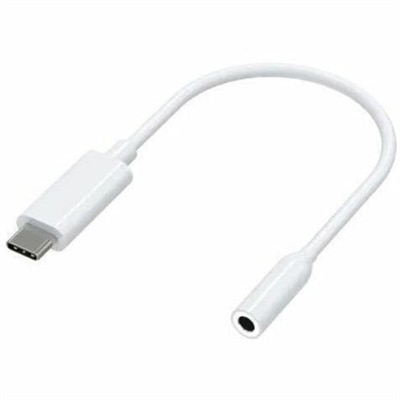
A compact USB-C to 3.5mm audio adapter with Hi-Res DAC, 93dB SNR, and plug-and-play compatibility.
Discover the latest in USB-C accessories designed to enhance your tech experience. From versatile adapters and powerful chargers to sleek docking stations and reliable cables, our selection of USB-C accessories ensures seamless connectivity and efficiency for all your devices. Whether you're looking to expand your workstation capabilities or streamline your mobile setup, you'll find the perfect solutions to meet your needs right here. Explore our collection and elevate your technology with cutting-edge USB-C accessories that offer both functionality and style.
A compact USB-C to 3.5mm audio adapter with Hi-Res DAC, 93dB SNR, and plug-and-play compatibility.
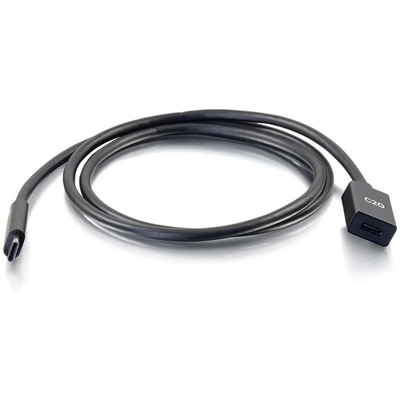
A USB-C extension cable supporting 10Gbps data transfer, 3A fast charging, and DisplayPort Alt Mode output.
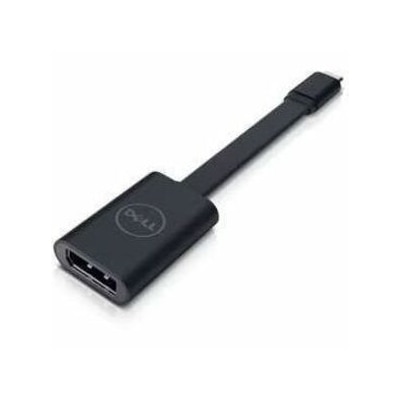
A USB-C to DisplayPort adapter connecting compatible laptops and tablets to high-resolution displays.
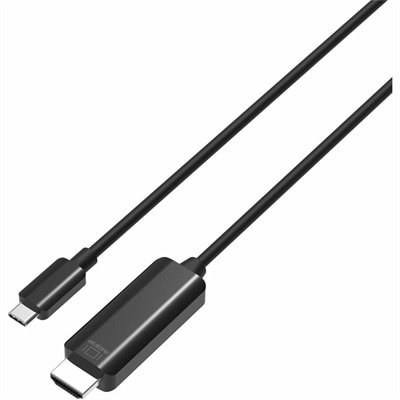
A durable USB-C to HDMI cable delivering 4K 60Hz video, broad compatibility, and reliable performance for presentations or streaming.
A USB-C wireless dongle designed to pair seamlessly with a compatible wireless gaming headset.
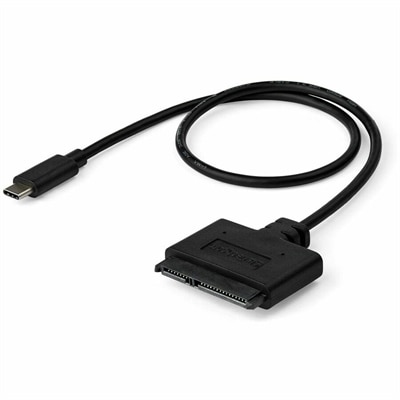
A USB-C to SATA adapter cable delivering 10Gbps data transfers for SSDs and HDDs.
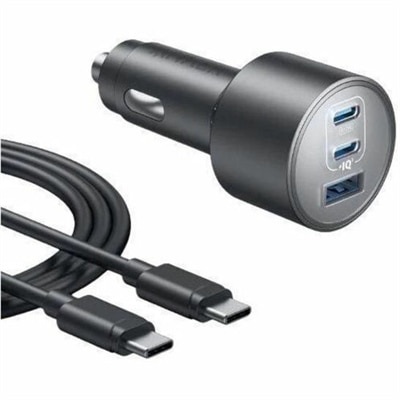
A car adapter delivering up to 100W, 45W, and 22.5W across three ports with advanced safety.
A smart docking station offering up to 130W USB-C power delivery and remote management capabilities.
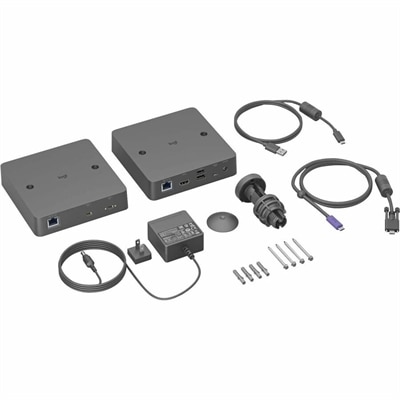
A single-cable USB-C solution enabling driver-free BYOD meetings with Android-based rooms and conference cameras.
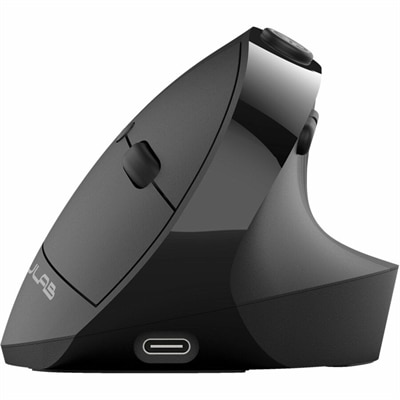
An ergonomic vertical mouse with seven silent buttons, Bluetooth/USB connectivity, and rechargeable four-month battery life.
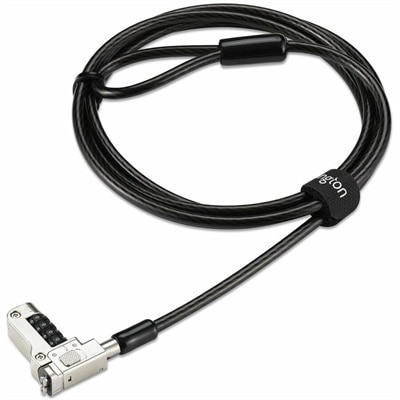
A security lock with carbon steel cable, four-wheel combination, and direct attachment for specialized USB-C slots.
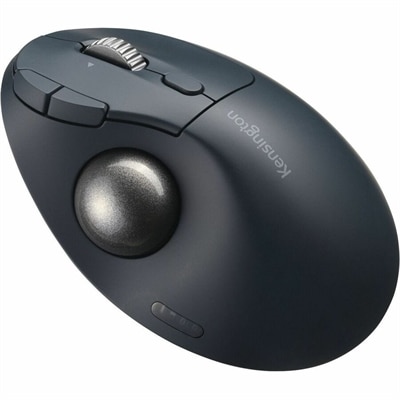
An ergonomic wireless trackball with 45° tilt, USB-C recharging, seven programmable buttons, and 128-bit AES encryption.
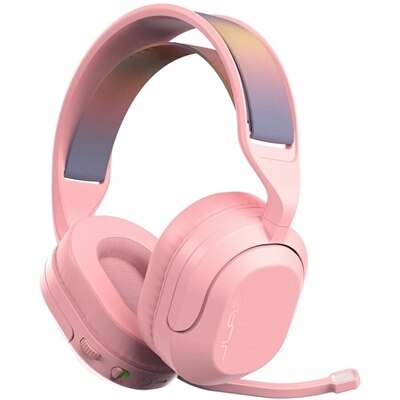
A wireless gaming headset with 50mm drivers, Bluetooth, USB-C connectivity, flip-to-mute mic, and Cloud Foam comfort.
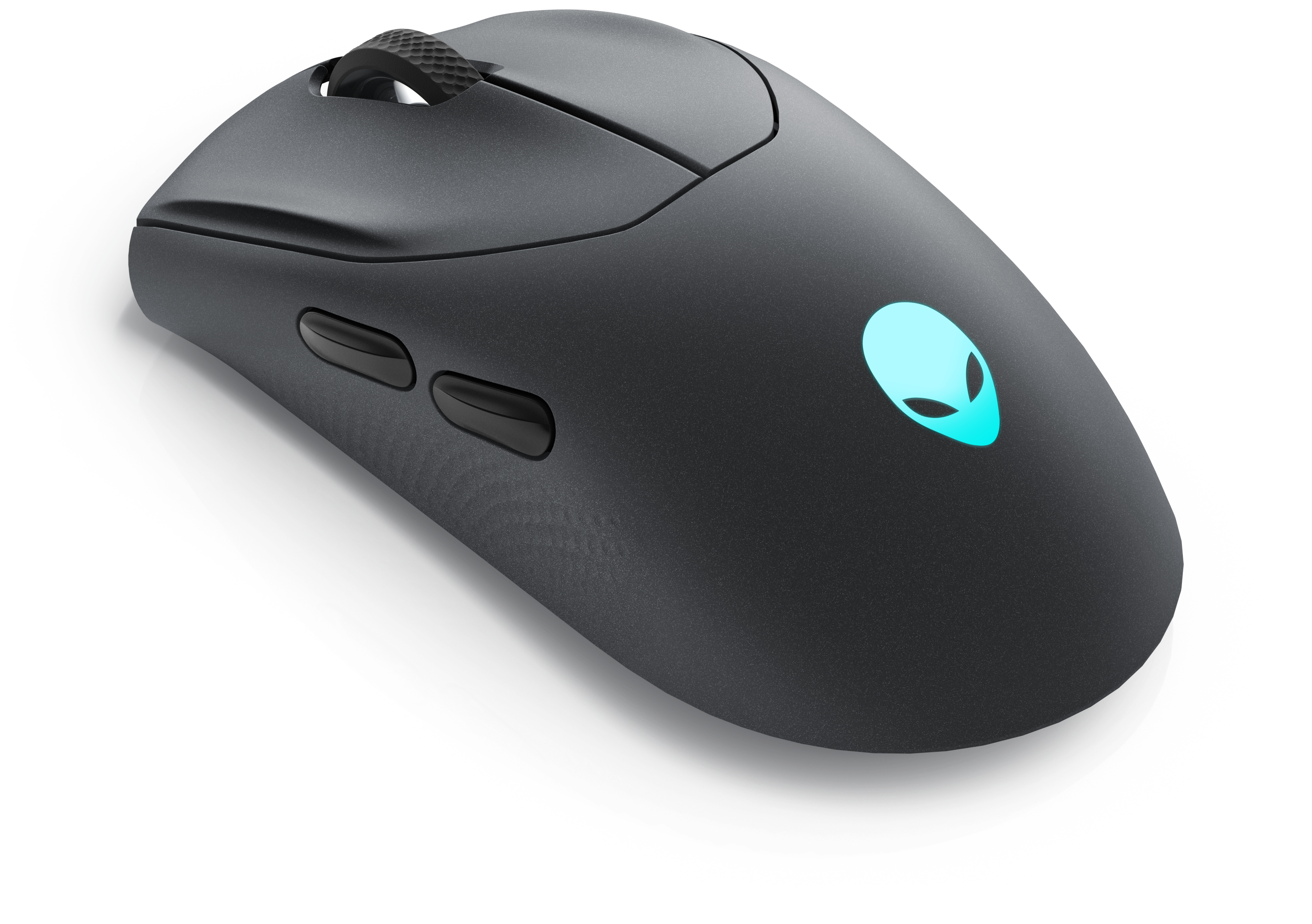
A wireless gaming mouse featuring tri-mode connectivity, 26,000 DPI, slim design, and magnetic-snap fast charging.
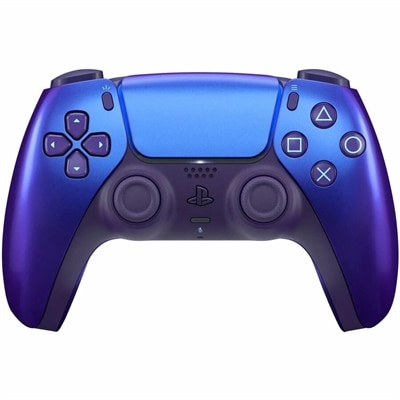
A Chroma Indigo gaming controller featuring haptic feedback, adaptive triggers, motion sensing, Bluetooth, and USB-C.
USB-C accessories make it easier to charge, connect and use the devices that fill a modern workspace, travel bag or living room. The USB-C standard has become a common connection for laptops, desktops, monitors, tablets, phones, headphones and other everyday electronics, but not every USB-C accessory performs the same function. Some are designed primarily for charging, while others transfer data, send video to an external display or expand the number of ports available on a slim computer. Browsing USB C Connectivity products can help you find practical additions for a setup that needs fewer cables and more flexibility. A wall charger with one or more USB-C ports is useful at a desk, beside a bed or in a shared family space, especially when several devices need power at the same time. Look for the wattage required by the device you plan to charge and consider whether the charger supports USB Power Delivery, commonly called USB PD. A higher-wattage charger may power a compatible laptop, while a lower-wattage option can be well suited to phones, earbuds or small tablets. Charging speed also depends on the device, cable and power source, so checking all three specifications helps set realistic expectations. Portable power banks add another layer of convenience for commutes, campus days, business travel and long stretches away from an outlet. Capacity, size, weight and the number of ports all matter; a compact battery may slip into a coat pocket, while a larger one can provide more reserve power for a laptop or several mobile devices. Built-in connectors, battery indicators and pass-through charging can make a portable battery easier to use, but compatibility should remain the first consideration.
USB-C hubs and travel adapters are especially helpful for people who work from different rooms or locations. A thin laptop may have only a few connection points, leaving you choosing between charging the computer, attaching a full-size keyboard, importing files or connecting an external screen. A multi-port hub can bring several of those functions together through a single USB-C connection. Depending on the design, useful ports may include USB-A for older accessories, additional USB-C ports for charging or data, an HDMI output for a monitor or television, a memory card slot for photographs and other files, and an Ethernet port for a wired internet connection. Video support varies, so check the supported resolution and refresh rate before choosing an adapter for a high-resolution monitor. Some hubs support 4K output, but the computer, display and cable must also support the intended signal. Power delivery through the hub is another important specification. A hub with power pass-through can let you connect the laptop charger to the hub while using other ports, reducing the need to disconnect accessories whenever the battery needs to recharge. For travel, size and cable storage are worth considering: a low-profile adapter can fit beside a notebook in a sleeve, while a fuller hub may be better for a permanent home office. Someone who moves between a kitchen table and a dedicated desk may appreciate leaving a monitor, keyboard and mouse connected to one hub, then carrying only the computer when changing locations. In a classroom, conference room or shared office, a travel adapter can also make it simpler to connect to a display or use an accessory without packing a collection of individual converters.
Cables remain the foundation of any USB-C setup, and choosing one involves more than matching the connector shape. A cable may support charging only, or it may also carry data and video. Check the stated data-transfer speed when moving large photo libraries, work files or recorded media, and review the power rating when charging a computer. Cable length affects convenience as well: a shorter cable helps keep a travel kit tidy, while a longer one can reach an outlet behind furniture or a monitor positioned farther across a desk. Braided construction, reinforced ends and strain relief may be valuable for cables that spend their days coiled in a bag, although careful storage helps extend the life of any cable. USB-C accessories can be useful gifts for a student setting up a first study area, a frequent traveler organizing a carry-on, a photographer transferring files or a family member who is always looking for an open charging port. They are also practical additions for remote workers preparing a comfortable workstation during the cooler months, when more time may be spent indoors. Before purchasing, make a short list of the devices involved, the ports they use, the charging wattage they require and the connections you need at the same time. Confirm whether your computer supports video output over USB-C and whether an accessory is compatible with the operating system and display arrangement you plan to use. Keeping those details in mind makes it easier to choose a charger, cable, power bank, hub or adapter that fits naturally into daily routines rather than adding another item to manage.
Add the products you would like to compare, and quickly determine which is best for your needs.