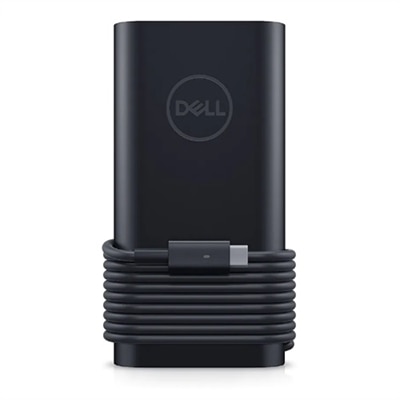
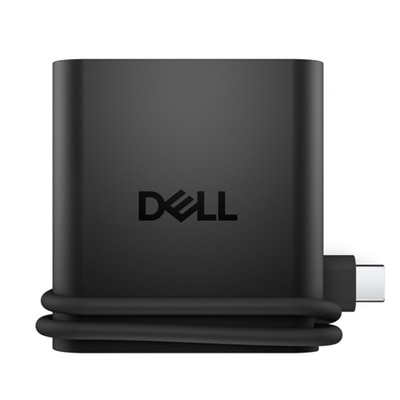
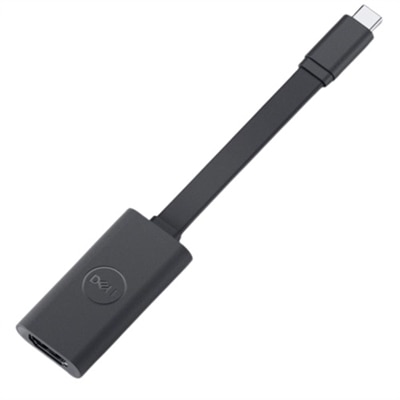
USB C Laptop Adapters
Experience seamless connectivity and enhanced productivity with our extensive selection of USB-C laptop adapters. Designed to cater to a variety of needs, these versatile adapters enable you to connect your laptop to multiple devices effortlessly. Whether you're looking to expand your display options, transfer data quickly, or ensure reliable power delivery, our USB-C laptop adapters offer the perfect solution for every situation. Browse through our collection to find the ideal adapter that meets your specific requirements and elevates your computing experience.
This product is not available
Check out the following recommendations.
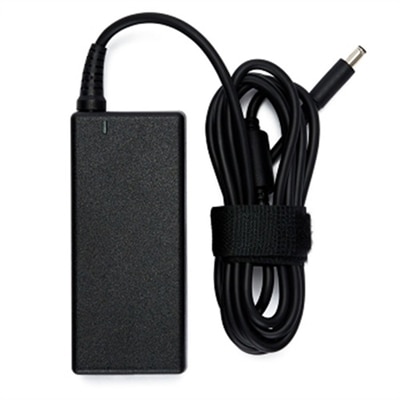
USB C Laptop Adapters
USB C laptop adapters make it easier to connect a modern laptop to the accessories, displays and everyday devices already on your desk. Many slim laptops use USB-C as a versatile connection for charging, data transfer and video output, while offering fewer traditional ports than older computers. An adapter can bridge that gap by adding USB-A ports for a keyboard, mouse, flash drive or other familiar accessory, along with display connections, memory card slots or additional USB-C connectivity. A compact single-purpose dongle can be useful when you only need to connect one older accessory, while a multiport adapter can create a more complete workstation from one laptop connection. For example, a student may use an adapter to connect a laptop to a classroom display and a USB drive, while someone working from home may connect a monitor, keyboard and external storage without repeatedly reaching behind the computer. Travelers also appreciate the convenience of carrying one small accessory instead of several separate converters. When video output is your primary need, explore USB C To HDMI Adapters for options designed to connect compatible laptops with HDMI-equipped monitors, televisions and projectors. Before choosing, check the ports on the laptop and the accessories you intend to use, since USB-C describes the connector shape rather than guaranteeing the same capabilities on every computer. Some USB-C ports support charging and video, while others are intended mainly for data, so reviewing the laptop specifications can help confirm compatibility.
Power delivery is one of the most important considerations when selecting a USB C laptop adapter. If an adapter includes pass-through charging, verify that it supports USB-C Power Delivery and can provide enough wattage for the laptop. A computer designed for a 65-watt charger may need a different power profile from a larger performance laptop that requires 90 or 100 watts, and the adapter itself may use a small portion of the connected charger’s output. Matching the adapter’s supported wattage with the laptop’s requirements helps maintain dependable charging while connected accessories are in use. It is also worth checking whether the charger and cable support the expected output, because the adapter cannot deliver more power than the rest of the charging setup allows. Display support deserves similar attention. Resolution and refresh rate depend on the laptop, adapter, cable and display working together, so look for specifications that match the way you plan to use the screen. A 4K display at 60Hz can be a practical choice for detailed office work, photo review and smooth everyday movement, while a basic connection may be sufficient for presentations or a secondary screen. Data performance matters when moving large files to or from external storage. USB 3.2 Gen 2 connections can support speeds up to 10Gbps under suitable conditions, though actual performance varies with the laptop, adapter, cable and connected device. If you routinely transfer photographs, videos or large project folders, compare the stated data standards rather than choosing by appearance alone. A well-matched adapter keeps a workspace tidy and reduces the small interruptions that add up during a busy day, such as unplugging a monitor to connect a thumb drive or searching for a separate charging connection.
The best USB C laptop adapter depends on the way the laptop is used, the accessories already owned and the amount of flexibility needed over time. A compact adapter may be ideal for commuting, campus use or occasional presentations, fitting easily into a laptop sleeve beside a notebook and charging cable. A larger multiport model can be more useful at a permanent desk where several connections stay attached, especially when a laptop serves as the center of a monitor-based workspace. Consider the physical layout as well as the specifications: a short integrated cable can reduce clutter, while a longer cable may make it easier to reach a side-mounted port or position the adapter away from crowded connections. Build quality, heat management and a secure fit can also make a noticeable difference when an adapter is connected and disconnected every day. Compatibility with operating systems and supported display modes should be confirmed before purchase, particularly for workstations with multiple screens. These accessories can also make thoughtful gifts for a student settling into a new study space, a remote worker refreshing a home office or a family member who has moved to a lightweight laptop and discovered that older USB accessories no longer connect directly. During the cooler months, an adapter can support a comfortable indoor setup by linking a laptop with a larger display, external keyboard and other essentials while the computer remains neatly positioned on a desk or table. Whether the goal is a simpler travel kit, a more capable home office or a reliable way to connect legacy accessories, comparing port selection, charging support, video specifications and data speeds helps identify a USB C laptop adapter suited to everyday routines.
FAQs:
A USB C laptop adapter allows you to connect a wide range of devices, including external monitors, keyboards, mice, USB flash drives, printers, Ethernet cables, SD cards, and more. Some adapters also support HDMI, VGA, or DisplayPort connections for extending or mirroring your laptop display.
Yes, many USB-C portable workstation adapters are designed with multiple video outputs, such as HDMI and DisplayPort, enabling you to connect two or more external monitors for expanded screen real estate and improved multitasking.
Absolutely. While most modern laptops support USB-C adapters, it’s important to verify that your specific laptop model supports the features you need, such as video output or power delivery, to ensure seamless performance with your chosen adapter.
A dell display adapter can transform your laptop into a versatile workstation by providing additional ports for monitors, USB devices, and wired internet connections. This setup helps reduce desktop clutter and streamlines your workflow, making it easier to switch between tasks and devices.
Yes, USB C adapters make practical and thoughtful gifts for students, professionals, and anyone who uses modern laptops. They are especially useful for those who need to connect various peripherals or set up efficient workspaces at home, in the office, or on the go.