$34.99
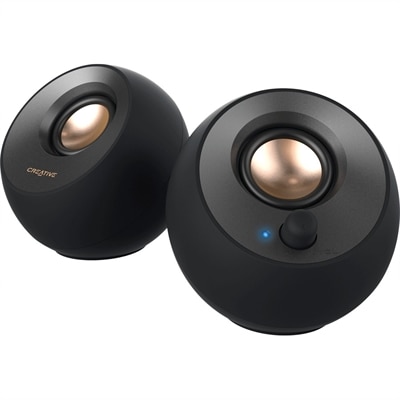
A black 2.0 USB-C speaker system delivering 8W RMS with 3.5mm input and built-in gain boost.
Experience seamless integration and enhanced performance with USB-C connectivity, the modern standard for connecting a wide array of devices. As technology continues to evolve, USB-C emerges as a versatile solution, offering compatibility and convenience for everything from laptops and smartphones to peripherals and accessories. Its reversible design and ability to support multiple functions make it an essential component in any tech setup. Whether you're transferring data, charging devices, or connecting to displays, USB-C connectivity provides the reliability and speed needed for today's digital demands. Explore our selection of products equipped with this cutting-edge technology to elevate your computing experience.
A black 2.0 USB-C speaker system delivering 8W RMS with 3.5mm input and built-in gain boost.
A portable 7-in-1 USB-C hub offering fast charging and versatile connectivity for modern professionals.
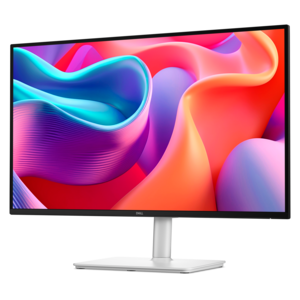
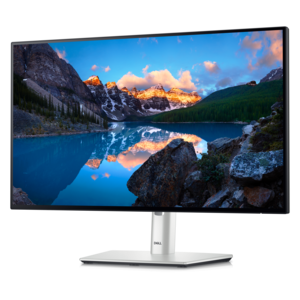
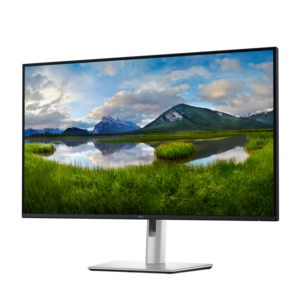
A QHD monitor with 144Hz refresh rate, USB-C connectivity, built-in speakers, and TÜV 4-star eye-comfort certification.
A TÜV-certified USB-C hub monitor offering 4-star eye comfort, enhanced productivity and extensive connectivity.
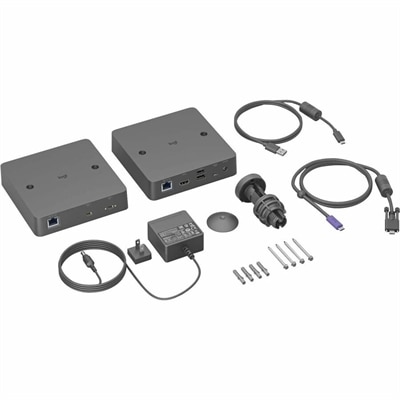
A single-cable USB-C solution enabling driver-free BYOD meetings with Android-based rooms and conference cameras.
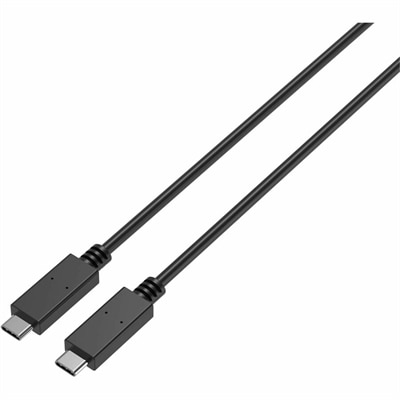
A durable USB-C cable supporting 100W charging, 10Gbps data transfer, and DisplayPort Alt Mode video.
A smart docking station offering up to 130W USB-C power delivery and remote management capabilities.
A QHD USB-C hub monitor with extensive connectivity and TÜV-certified four-star eye comfort.
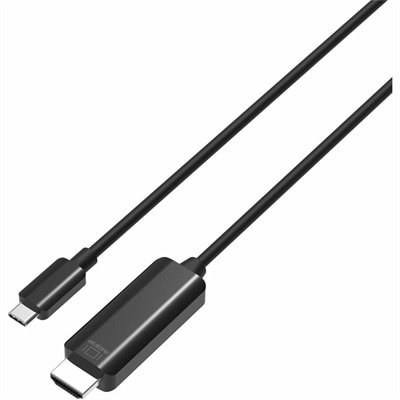
A durable USB-C to HDMI cable delivering 4K 60Hz video, broad compatibility, and reliable performance for presentations or streaming.
A USB-C wireless dongle designed to pair seamlessly with a compatible wireless gaming headset.
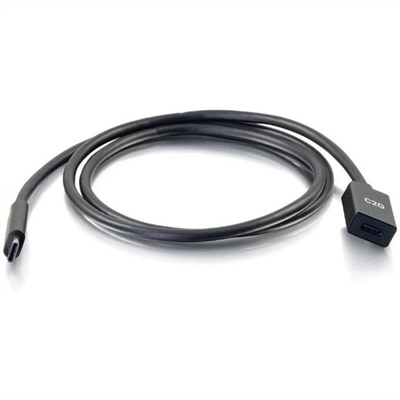
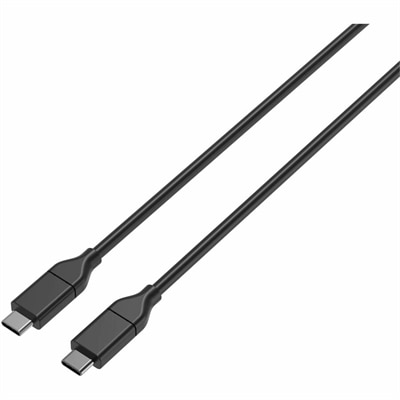
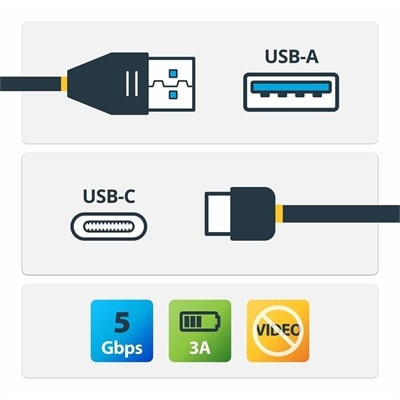
A USB-C male-to-female extension cable supporting 5Gbps data transfer, fast charging, and DisplayPort Alt Mode.
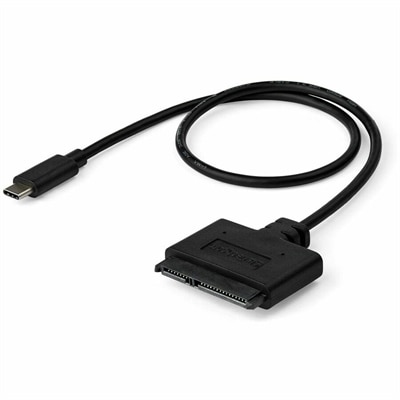
A USB-C to SATA adapter cable delivering 10Gbps data transfers for SSDs and HDDs.
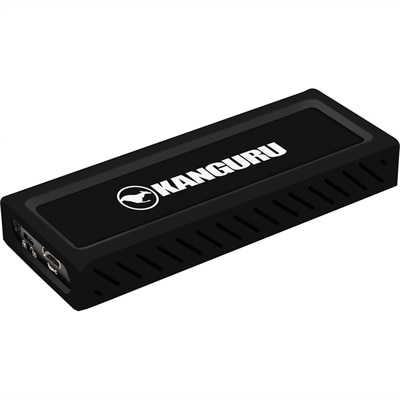
A sleek metal USB-C NVMe SSD delivering 675MB/s reads, 575MB/s writes, and write protection.
USB-C connectivity brings charging, data transfer, and, on compatible devices, video and audio into a compact, reversible connection. Also called USB Type-C, USB-C describes the small, oval-shaped, 24-pin connector rather than a single speed or set of capabilities. The plug fits either way up, making it easier to connect a laptop at a dimly lit desk or attach a cable without turning the device around. Across laptops, desktops, monitors, and accessories, that shared connector can simplify everyday routines and reduce the assortment of cables needed for different tasks. However, matching connector shapes do not guarantee matching functions: the capabilities of the device port, cable, and connected accessory all matter. A USB-C connection used to charge a laptop may support different functions from one used to connect a monitor or transfer large project files. Some ports carry power and basic data, while others also support higher transfer speeds or video output. That distinction shapes the usefulness of USB-C hubs, docking stations, adapters, chargers, and cables in a particular workspace. For someone who carries a laptop between home and the office, a compatible dock can bring a monitor, keyboard, mouse, and power connection together through one laptop connection. At a permanent desk, a monitor with suitable USB-C features can help keep the work surface clearer by carrying a display signal and supplying power over the same cable. Students, remote workers, designers, and people who share a household workspace may all appreciate that simpler arrival-and-departure routine. The practical benefit is less about having identical-looking ports and more about having connections that support the tasks performed each day. A compact adapter suits occasional use in a meeting room, while a dock with an appropriate mix of ports is better suited to a desk where several accessories remain connected. Port placement, cable reach, and the space around a laptop stand also influence how comfortable the setup feels during a full day of work.
Power and performance are especially important when comparing USB-C connectivity accessories. USB Power Delivery, often abbreviated USB PD, allows compatible devices and chargers to negotiate a supported power level. The specification supports up to 240 watts with compatible Extended Power Range equipment, but that maximum does not apply to every USB-C charger, cable, or laptop. Actual charging depends on the power source, the cable rating, and what the receiving device accepts. A charger that works comfortably with a smaller device may not provide enough power for a laptop running demanding applications, and some multiport chargers divide their total output among connected devices. Likewise, a docking station’s input power may differ from the power it can pass through to the laptop because the dock needs some power for its own operation. Cable specifications deserve the same attention. USB C Cables can share the same connector while differing in charging capacity, data speed, video support, length, and flexibility. A cable intended primarily for charging is not necessarily suitable for a high-resolution display or fast file transfers. For display connections, the source port must support an appropriate video capability, such as DisplayPort Alt Mode or a compatible USB4 implementation, and the cable, adapter, and monitor must support the intended connection. Resolution, refresh rate, and the number of supported screens depend on the complete setup, including the computer’s graphics capabilities and operating system. An adapter cannot create video output from a port that lacks it. These differences become tangible in everyday use: moving a folder of large design files, presenting on a conference-room screen, or connecting two monitors for spreadsheets and reference documents places different demands on the connection. Clearly stated performance ratings and compatibility information offer more useful comparisons than connector appearance alone. The most practical combination supports the laptop’s charging requirements, the display configuration, and the accessories used together, without relying on assumptions about what every USB-C port can do.
Physical design makes an equally noticeable difference once USB-C accessories become part of a daily routine. Cable jackets commonly use flexible plastic materials or braided coverings, with each construction offering a different feel when routed behind a monitor, coiled into a bag, or moved across a desk. A braided finish can help resist surface abrasion, but overall durability also depends on the conductors, connector assembly, and strain relief where the cable meets the plug. Smooth, flexible jackets may be easier to route through tight desktop spaces, while thicker cables rated for demanding power or data applications can feel less pliable. Length affects both comfort and performance: a short cable keeps a nearby dock tidy, while a longer one provides reach to a charger beneath a desk, provided its ratings support the intended use. Excess tension can pull on ports, and a stiff cable hanging off the edge of a lightweight laptop can make placement awkward. Connector housing size also matters when ports sit close together or a protective case limits clearance. Hubs and docks may use plastic or metal enclosures; weight, ventilation, and the placement of attached cables help determine whether they belong in a travel pouch or on a fixed work surface. Metal housings may feel warm during operation, and accessories should have the ventilation and operating conditions specified by their manufacturer. Everyday care is straightforward: disconnect by holding the connector rather than pulling the cord, avoid sharply bending cables at the ends, and keep connectors clean and dry. Loose coils are generally easier on a cable than tight wraps around a charger. For commuting professionals or students, a compact accessory with the right connections can make a shared desk easier to use; for a home workspace, a stable layout and accessible ports may matter more than portability. USB-C accessories can also be practical gifts for someone setting up a study area or refreshing a workstation, as long as the recipient’s device requirements are known. Thoughtful matching of function, fit, and construction turns a familiar connector into a dependable part of everyday computing.
USB-C connectivity offers a compact, reversible design that makes plugging in cables easier and more reliable. It supports fast data transfer, video output, and power delivery through a single port, reducing cable clutter and simplifying connections between laptops, smartphones, monitors, and other accessories.
Yes, many USB-C ports support video output via DisplayPort Alternate Mode, allowing you to connect your laptop to one or more external monitors. Using a compatible USB-C dock or hub, you can extend your display setup for multitasking, presentations, or immersive gaming experiences.
When choosing USB-C cables or accessories, check for compatibility with your device’s data transfer and power delivery requirements. Look for features such as E-Marker chips for higher wattage charging, support for USB 3.1 or USB 4 standards for faster speeds, and DisplayPort Alternate Mode if you need video output.
Students, professionals, travelers, and anyone managing multiple devices can benefit from USB-C connectivity. It streamlines charging and data transfer, supports high-performance peripherals, and is widely adopted in modern laptops, tablets, smartphones, and even gaming consoles.
To ensure consistent performance, keep your USB-C ports and cables clean and free of debris. Use high-quality, certified cables, and keep your device drivers and firmware up to date. This helps prevent connectivity issues and maximizes the capabilities of your USB-C accessories.
Add the products you would like to compare, and quickly determine which is best for your needs.