$34.99
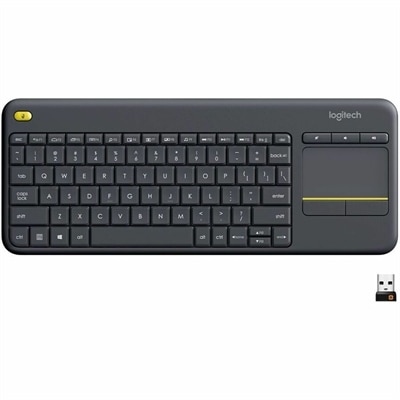
A wireless keyboard with integrated touchpad, comfortable media controls, and 10-meter range for seamless entertainment navigation.
Discover the freedom and flexibility that wireless devices bring to your daily life. Whether you're looking to enhance your home office, upgrade your entertainment system, or streamline your mobile experience, our extensive selection of cutting-edge technology offers something for everyone. Embrace a world without cables and enjoy seamless connectivity with devices designed to keep you connected, productive, and entertained wherever you go. Explore our range of wireless solutions that cater to both personal and professional needs, ensuring you stay ahead in today's fast-paced digital landscape.
A wireless keyboard with integrated touchpad, comfortable media controls, and 10-meter range for seamless entertainment navigation.
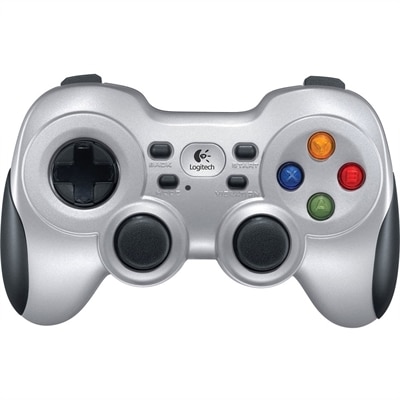
A wireless gaming controller with dual vibration feedback, XInput/DirectInput support, responsive D-pad and Android TV compatibility.
A wireless HD streaming media player with Full HD video, Wi-Fi 6, Alexa+, and 8GB storage.
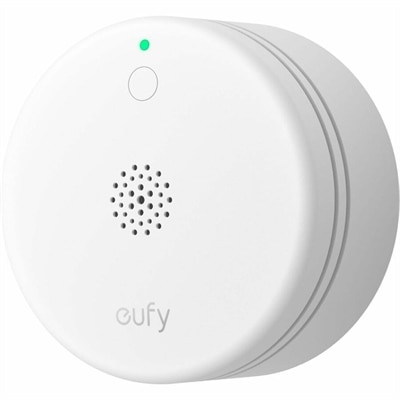
A compact smoke alarm with UL 217 compliance, accurate alerts, five-year battery, and 656-foot wireless range.
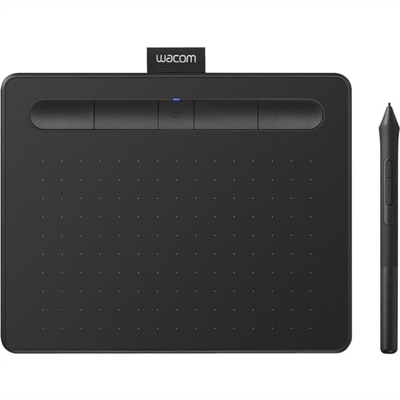
A wireless black graphics tablet with pressure-sensitive pen, Bluetooth, USB connectivity, and creative software for artistry.
A wireless speakerphone with portable connectivity and AI-powered dual-directional noise-canceling microphones for clear audio.
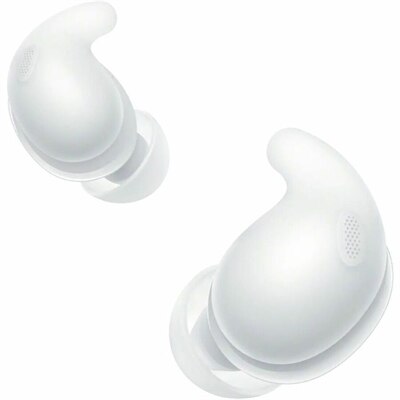
A white pair of truly wireless noise-canceling earbuds with soft silicone tips and secure ergonomic comfort.
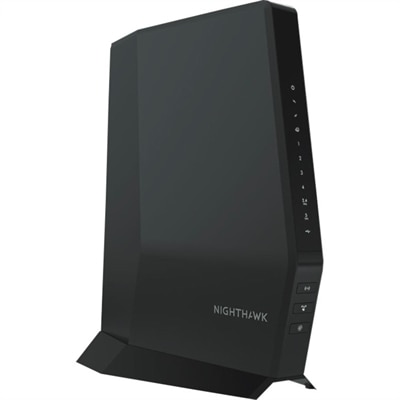
A tri-band Wi-Fi 7 wireless router delivering 9.2Gbps, 2.5Gbps ports, beamforming, EasyMesh, and HomeShield security.
A USB-C wireless dongle that pairs seamlessly with compatible gaming headsets for convenient cord-free audio.
A reliable wireless keyboard and mouse combo designed for everyday productivity and lasting performance.
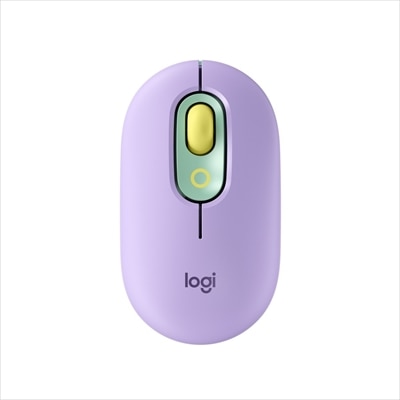
A lilac wireless Bluetooth mouse with quiet clicks, programmable emoji buttons, SmartWheel scrolling, and three-device connectivity.
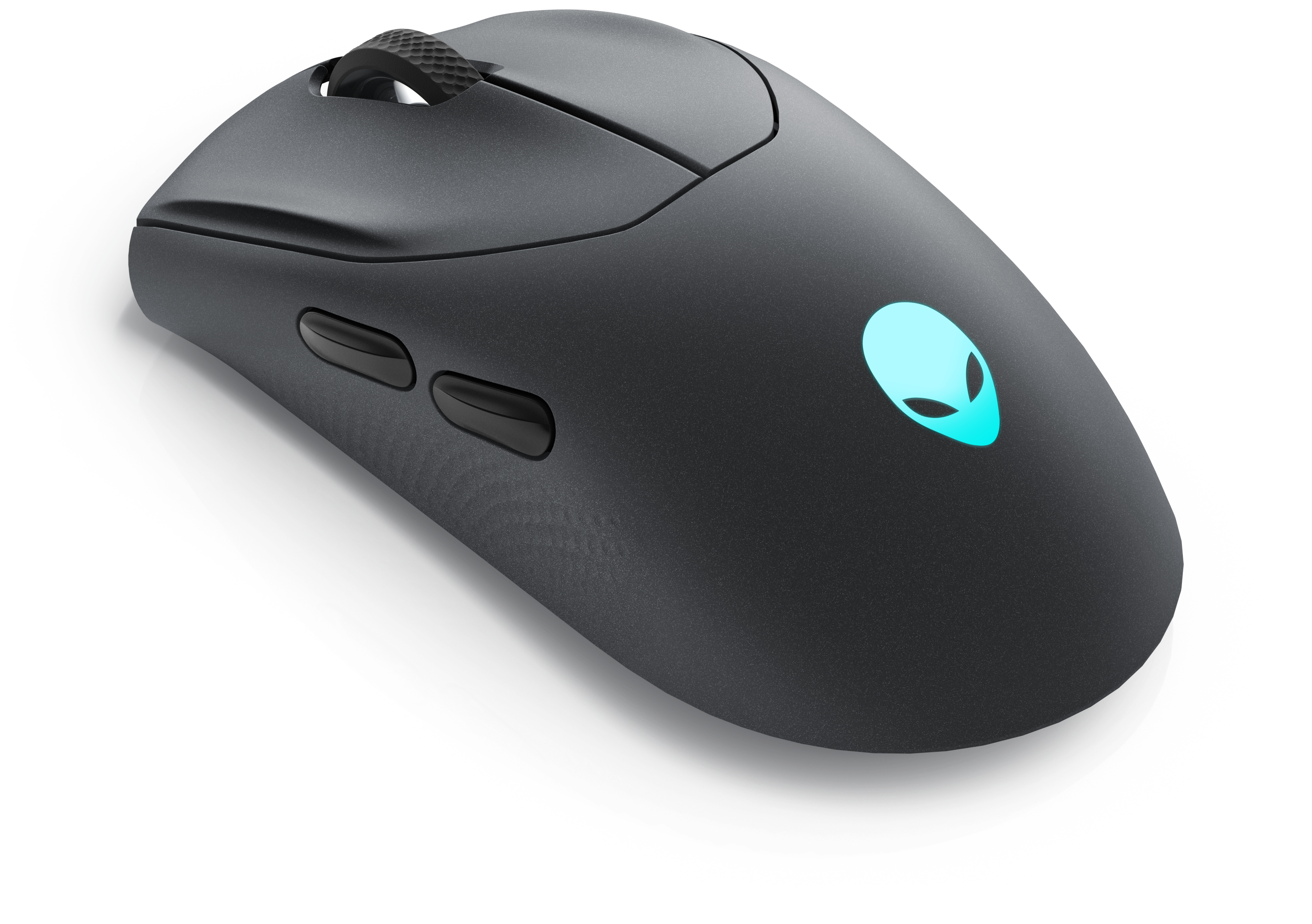
A wireless gaming mouse featuring tri-mode connectivity, 26,000 DPI, slim design, and magnetic-snap fast charging.
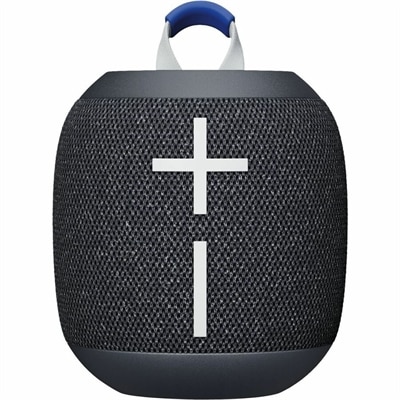
A waterproof, dustproof Bluetooth speaker delivering 360-degree sound, big bass, 14-hour playback, and floating convenience.
A wireless headset with AI-based noise cancellation for comfortable, uninterrupted all-day conferencing.
A tri-mode wireless gaming keyboard with magnetic snap-on charging and customizable controls for enhanced performance.
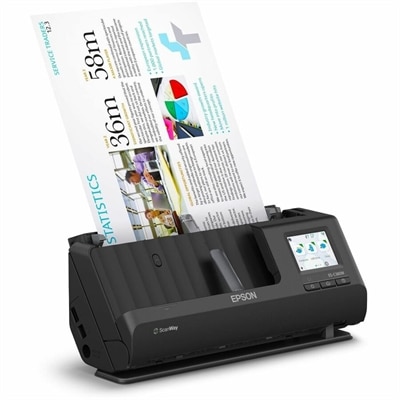
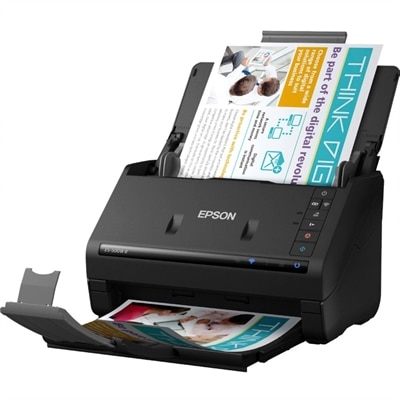
A wireless sheetfed scanner with 600-dpi optical resolution, duplex scanning, 20-page ADF, and 30-ppm performance.
A wireless duplex scanner with 1200-dpi optical resolution, 35-ppm scanning, 50-sheet feeder, OCR, and cloud connectivity.
Wireless devices connect and communicate without relying on a physical cable between each component. Depending on the device and its intended use, that connection may use radio waves, infrared signals, Bluetooth, Wi-Fi or cellular networks. The result is technology that fits more naturally into daily routines: a laptop can move from a desk to a kitchen table, a phone can remain connected while commuting, and wireless audio can follow you from a morning walk to an evening workspace. This collection brings together wireless computing devices, audio accessories, mobile technology and peripherals for people who value a cleaner setup and the freedom to work, learn, play or relax with fewer cords in the way. When comparing options, start with the task rather than the connection type. A person who needs a dependable work setup may prioritize a comfortable wireless keyboard and mouse, long battery life and a stable connection, while someone who listens throughout the day may care more about fit, sound quality, microphone performance and convenient charging. For travel, compact dimensions, durable construction and easy pairing can make the difference between technology that stays in a bag and technology that becomes part of the journey. A thoughtful wireless device can also be a practical gift for a student setting up a study area, a remote worker refreshing a home office or a family member who enjoys music and entertainment in different rooms. During the warmer months, portable technology can move easily onto a patio or accompany a weekend trip; as cooler weather arrives, it can help create a comfortable, uncluttered workspace indoors.
Wireless connections serve different purposes, so understanding the basics helps when narrowing a list. Bluetooth is commonly used for short-range connections between nearby devices, such as pairing audio accessories, keyboards, mice or controllers with a compatible computer, tablet or phone. It is designed for convenience and typically works well within the same room, though walls, distance and nearby wireless activity can affect performance. Wi-Fi supports higher-speed connections across a local area and is often used by laptops, tablets and other connected electronics to access online services or communicate with compatible devices. Cellular connectivity uses a mobile network to provide communication over a much wider area, making it useful for phones and other portable technology when a Wi-Fi connection is unavailable. Some wireless devices can use more than one connection method, allowing them to shift between home, work and travel environments with less interruption. Compatibility remains an important consideration: check the operating system requirements, supported Bluetooth or Wi-Fi standards, available ports for charging, and whether the device works with the computer or mobile technology already in use. Battery capacity is equally important. A device with a long operating time may suit a commuter who spends hours away from an outlet, while a compact model with quick charging may be better for someone who keeps it close to a desk. Comfort and accessibility deserve attention as well. Look for an ergonomic shape, adjustable settings, readable controls and a design that feels natural after extended use. I have found that small details are often the ones that matter most: a mouse that glides quietly during a late-night project, a keyboard that leaves enough room for a notebook, or headphones that can be removed quickly when someone across the room starts talking.
A wireless setup works best when each part supports the way a person actually lives. At a shared desk, wireless peripherals can reduce cable clutter and leave more space for papers, a drawing tablet or a cup of coffee. Explore Wireless Peripherals for options that can help create a more flexible computer workspace. For study and office tasks, focus on responsive controls, dependable pairing and a battery that can keep pace with a full day of notes, video calls and research. For entertainment, consider the listening environment, range and control placement; a device used in a quiet room may have different priorities from one used while traveling or moving between rooms. Portable audio and mobile technology can be especially useful for recipients who enjoy taking familiar routines outdoors, whether that means listening to a podcast on a walk, joining a call from a sunny table or keeping in touch while away from home. Families may appreciate straightforward setup and simple device switching, while experienced users may prefer customization, multipoint connections or companion settings that allow a more personalized experience. Before purchasing, consider how many devices need to connect, whether several people will share the accessory, how often it will be carried, and where it will be stored between uses. Keeping charging habits in mind can prevent frustration: a dedicated charging spot near a desk or entryway makes it easier to keep essentials ready, while a protective case can help portable devices withstand the movement of everyday life. Wireless technology is most useful when it quietly removes friction, leaving more room for the work, conversations, entertainment and creativity it supports.
Add the products you would like to compare, and quickly determine which is best for your needs.