$199.99
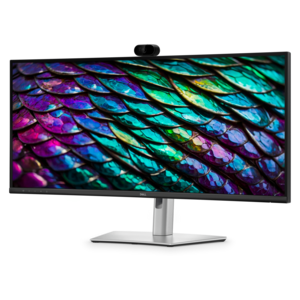
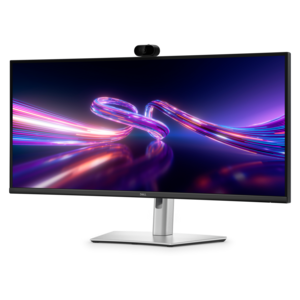
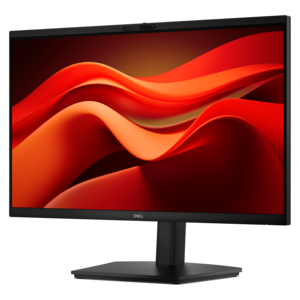
A Full HD conferencing monitor with built-in webcam, speakers, and microphone for seamless everyday collaboration.
Transform your remote workspace into a hub of productivity with cutting-edge work from home technology. As the landscape of professional environments continues to evolve, having the right tech tools at your fingertips is essential for maintaining efficiency and staying connected. From powerful laptops and sleek desktops to high-resolution monitors and noise-canceling headsets, explore a wide array of innovative solutions designed to enhance your home office setup. Elevate your work-from-home experience with technology that seamlessly integrates into your daily routine, ensuring you remain productive, connected, and comfortable throughout your workday.
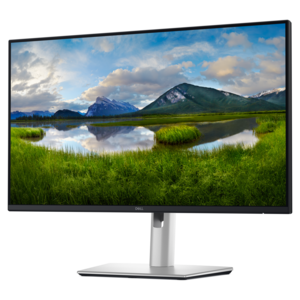
A Full HD conferencing monitor with built-in webcam, speakers, and microphone for seamless everyday collaboration.
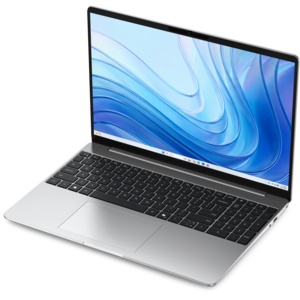
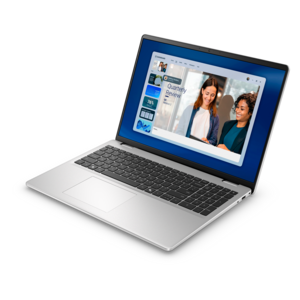
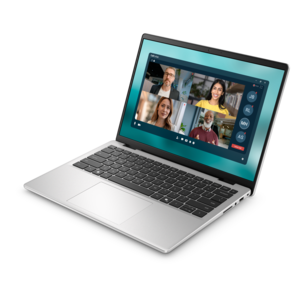
A laptop featuring Intel® 13th Gen processors, a built-in FHD camera, and an enlarged ergonomic keyboard.
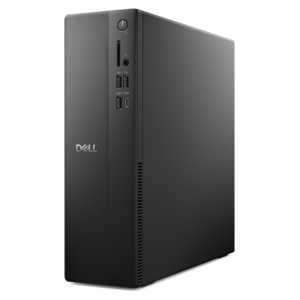
A versatile desktop for everyday productivity and creative tasks.
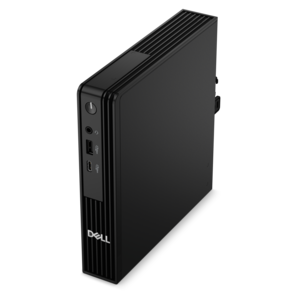
A compact desktop designed for everyday productivity and creative tasks.
A thin, lightweight laptop crafted from eco-friendly materials with Series 3 Intel Core processors for productivity.
A curved WQHD IPS conferencing monitor with built-in webcam, speakers, microphone, and USB-C hub.
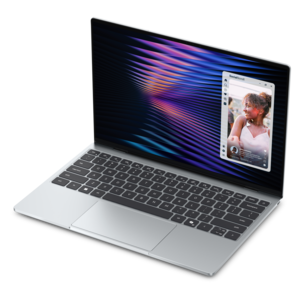
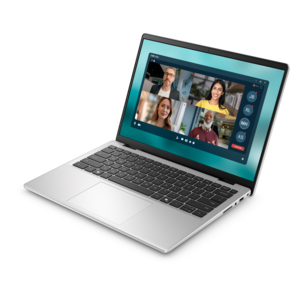
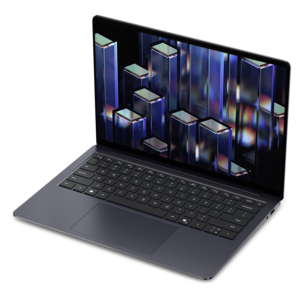
A remarkably thin, lightweight laptop designed for ultimate mobility and effortless everyday productivity.
A modern laptop powered by AMD Ryzen™ processors for effortless productivity and captivating entertainment.
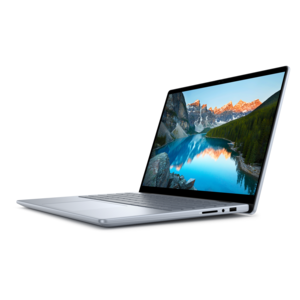
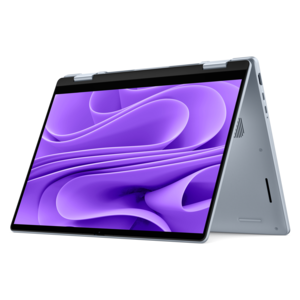
A versatile 2-in-1 laptop with Intel Core processors, DDR5 memory, and multiple modes for creative work.
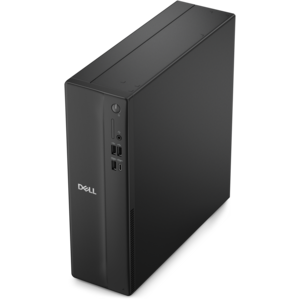
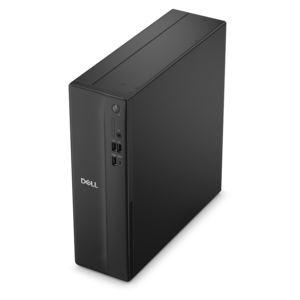
A space-saving desktop delivering reliable performance and security for everyday productivity.
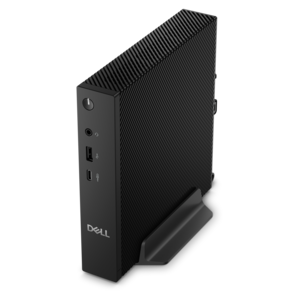
A compact desktop delivering reliable performance and security for everyday productivity.
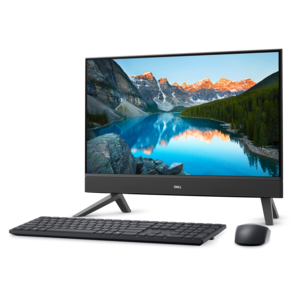
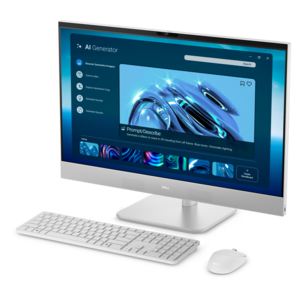
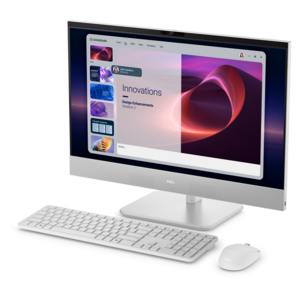
A compact all-in-one desktop designed for productive work and everyday entertainment.
A laptop featuring an FHD camera, enlarged ergonomic keyboard, and AMD Ryzen™ processors for everyday productivity.
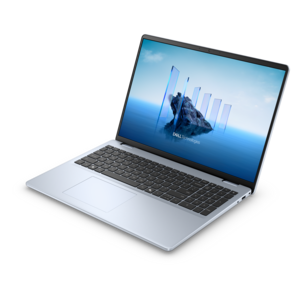
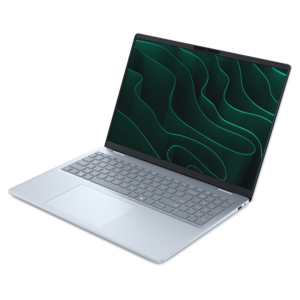
A sleek, portable laptop with an expansive 16:10 display for reliable productivity anywhere.
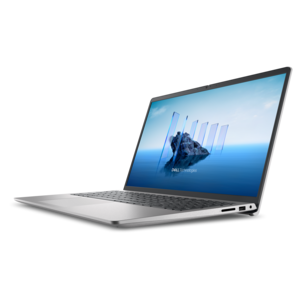
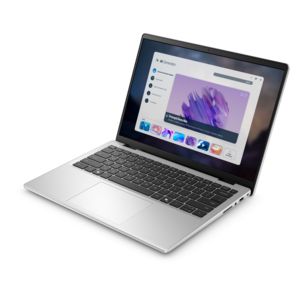
A slim, lightweight laptop with Intel® Core™ processors and graphics for productive work anywhere.
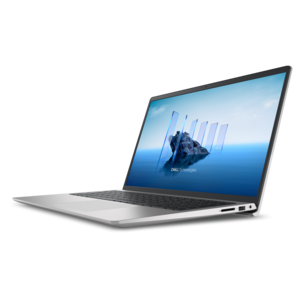
A modern laptop with Intel® Core™ processors and graphics for effortless productivity and captivating entertainment.
A sleek laptop with a stylish design, delivering powerful performance for modern multitasking.
A space-saving all-in-one desktop designed for productive work and immersive entertainment.
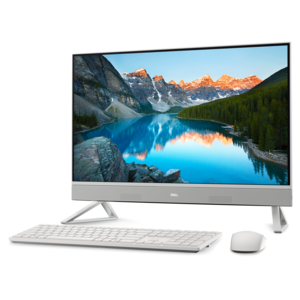
A space-saving all-in-one desktop designed for productive work and immersive entertainment experiences.
A sleek, portable laptop with an expansive 16:10 display and AI PC options for work anywhere.
A durable productivity laptop featuring an expansive 16:10 display and convenient numeric keypad.
A sleek all-in-one desktop featuring a spacious display for streamlined computing and everyday productivity.
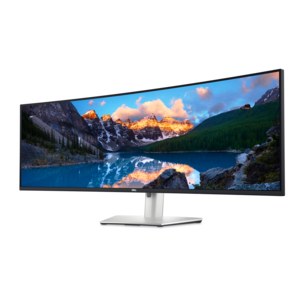
A curved dual-QHD productivity monitor featuring IPS Black technology and a convenient USB-C hub.
A stylish, lightweight AI-powered laptop designed to boost productivity for creatives and small businesses.
Work from home technology includes the computers, monitors, and accessories that support everyday tasks, virtual meetings, and focused work outside a traditional office. The right setup brings these pieces together around the way you actually spend your day, whether that means reviewing documents, creating visual content, managing appointments, or moving between spreadsheets and video calls. A reliable computer is the starting point, but the most useful choice depends on your workload rather than a single specification. For many office routines, 16GB of memory offers practical room for several applications, browser tabs, and a meeting running at once; more demanding creative or analytical work may benefit from additional memory and processing power. Check the requirements of the applications you use most, along with any equipment standards your employer provides, before choosing a configuration. A laptop suits people who need to pack away their workspace each evening or occasionally work from another location, while a desktop can make sense for a dedicated home office where portability matters less. Screen size, keyboard feel, available ports, and operating system compatibility deserve as much attention as performance numbers. A computer that handles your workload comfortably should also fit the physical realities of your home: the depth of a spare-room desk, the limited outlets beside a dining table, or the need to keep a shared room quiet. Battery life can be useful when moving between rooms, although actual runtime varies with applications, brightness, and other settings. For remote employees, independent professionals, small-business owners, and people studying alongside a job, dependable home office technology helps make the transition from personal time to work time feel more settled. There is a noticeable difference between balancing a computer among breakfast dishes and having a setup that opens, connects, and feels ready for the first task of the morning. Even a compact arrangement can provide that sense of readiness when its components are chosen to work together.
Monitors and everyday accessories shape how a home workspace feels over several hours, not just how it looks in a photograph. An external display can provide room to keep reference material beside a working document, compare figures without repeatedly switching windows, or follow a presentation while taking notes. When choosing a monitor, consider screen dimensions, resolution, text clarity, brightness controls, and the space between your eyes and the display. A larger screen is not automatically more comfortable on a shallow desk, and higher resolution may require adjusting text scaling so menus and documents remain easy to read. For image-focused work, color performance may be particularly important; for routine office tasks, readable text and a flexible stand often matter more than specialized features. Height, tilt, and compatible mounting options can help position the screen for your seated posture rather than making you lean toward it. A separate keyboard and mouse also allow more freedom to place the screen at a comfortable height while keeping frequently used controls within easy reach. Preferences vary: some people like a compact layout that leaves more space for the mouse, while others rely on a number pad for frequent data entry. Consider hand size, key spacing, click sound, and whether you prefer wired connections or rechargeable accessories. These details become especially noticeable in a shared apartment, where a loud keyboard may carry into the next room, or during a long afternoon of detailed editing. Connection hubs and docking accessories can simplify a desk by bringing several peripheral connections together, but compatibility deserves a close look. A port’s shape alone does not establish which charging, data, or display functions it supports. Confirm the computer’s capabilities, the accessory’s power requirements, supported display configurations, and any cables needed for the complete arrangement. For people who regularly carry a computer between home and another workplace, Hybrid Work Technology offers a related selection for routines that span more than one location. A thoughtfully matched setup can make arriving at either desk a little less cumbersome.
Clear communication is another important part of work from home technology, particularly when colleagues and clients experience your workspace through a camera and microphone. For frequent calls, look beyond headline specifications and consider how equipment will perform in your room. Camera placement, available light, microphone position, and background noise all influence the result. A webcam with an adjustable field of view can help frame a small workspace without showing more of the room than intended, while a physical privacy cover provides a straightforward way to cover the lens between meetings. Headsets can be useful when other people are nearby, but listening comfort and microphone performance should be considered separately. Active noise cancellation reduces certain sounds you hear; it does not necessarily mean the microphone will keep those same sounds out of your conversation. Check microphone features, meeting-application compatibility, accessible mute controls, and the weight and fit of a headset if calls occupy much of your day. A soft ear cushion that feels pleasant for five minutes may feel different by the end of a lengthy training session, making return terms worth reviewing before purchase. Remote tutors, consultants, support professionals, and job seekers may place particular value on clear audio and a consistently framed picture. Others may get more everyday benefit from a better display or more comfortable input accessories. Set a budget around the parts of your current routine that cause the most friction rather than replacing everything at once. That might mean improving the sound of client conversations, creating more room for documents, or reducing the number of cables that need reconnecting each morning. Home office accessories can also make thoughtful gifts for someone starting a remote role, finishing professional training, or setting up a dedicated workspace, provided you know their preferences and device compatibility. Across the setup, check warranty coverage, support options, dimensions, and included accessories. The strongest home office purchase is not necessarily the most elaborate one; it is equipment that suits the work, fits the room, and remains comfortable and dependable through an ordinary working week.
Add the products you would like to compare, and quickly determine which is best for your needs.