1. Portability
2. Battery Life
3. Performance
4. Display Quality
Choosing the right thin laptop can help students stay productive and mobile throughout their academic journey.
1. Portability
2. Battery Life
3. Performance
4. Display Quality
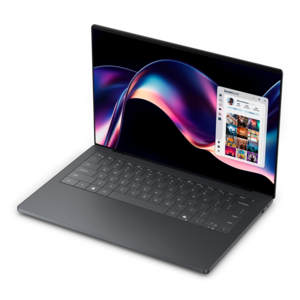
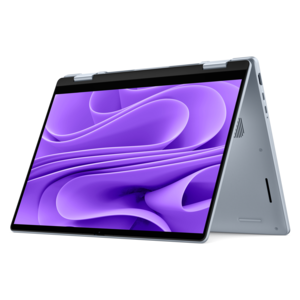
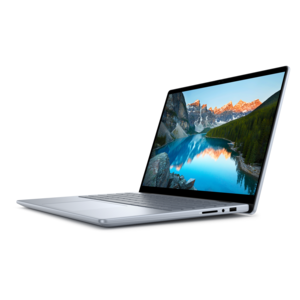
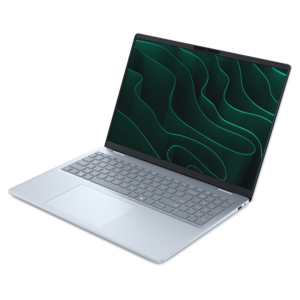
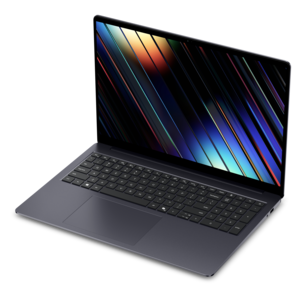
A thin laptop built for mobile creation with exceptional battery life.
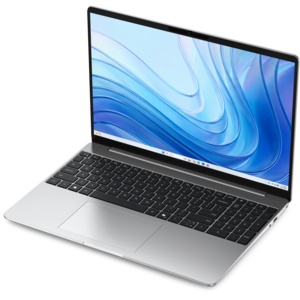
A thin, lightweight laptop crafted from eco-friendly materials with Series 3 Intel Core processors for productivity.

A lightweight AI-powered laptop designed for creative professionals and small businesses.
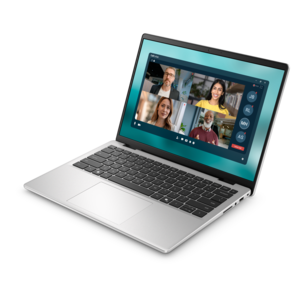
A slim, lightweight laptop with Intel® Core™ processors and graphics for productive work anywhere.
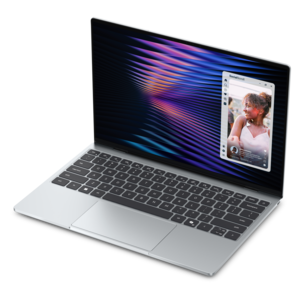
A remarkably thin, lightweight laptop designed for ultimate mobility.
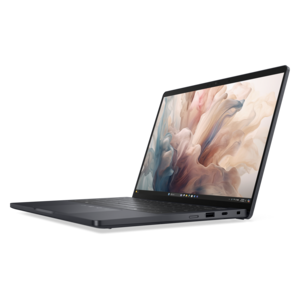
A lightweight AI PC delivering outstanding performance and battery life for highly mobile professionals.
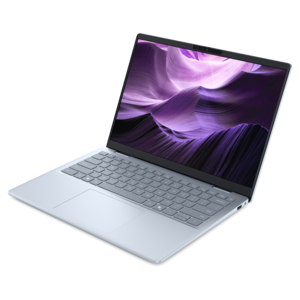
A lightweight AI-powered laptop with Intel Arc graphics, ideal for creative professionals and small businesses.
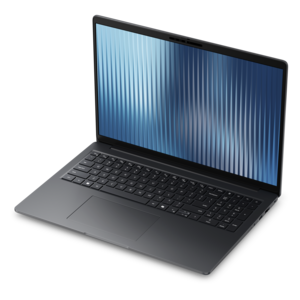
A thin, lightweight business laptop offering durable construction, commercial-grade security, and reliable everyday productivity.
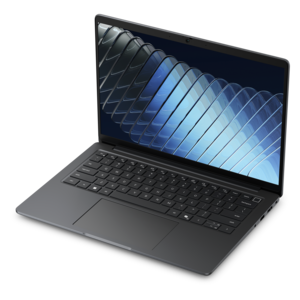
A compact, ultra-thin laptop with a durable chassis, designed for powerful performance wherever work takes you.
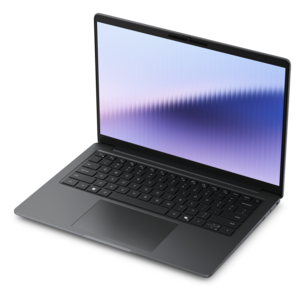
A remarkably thin laptop combining portable performance with Series 3 Intel Core Ultra processing for productivity.
Students should prioritize features such as long battery life, lightweight design, reliable performance, and a comfortable keyboard. Additional considerations include a vibrant display for extended study sessions and sufficient storage for assignments and projects.
Many thin laptops are designed with powerful processors and ample RAM, making them well-suited for multitasking. They can handle common student tasks such as web browsing, document editing, video conferencing, and running multiple applications simultaneously.
Several thin laptops come equipped with advanced graphics and high-resolution displays, making them capable of handling creative tasks such as photo and video editing. Students should look for models with dedicated graphics or enhanced display technology for these purposes.
The lightweight and portable nature of thin laptops makes it easy for students to carry them between classes, libraries, and study sessions. Their efficient performance and quick startup times help students stay productive wherever they are.
Thin laptops often feature a variety of connectivity options, including USB-C, HDMI, and headphone jacks, as well as wireless capabilities like Wi-Fi and Bluetooth. These options allow students to connect peripherals, external displays, and other devices to enhance their learning experience.

Add the products you would like to compare, and quickly determine which is best for your needs.