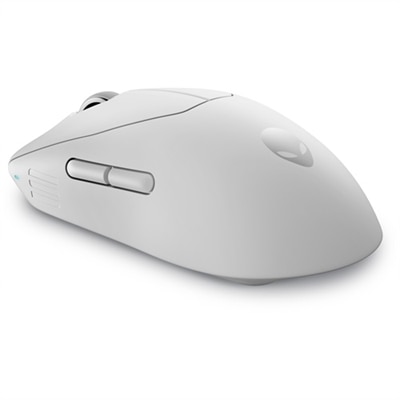
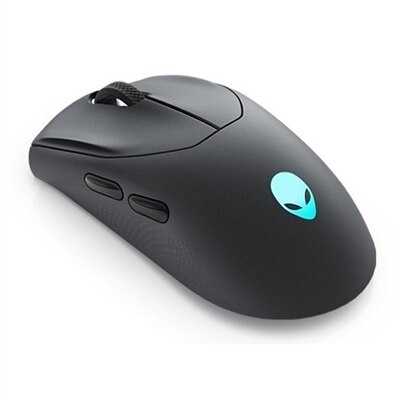
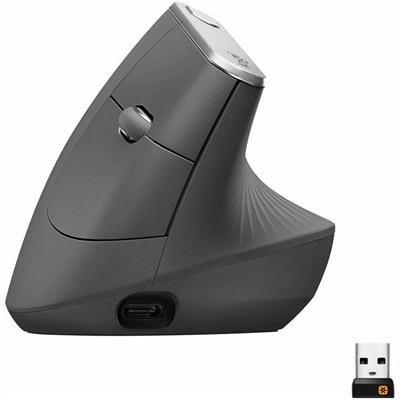
1. Ergonomics and Comfort
2. Battery Life
3. Connectivity Options
4. Sensitivity and Customization
Choosing the best wireless mouse can enhance your productivity, comfort, and overall computing experience. Here are four important factors to consider before making your purchase.
1. Ergonomics and Comfort
2. Battery Life
3. Connectivity Options
4. Sensitivity and Customization
Check out the following recommendations.






Wireless mice offer greater flexibility and freedom of movement by eliminating cords. They help keep your workspace tidy and are ideal for both home and office setups. Additionally, they're convenient for travel and presentations.
Most wireless mice connect to your computer using Bluetooth or a USB receiver (dongle). Bluetooth mice pair directly with compatible devices, while other models use a small USB receiver that plugs into your computer’s USB port.
Yes, most wireless mice are designed to be compatible with both Windows and Mac operating systems. Always check the product specifications to ensure compatibility with your device.
Absolutely. Many wireless mice are designed with features such as high-precision sensors, customizable buttons, and ergonomic designs, making them suitable for gaming, graphic design, and other creative tasks.
Wireless mice typically require batteries to operate. Some models use replaceable batteries, while others come with built-in rechargeable batteries that can be charged via USB.
Add the products you would like to compare, and quickly determine which is best for your needs.