$24.99
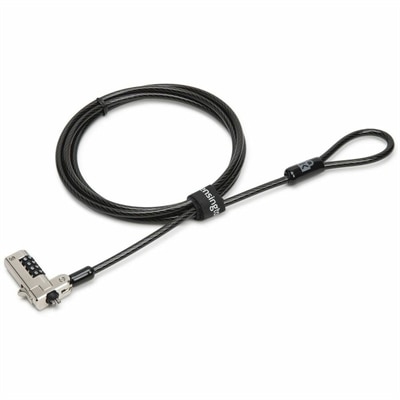
A serialized combination laptop lock for wedge-shaped slots with cut-resistant carbon steel cable and preset code.
In today's digital age, safeguarding your personal and professional data is more crucial than ever. Computer security is at the forefront of protecting sensitive information from unauthorized access and cyber threats. Whether you're a business professional handling confidential client data or a casual user browsing the web, the right security solutions can provide peace of mind and robust protection. Explore a range of options designed to fortify your devices against potential vulnerabilities, ensuring your digital environment remains secure and efficient.
A serialized combination laptop lock for wedge-shaped slots with cut-resistant carbon steel cable and preset code.
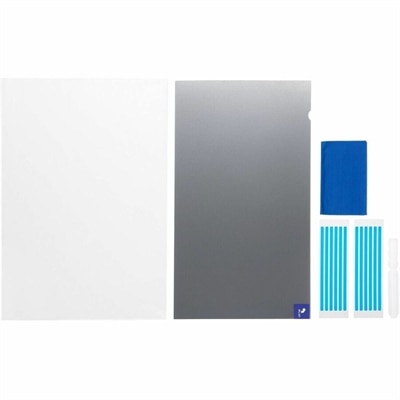
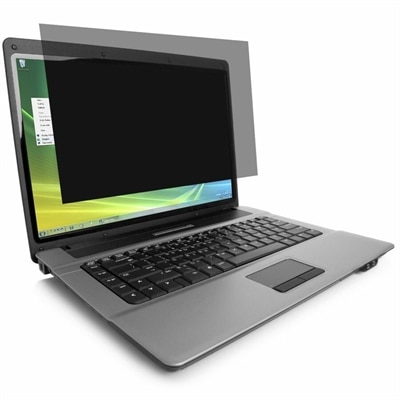
A reversible privacy screen limiting viewing to ±30° and filtering up to 52% blue light.
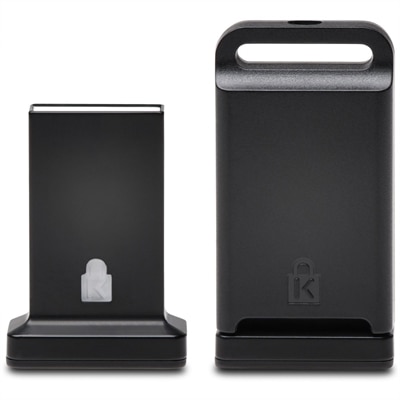
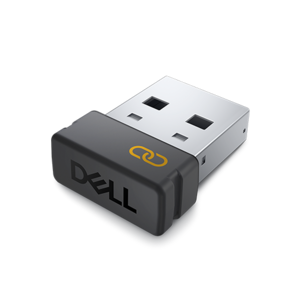
A cross-platform USB-A fingerprint security key offering FIDO2, FIDO U2F, passwordless and multi-factor authentication.
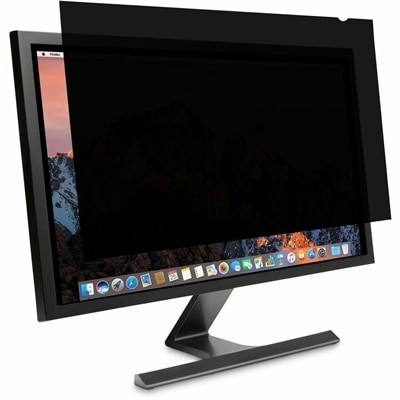
A reversible monitor privacy screen with anti-reflective coating, 30-degree viewing restriction and up to 30% blue-light filtering.
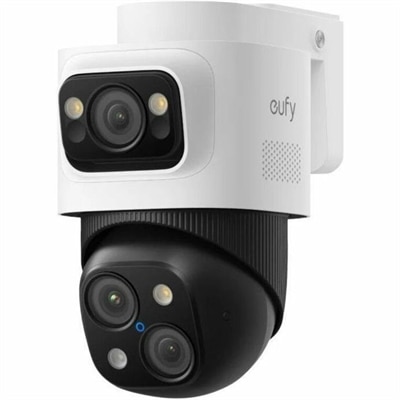
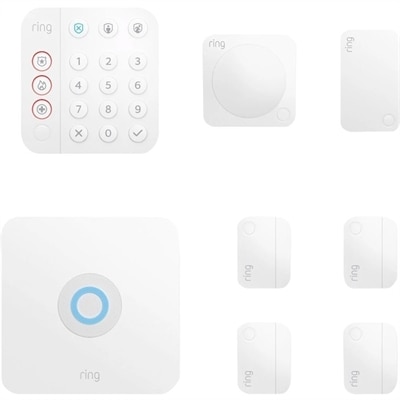
A weatherproof PoE security system with 2TB local recording, AI noise reduction, and expandable 8-to-16-channel monitoring.
An external solid-state drive with hardware AES-256 encryption, PIN keypad, USB 3.1, and tamper-resistant epoxy protection.
Computer security helps protect the confidentiality, integrity and availability of the information stored on and accessed through a computer. Confidentiality means that private files, account details and communications are available only to authorized people. Integrity helps prevent information from being altered, corrupted or deleted without permission. Availability keeps devices, applications and data accessible when they are needed for work, learning, communication and everyday tasks. Products in this category can support a more secure setup for home offices, family workstations, small businesses and shared spaces, whether the goal is protecting personal records, reducing distractions from unwanted access or creating safer habits across several devices. A well-rounded approach may include security software, privacy-focused accessories, password-management tools, backup solutions and hardware features designed to help people control who can see or use a computer. These options can be useful for remote workers handling business documents, students accessing school accounts, travelers using devices in public spaces and households that want additional safeguards for financial, medical or personal information. They can also make practical gifts for someone setting up a first home office, replacing an older computer or spending more time working and learning from home. When comparing products, consider the number and type of devices they support, compatibility with the computer’s operating system, ease of installation, renewal requirements, accessibility features and the level of control offered. Clear setup instructions and straightforward controls are especially valuable for households where several people share technology. For broader planning and additional considerations, explore Secure IT Systems.
Security threats can take many forms, and understanding the basics makes it easier to choose useful protection. Malware is harmful software that may damage files, monitor activity, lock access to information or use a computer without the owner’s knowledge. Viruses, worms and trojans are common examples, while ransomware can prevent access to files until an attacker demands payment. Phishing uses convincing messages, websites or login screens to trick people into revealing passwords, payment information or other private details. A message may appear to come from a familiar service, use urgent language and direct the recipient to a sign-in page that looks almost authentic. Denial-of-service attacks flood a service or network with traffic, making it slow or unavailable. Computer security products can help reduce exposure to these threats, but they work best as part of a routine rather than as a single solution. Choose long, unique passwords for every important account and use a password manager when remembering them becomes difficult. Turn on multi-factor authentication wherever it is available so a password alone is not enough to access an account. Keep the operating system, web browser and installed software updated with the newest security patches, since updates often address weaknesses that attackers could exploit. Use trusted antivirus and anti-malware protection, and review notifications instead of dismissing them automatically. Avoid clicking unknown links, downloading unexpected attachments or entering sensitive information after following an unsolicited message. Unfamiliar USB flash drives and other removable media can also carry malicious software, so they should not be connected casually. These simple practices can help protect a personal laptop, a desktop computer used by the whole household or a secondary device kept for travel and occasional use.
The physical environment matters as much as digital habits. A privacy screen can make it harder for people nearby to view information on a display in a café, airport or shared workspace, while a webcam cover can provide a visible way to limit camera access when the camera is not in use. A lockable computer bag or protective case can help reduce the risk of damage and unauthorized handling during a commute. For a home office, position the display so visitors or passersby cannot easily read sensitive documents, and keep printed passwords, account recovery codes and financial paperwork out of sight. Families may want separate user accounts with individual sign-ins and permissions, particularly when children use the same computer for schoolwork and entertainment. A small business owner may look for centralized controls, device compatibility and easy management across several workstations, while an independent professional may place greater emphasis on secure access during travel, reliable backups and protection for client files. Before purchasing, check whether a security solution covers the number of computers in the household, works alongside existing protections and provides alerts that are understandable without technical expertise. Back up important photos, tax records and documents to a trusted location, and test that files can be restored; a backup that has never been checked may not be available when it matters. During the cooler months, when more work, study and entertainment may take place indoors, it can be a useful time to review account settings, remove unused applications, update devices and replace aging accessories. The most dependable computer security setup combines suitable products with careful decisions: verify unexpected requests through a separate channel, protect login credentials, install updates promptly, use reputable software and pause before granting access to a file, link or device.
Add the products you would like to compare, and quickly determine which is best for your needs.