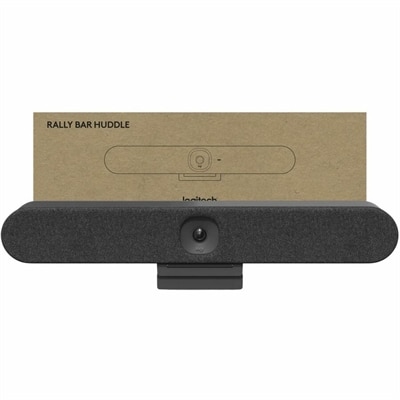
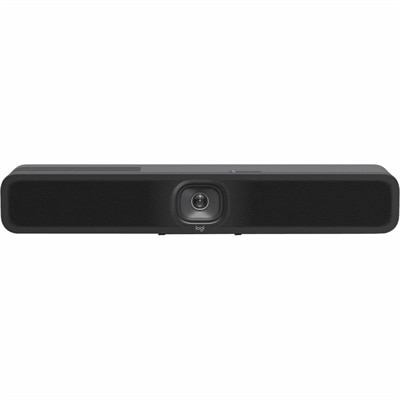
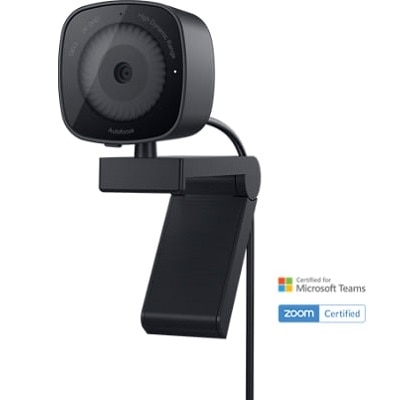
Desktop Video Conferencing
Elevate your virtual communication experience with our selection of desktop video conferencing solutions. Designed to meet the demands of today's dynamic work environments, these tools offer seamless connectivity and enhanced collaboration for professionals and teams alike. Whether you're hosting important meetings, conducting interviews, or catching up with colleagues across the globe, our desktop video conferencing options provide the reliability and quality you need to stay connected. Explore a variety of choices that cater to different preferences and requirements, ensuring that your virtual interactions are as productive and engaging as possible.
This product is not available
Check out the following recommendations.
Related Products
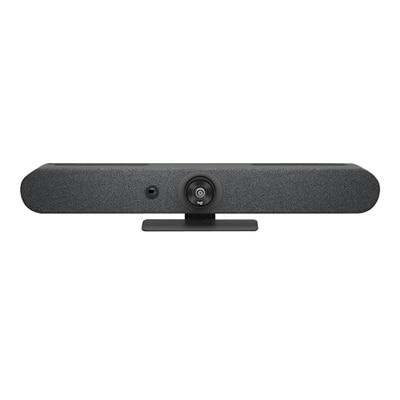
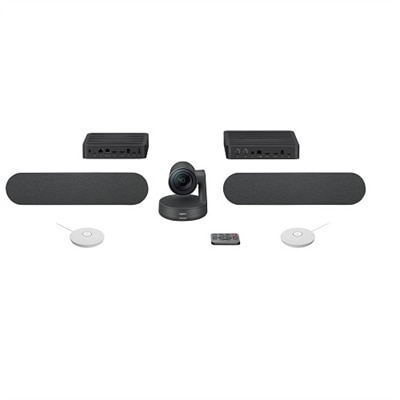
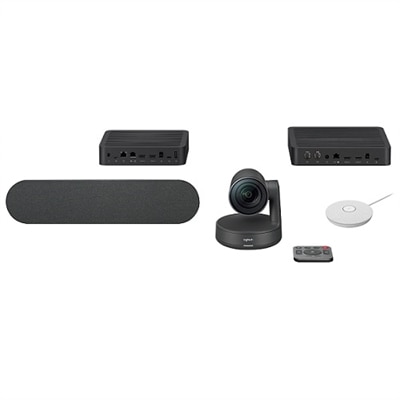
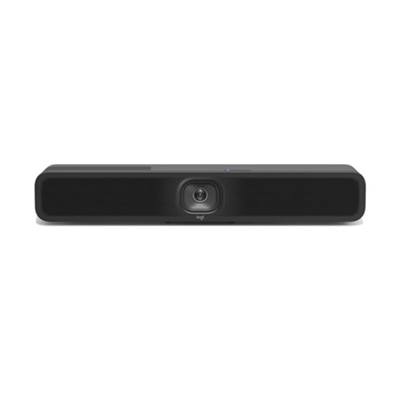
Desktop Video Conferencing
Desktop video conferencing brings face-to-face communication into a dedicated workspace, combining a computer display with the camera, microphones and speakers needed for clear virtual meetings. A well-chosen setup can make conversations feel more natural, whether you are joining a project review from a home office, meeting with clients from a small business, attending classes remotely or staying connected with family during the cooler months. Unlike relying on a laptop’s built-in camera and audio, a desktop arrangement can give you a larger viewing area, a steadier camera position and more consistent sound. Look for a display size that fits your desk without crowding your keyboard, notebooks or other everyday accessories. A compact workspace may benefit from an integrated camera and speakers that reduce cable clutter, while a larger desk may accommodate a separate camera, microphone or headset positioned for more control. Resolution matters for image detail, but lighting, camera placement and network quality also affect how you appear on screen. A camera set at approximately eye level creates a more comfortable perspective than one angled upward from a desk, and placing a soft light in front of you can help your face look clear without harsh shadows. For more ways to build a compatible communication setup, explore Video Conferencing Tools.
The right desktop video conferencing equipment depends on the way you work and the space where conversations take place. For an individual who spends several hours in online meetings, a monitor with an integrated webcam, speakers and microphone can provide an uncluttered all-in-one experience while leaving the computer’s ports available for other accessories. A desktop computer paired with a dedicated camera can be a strong choice for a permanent office, especially when a larger screen makes it easier to review documents, follow shared presentations and keep meeting controls visible. A laptop connected to a monitor, camera or audio accessory offers flexibility for people who move between rooms or alternate between home and office locations. Small teams sharing a meeting table may prefer a wide-angle camera and microphones designed to capture several voices, while a single user may value background noise reduction and a narrower field of view that keeps the conversation focused. USB connectivity makes many accessories simple to install, but it is important to check port types, cable length, operating system support and available power before choosing components. USB-C can simplify connections when a compatible monitor also supplies power to a laptop, helping reduce the number of cords across the desk. If you use a docking station or other desktop accessory, confirm that it can support the display resolution, camera and audio devices you plan to connect. Compatibility with your preferred meeting application is equally important; verify that the camera, microphone and speakers are recognized by the software and that privacy controls are easy to access.
A comfortable video conferencing setup should support more than a single call. Consider how the equipment will fit into a full workday that includes writing, research, collaboration and quiet focus. A height-adjustable monitor can help position the screen at a comfortable level, while a headset can provide privacy in a shared home or apartment. Built-in camera shutters, microphone mute controls and visible status indicators offer practical privacy when the meeting ends, particularly in rooms that serve several purposes. Audio quality deserves close attention: echo cancellation can make speech easier to follow, and directional microphones may help reduce the sound of nearby keyboards, household activity or office conversations. Before an important meeting, test the camera framing from the seat you normally use, listen for room echo and confirm that your face is evenly lit. Keep the background tidy without making it feel staged; a bookshelf, plant or softly lit wall can create a natural setting while avoiding distracting movement behind you. Families may choose desktop video conferencing equipment as a useful gift for relatives who want easier long-distance conversations, and students or remote workers may appreciate a setup that turns a bedroom corner, kitchen table or compact desk into a more capable communication space. For professional users, prioritize dependable connections, comfortable viewing and simple controls over features that will rarely be used. For casual callers, ease of setup and flexible placement may matter more than advanced specifications. Whether the goal is clearer collaboration, a more polished remote presence or a less cluttered desk, matching the camera, display, audio and connectivity features to everyday habits helps create conversations that feel immediate, comfortable and reliable.
FAQs:
When choosing a desktop video conferencing monitor, consider built-in webcams with at least 1080p resolution, integrated microphones with noise-canceling technology, and high-quality speakers for clear audio. Features like USB-C connectivity, adjustable stands, and privacy shutters for the camera can also enhance your experience.
A dedicated conference PC or monitor is ideal for professionals working remotely, students attending virtual classes, educators conducting online lessons, and anyone who frequently participates in video meetings. These setups are also great for families who want to stay connected with loved ones or for gifting to someone setting up a new workspace.
To optimize your workspace, position your monitor at eye level, use good lighting (preferably natural light or a soft LED lamp), and keep your background tidy. Using a dell video conferencing monitor with integrated features can help reduce desk clutter and streamline your setup.
4k video conferencing provides ultra-high-definition video quality, resulting in sharper images, more accurate color reproduction, and a more lifelike presence during meetings. This is especially beneficial for professionals who rely on visual cues, such as presenters, educators, or creative teams.
Yes, accessories like external webcams, noise-canceling headsets, ring lights, and adjustable monitor arms can further improve video and audio quality. Pairing these with a dell conference setup ensures a professional and comfortable video conferencing environment.