$2199.99
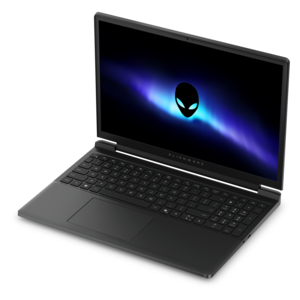
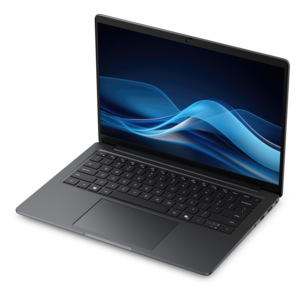
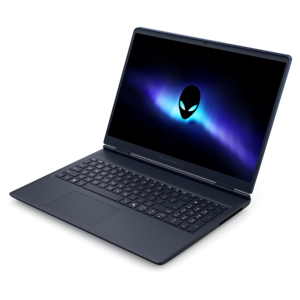
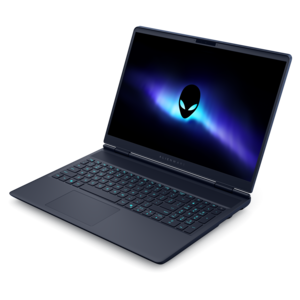
A gaming laptop with NVIDIA GeForce RTX 50 Series graphics in a streamlined design.
Elevate your computing experience with discrete graphics laptops, designed to deliver exceptional performance for gaming, design, and multimedia tasks. These laptops feature dedicated graphics cards that provide enhanced visual clarity and smoother rendering, making them ideal for users who demand more from their devices. Whether you're diving into the latest video games or tackling complex creative projects, discrete graphics laptops offer the power and speed needed to handle intensive workloads with ease. Explore a range of options that combine cutting-edge technology with sleek designs to find the perfect fit for your needs.
A gaming laptop with NVIDIA GeForce RTX 50 Series graphics in a streamlined design.
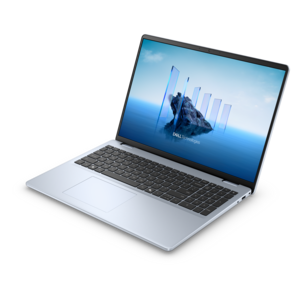
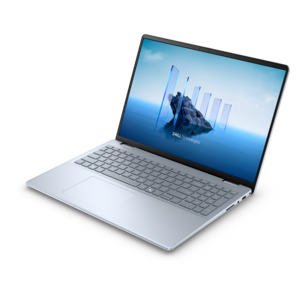
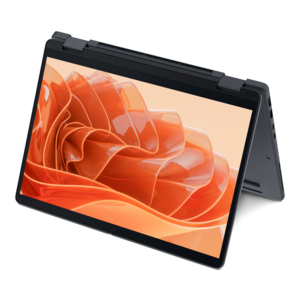
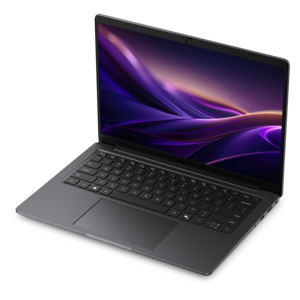
A laptop featuring an FHD camera, enlarged ergonomic keyboard, and AMD Ryzen™ processing.
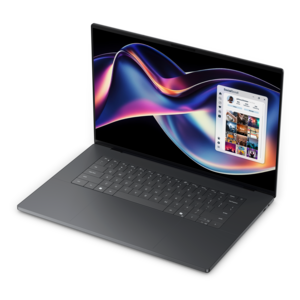
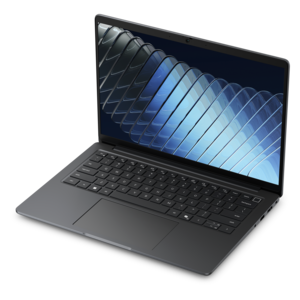
A portable laptop with a sleek design, 16:10 display, and AI PC options for productivity anywhere.
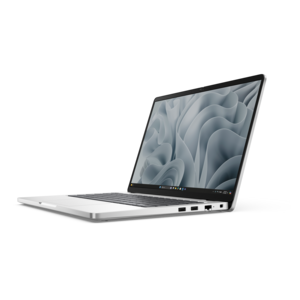
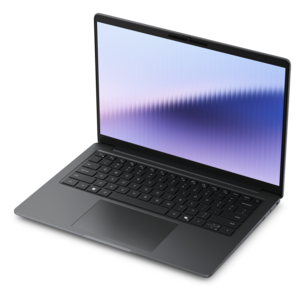
A slim, lightweight laptop with Intel® Core™ processors and graphics for productive work anywhere.
An AI-powered, lightweight laptop with Intel Arc graphics, ideal for creative professionals and small businesses.
A modern laptop with AMD Ryzen™ processors, delivering effortless productivity and captivating entertainment in a design.
A modern laptop with Intel Core processors and graphics for effortless productivity and captivating entertainment.
A sleek laptop powered by AMD Ryzen AI 400, designed for smooth, capable multitasking.
A sleek laptop powered by the latest AMD Ryzen™ AI 400 Series processors for demanding users.
An AI-ready laptop with a spacious display, designed for creators and developers seeking high performance.
A modern laptop with Intel® Core™ processors and graphics for effortless productivity and immersive entertainment.
A durable modular laptop with robust security, a spacious 16:10 display, and optional built-in AI capabilities.
An AI-powered laptop with a spacious display and Intel Arc graphics for creators and developers.
A sleek laptop delivering smooth AI experiences and accelerated creative workflows for demanding high-performance users.
A remarkably thin laptop powered by AMD Ryzen AI PRO 400 Series processors for professional performance.
A laptop with modular design, durable construction, 16:10 display, numeric keypad, robust security, and AI options.
A powerful gaming laptop with Intel Core processors and NVIDIA GeForce RTX graphics for immersive gaming.
A productivity-focused Copilot+ PC powered by a capable AMD CPU, GPU and NPU combination.
A remarkably thin 2-in-1 laptop powered by AMD Ryzen AI PRO 400 Series processors for performance.
A thin, high-performance 16-inch laptop with exceptional battery life, designed for creators.
A remarkably thin laptop delivering portable performance with Series 3 Intel Core Ultra processors.
A streamlined gaming laptop delivering essential performance with up to NVIDIA GeForce RTX 50 Series graphics.
A Copilot+ PC combining powerful Intel® CPU, GPU, and NPU performance for productive everyday computing.
A durable, ultra-thin laptop designed for powerful performance in a compact chassis.
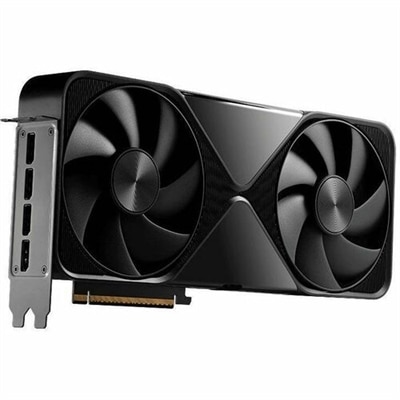
Discrete graphics laptops have a dedicated graphics processing unit, or GPU, separate from the main processor, with its own high-speed video memory, commonly called VRAM. This hardware handles demanding visual tasks such as rendering detailed game environments, working with complex 3D models, and accelerating supported video editing effects. Integrated graphics, by comparison, typically share system memory with the processor and are well suited to everyday activities such as browsing, streaming, and writing documents. A dedicated GPU gives a laptop additional resources for graphics-intensive work, though the benefit depends on the application, the graphics hardware, and the rest of the system. For someone editing footage, that can mean a smoother preview while adjusting color or layering supported effects. For a design student, it can make navigating a detailed model more responsive. For a gamer, it can support higher visual settings or faster frame rates when the hardware meets the game’s requirements. Dedicated graphics memory holds information such as textures, frame buffers, and other visual assets close to the GPU. More VRAM can be useful for high-resolution textures, large creative projects, and certain advanced workloads, but memory capacity alone does not determine graphics performance. GPU architecture, operating power, cooling, and software support also matter. Two laptops with similarly named graphics hardware can perform differently because their designs allow different power levels and sustained operating temperatures. The processor, system memory, and solid-state drive contribute to the overall experience as well, particularly when several applications are open or large files are moving through a project. Exploring Laptop GPUs can provide additional context for the graphics hardware at the center of these systems. Across gaming, creative work, and technical coursework, a discrete graphics laptop combines dedicated visual processing with the convenience of a computer that can travel between a desk, a classroom, and a shared workspace.
The experience of using a laptop with dedicated graphics depends as much on its screen and physical design as on its graphics processor. A larger display gives a video timeline, drawing canvas, or spreadsheet more room, while a smaller chassis is often easier to carry through a commute or tuck into a backpack. Screen resolution affects both detail and workload: displaying a game at a higher native resolution generally requires more graphics power, so a sharper panel does not automatically mean a smoother gaming experience. A high refresh rate can make movement look more fluid when the system produces enough frames, and compatible variable refresh rate technology can help reduce visible tearing. For photography and video work, color coverage, accuracy, and brightness deserve attention alongside resolution. A matte screen can soften distracting reflections near a window, although visibility still depends on panel brightness and the surrounding light. The keyboard, touchpad, hinge, and palm rest shape longer sessions, whether those hours involve revising an animation or finishing a group presentation. A keyboard layout with comfortable spacing may matter more for daily coursework than decorative lighting, while a stable hinge helps keep the screen steady during typing. Chassis materials vary, with aluminum, magnesium alloys, and durable plastics offering different combinations of weight, rigidity, and surface feel. Material alone is not a guarantee of durability; construction quality and careful handling remain important. Inside the chassis, fans, heat pipes, or other cooling components move heat away from the processor and GPU. Sustained graphics work can make the underside warm and the fans audible, especially in thinner designs. Systems with more room for cooling may suit long rendering sessions, while lighter designs can be more comfortable for frequent travel. The practical fit includes the power adapter, too: the weight and space needed for the complete daily carry can feel quite different from the laptop’s weight by itself.
Daily routines help define which features matter most in discrete graphics laptops. A student moving between lectures and a design lab may value manageable weight, a comfortable keyboard, and enough battery endurance for lighter tasks away from an outlet. A creator working mainly at a desk may place greater emphasis on sustained performance, an accurate display, and connections for an external monitor, drawing tablet, or memory card reader. Someone who plays fast-moving games may prioritize responsive graphics and a high refresh rate screen, while a person building detailed virtual scenes may need more graphics memory and application-specific compatibility. Not every creative or technical program uses the GPU in the same way, so published software requirements offer a useful baseline for matching a system to its intended workload. Connection details also matter: a port’s shape alone does not establish its speed, charging capability, or external display support. Many laptops can switch between integrated and discrete graphics, using the more efficient option for light activity and dedicated graphics for heavier work. Even so, gaming and rendering typically consume considerably more energy than document editing, and maximum performance often requires connection to the specified power adapter. Battery expectations should reflect those differences rather than a single runtime figure. Care is straightforward but important for a machine that regularly generates heat. A firm, flat surface leaves ventilation openings clear; blankets and cushions can obstruct airflow. A padded sleeve helps protect the chassis during transport, and carrying the computer without pressure against the lid reduces stress on the display. Cleaning should follow the manufacturer’s directions, with the system powered off and liquid kept away from openings. Supported driver updates can improve compatibility with applications and games. Upgrade options vary, and the GPU in most laptops is not designed for replacement, making the initial configuration especially important for longer-term use. As a graduation gift or a tool for a developing creative interest, a dedicated graphics laptop is most useful when its capabilities match the recipient’s actual projects, preferred applications, and everyday workspace.
Add the products you would like to compare, and quickly determine which is best for your needs.