$349.99
A QD-OLED gaming monitor delivering vibrant color, infinite contrast, and ultra-smooth 240Hz gameplay.
Flicker free monitors provide a comfortable viewing experience for work, gaming, and entertainment. Designed with your eyes in mind, these monitors help support long hours at the screen whether you’re editing photos, streaming videos, or managing daily tasks. Explore a wide selection of flicker free monitors that combine sleek design with advanced technology to fit seamlessly into any workspace or home setup. Discover options that cater to various screen sizes and resolutions, making it easy to find the right display for your needs.
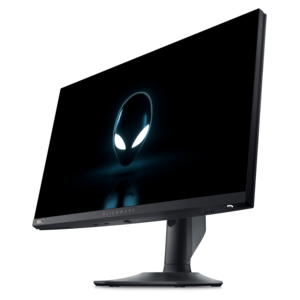
A QD-OLED gaming monitor delivering vibrant color, infinite contrast, and ultra-smooth 240Hz gameplay.
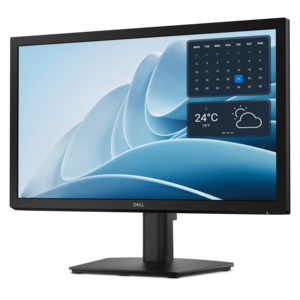
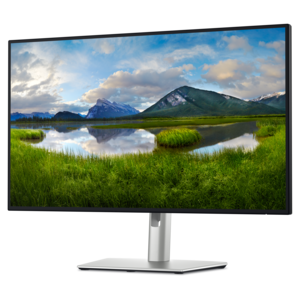
A productivity monitor offering 100Hz refresh and eye comfort solutions that reduce blue light emissions.
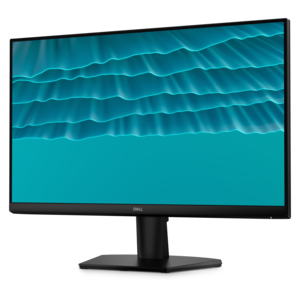
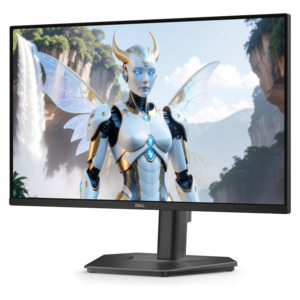
A smooth 144Hz monitor with 1ms MPRT and TÜV 3-star eye-comfort certification for everyday tasks.
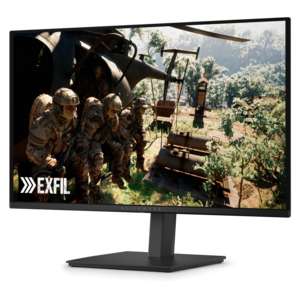
A 4K monitor with up to 120Hz refresh rate and dual 5W speakers for immersive entertainment.
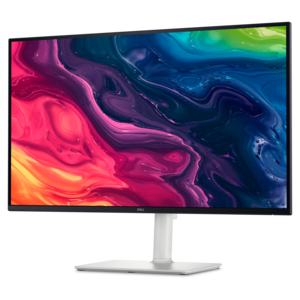
A 4K USB-C hub monitor with extensive connectivity and TÜV-certified four-star eye comfort.
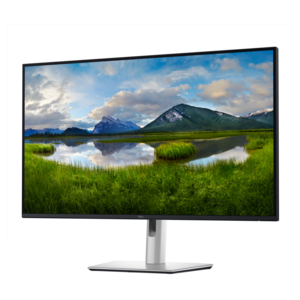
A 4K monitor with IPS Black, 3000:1 contrast, 120Hz refresh, ambient light sensing, and eye comfort.
Flicker-free monitors are displays designed to minimize or eliminate rapid fluctuations in screen illumination during normal use, creating a steadier viewing experience for work, study, entertainment, and gaming. In many LED-backlit monitors, flicker-free technology uses direct current, or DC, dimming to adjust brightness by changing the electrical current supplied to the backlight rather than repeatedly switching it on and off. By comparison, pulse width modulation, or PWM, regulates brightness through rapid light pulses. Depending on their frequency and intensity, these pulses may be noticeable to some viewers, particularly at lower brightness settings, even when the screen appears steady at first glance. DC dimming is a common approach to flicker reduction, but implementation varies, so a monitor’s specifications and testing conditions matter more than the feature name alone. For people sensitive to flicker, a display with stable illumination may make extended screen time more comfortable; it does not guarantee relief from headaches or eye strain, which can have several causes. That distinction is useful in everyday settings: an afternoon spent reviewing spreadsheets, an evening of online coursework, or a long session adjusting photographs involves more than simply keeping an image on screen. Text clarity, glare, brightness, viewing distance, and regular breaks all influence comfort. Flicker-free technology is also separate from low blue light features, which change the spectrum of light emitted by the display. A monitor can offer both, but neither feature automatically confirms the presence of the other. Where independent certification is listed, its scope can help clarify which display characteristics have been evaluated. For a shared household computer or a dedicated home office, the appeal is straightforward: consistent illumination paired with readable text and a screen that suits the space. The most useful combination supports the actual rhythm of the day, from reading small annotations in a document to watching a movie after the desk lamp has been switched on, without requiring excessively bright settings to keep the picture legible.
Screen size, resolution, and physical fit give flicker-free monitors much of their everyday character. A compact display can leave room for a notebook and keyboard on a shallow desk, while a larger screen can make side-by-side documents easier to manage without constant window switching. More screen area is not automatically more comfortable, especially when the display sits so close that reading across it requires frequent head movement. Resolution affects how much detail the panel can show, and pixel density influences the appearance of fine text and icons at a given screen size. A high-resolution display can render small lettering cleanly, although operating system scaling may be needed to keep menus comfortably readable. For someone working between a laptop and an external monitor, compatible scaling and sensible placement help the two screens feel like a coherent workspace. Panel characteristics matter as well. IPS panels generally provide broad viewing angles and consistent color when viewed off-center, while VA panels often deliver stronger native contrast, helping dark scenes look deeper in a dim room. Performance differs between individual displays, so panel type alone is not a complete measure of image quality. Matte or antiglare surface treatments can soften reflections from a nearby window, though positioning the screen away from direct light remains important. Height adjustment, tilt, swivel, and pivot options help fit a monitor to its user rather than forcing the user to adapt to a fixed stand. A portrait orientation can be especially useful for long documents or code, and a compatible mounting arm can free desk space when its weight capacity and mounting pattern match the display. Connections shape the setup, too: HDMI and DisplayPort carry video, while some USB-C connections can also support data and laptop charging. Those capabilities depend on the monitor, connected computer, and cable. For a student, remote worker, or family member receiving a monitor as a gift, desk dimensions and connection requirements are practical details that make the difference between an appealing screen and one that fits naturally into daily use.
For gaming and moving images, flicker-free illumination and refresh rate address different aspects of the viewing experience. Flicker-free dimming concerns how steadily the display produces light; refresh rate, measured in hertz, describes how often the screen updates its image. A higher refresh rate can make motion and scrolling look smoother when the connected system supplies enough frames, but it does not by itself establish that a monitor is flicker-free. The distinction matters for anyone comparing Fast Refresh Rate Monitors for both responsive play and comfortable everyday use. Response time, which describes how quickly pixels change, also affects motion clarity, while adaptive sync can reduce visible tearing by coordinating refresh behavior with frame delivery. Some motion blur reduction modes deliberately pulse or strobe the backlight, so their operation may differ from a monitor’s standard flicker-free mode. Certain displays can also show brightness fluctuations during variable refresh rate use, particularly when frame rates change sharply. Checking the conditions attached to flicker-free claims helps set realistic expectations across different modes. Beyond performance, lasting usefulness depends on construction and care. A stable stand and secure hinge adjustments help keep the screen steady during typing, while cable routing reduces clutter and avoids unnecessary tension on ports. Monitor housings commonly use plastic, sometimes paired with metal supports; stability, adjustment quality, and careful handling matter more than the finish alone. The panel surface deserves gentle treatment because pressure and harsh cleaners can damage delicate coatings. With the display turned off, a clean microfiber cloth is suitable for routine dust removal; any additional cleaning should follow the manufacturer’s directions, with liquid kept away from openings and never sprayed directly onto the screen. Clear ventilation space and protection from spills support reliable operation. Together, steady illumination, appropriate brightness, clear text, and a well-positioned screen create a more considered workspace, whether the day involves managing household paperwork, joining video calls, editing a creative project, or settling into a game.
Add the products you would like to compare, and quickly determine which is best for your needs.