$103.99
A portable 7-in-1 USB-C hub offering fast charging and versatile connectivity for modern professionals.
I/O ports play a crucial role in connecting your devices and expanding their functionality, making it easier to integrate peripherals, displays, and accessories into your workspace or entertainment setup. Whether you're looking to streamline your home office, enhance your gaming experience, or simply stay productive on the go, exploring the right I/O ports ensures seamless connectivity and efficient performance across your technology ecosystem. Discover options that help you get the most out of your laptops, desktops, monitors, and accessories with versatile connection solutions tailored to your needs.
A portable 7-in-1 USB-C hub offering fast charging and versatile connectivity for modern professionals.
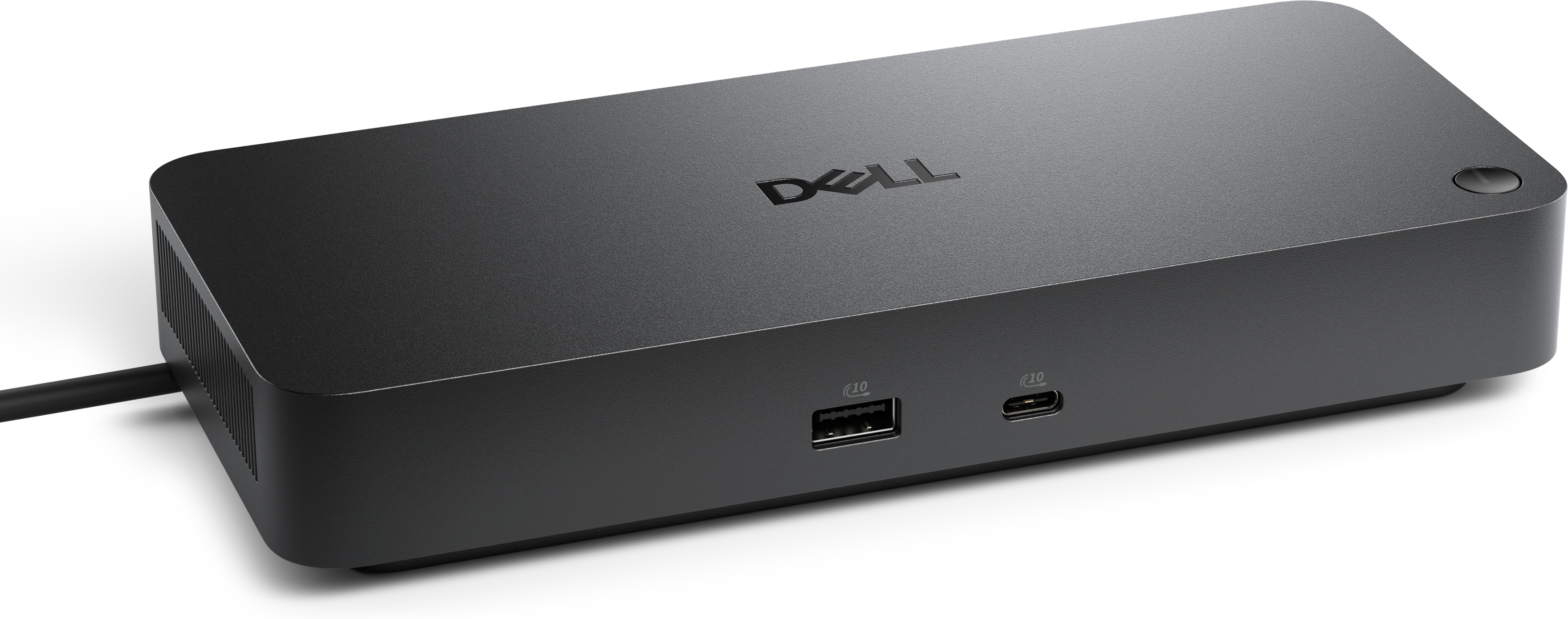
A professional docking station delivering 130W power and versatile connectivity for streamlined productivity.
A Thunderbolt 4 dock delivering up to 130W of power for a powerful, streamlined workspace.
A smart docking station offering up to 130W USB-C power delivery and remote management capabilities.
A powerful Thunderbolt 5 dock delivering up to 300W power for demanding workloads.
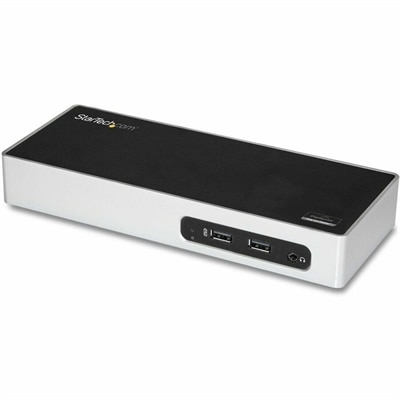
A USB 3.0 docking station with dual-monitor HDMI, DVI/VGA, six USB-A ports, Gigabit Ethernet, and audio.
I/O ports, short for input/output ports, are connection points that allow a computer to exchange signals with external devices. On laptops, desktops, and monitors, these connections support everyday activities such as typing on a keyboard, joining a video call, connecting a display, or listening through headphones. An input connection carries information into the computer, while an output connection carries information from the computer to another device; many modern ports support communication in both directions. The right combination of computer ports, cables, adapters, and hubs helps a workspace function comfortably without making routine connections a constant distraction. USB ports commonly connect keyboards, mice, webcams, printers, and other accessories. USB-A has a familiar rectangular opening, while USB-C uses a smaller, reversible connector that fits either way up. That difference describes the connector shape, not everything the connection can do. Depending on the device and port specifications, a USB-C connection may support data transfer, video output, power delivery, or a combination of those functions. Two ports that look alike can therefore have different capabilities. HDMI and DisplayPort connections carry digital video and audio to compatible displays, while analog audio jacks connect compatible headphones, microphones, or speakers. Some audio connections combine headphone output and microphone input in one socket, making headset compatibility an important detail. For a student moving between a shared study table and a bedroom desk, a few well-chosen connections can accommodate a monitor, keyboard, and headset without unnecessary clutter. At a permanent workstation, a broader selection of accessible ports can keep frequently used accessories connected throughout the day. The practical value of I/O ports lies in how closely they match the equipment already in use and the tasks that happen most often, whether that means a quiet afternoon of writing, an online lesson, creative work across a larger screen, or an evening spent gaming with friends.
Port compatibility depends on more than matching a plug to an opening. The computer, accessory, cable, and any adapter between them all contribute to the functions a connection supports. A USB-C cable intended mainly for charging may not support the video connection or data performance expected at a desk, and a USB-C port does not automatically provide display output. Where supported, video over USB-C can simplify the connection between a laptop and a monitor, sometimes carrying video, data, and charging power through one cable. That arrangement depends on compatible equipment and sufficient power delivery for the laptop. A compact hub can add connections for several accessories, while a docking station can bring display, peripheral, and power connections together in a more permanent setup. Neither changes the underlying capabilities of the computer’s host port, and connected devices may share the bandwidth of that connection. Display performance also depends on the complete signal path: the supported resolution, refresh rate, and number of screens reflect the capabilities of the computer, display, cables, and intermediate hardware. A single screen used for documents has different connection demands from multiple high-resolution monitors used for detailed visual work. For gaming, support for the intended refresh rate matters alongside the physical display connector. For video meetings, reliable connections for a webcam and audio accessories may take priority. Placement is just as tangible a consideration as technical compatibility. A cable projecting from the side of a laptop can interfere with a mouse, while a tightly packed row of connectors may leave too little room for wider plugs. Front-facing desktop ports make temporary connections convenient, and rear connections can keep long-term cables out of the working area. Cable length affects the arrangement, too: enough reach allows a comfortable screen position, but unnecessary loops can snag on chair arms or spill across a small desk. Adapters also require attention to signal direction, since a connection designed to carry video from one interface to another may not work in reverse.
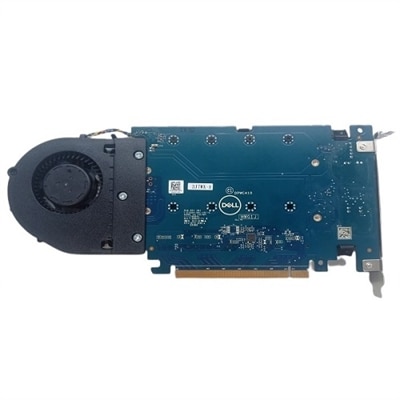
The physical construction of port accessories influences how well they hold up to repeated use. Hubs and adapters may use molded plastic or metal housings, each with practical advantages. Plastic can keep a travel accessory lightweight, while metal can provide a rigid enclosure and help dissipate heat, although housing material alone does not establish performance or durability. Cable jackets, connector shells, and strain relief at the point where the cable meets the plug all contribute to everyday resilience. A flexible cable can fit comfortably into a laptop bag, but sharp bends and pressure against a packed compartment can stress even a sturdy connection. At a desk, a hub that sits securely with enough clearance around its connectors is less likely to shift whenever an accessory is attached. Fit should feel secure without requiring force, and the weight of a large adapter should not pull awkwardly on a laptop’s port. Disconnecting by holding the connector rather than tugging the cable helps reduce strain. Keeping openings free of loose debris, protecting accessories from liquids, and following manufacturer cleaning instructions also support dependable use; metal tools and forced insertion can damage delicate contacts. Desktop users with compatible internal expansion slots may have another route to additional connectivity through PCI Peripherals, with suitability depending on the motherboard slot, chassis clearance, operating system support, and the requirements of the expansion hardware. External accessories remain particularly useful when portability matters or internal expansion is not an option. A remote worker may value a desk connection that brings a monitor and everyday peripherals together, while someone attending lectures may prefer a small adapter that travels easily between rooms. For a gift recipient setting up a home office or study space, compatible connection accessories can be genuinely useful when the computer’s port specifications and intended setup are known. Across these settings, a well-matched collection of I/O connections supports a workspace that feels settled: the screen is positioned comfortably, the headset reaches without tension, and essential accessories have a reliable place to connect.
Add the products you would like to compare, and quickly determine which is best for your needs.