1. Refresh Rate
2. Response Time
3. Panel Type
4. Connectivity & Features
Choosing the right 4K gaming monitor can significantly enhance your gaming experience with stunning visuals and smooth performance.
1. Refresh Rate
2. Response Time
3. Panel Type
4. Connectivity & Features
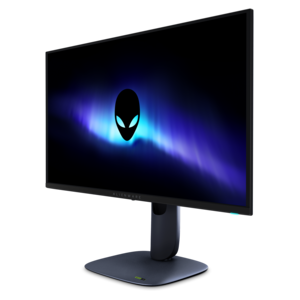
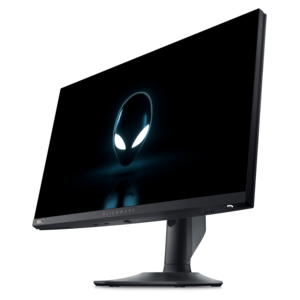
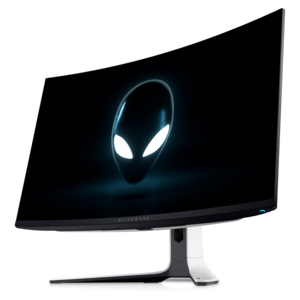
A 4K QD-OLED gaming monitor with 240Hz refresh rate, high pixel density, and Dolby Vision.
When selecting a 4K gaming monitor, consider features such as high refresh rates, low response times, adaptive sync technologies like NVIDIA G-SYNC or AMD FreeSync, and vibrant color accuracy. These features help enhance your gaming experience with smoother visuals and immersive detail.
A 4K resolution delivers four times the pixels of Full HD, resulting in sharper, more detailed images. This allows gamers to enjoy lifelike graphics, improved clarity, and a more immersive gaming environment, especially in visually demanding titles.
Yes, most 4K gaming monitors are designed to work seamlessly with both gaming consoles and PCs. They typically include multiple connectivity options such as HDMI and DisplayPort, ensuring easy integration with a wide range of gaming devices.
A higher refresh rate, such as 120Hz or 144Hz, provides smoother and more fluid motion during fast-paced gameplay. This can give competitive gamers an edge and enhance overall visual enjoyment, reducing motion blur and screen tearing.
Many top rated 4K gaming monitors support High Dynamic Range (HDR), which enhances contrast and color range for more vivid and realistic visuals. HDR support can make games appear more dynamic and visually striking.
Add the products you would like to compare, and quickly determine which is best for your needs.