$14.99
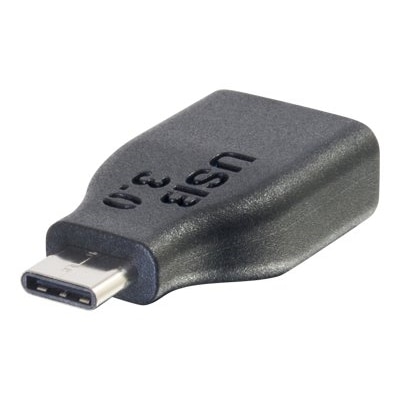
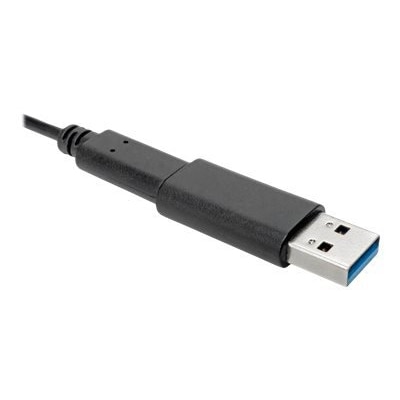
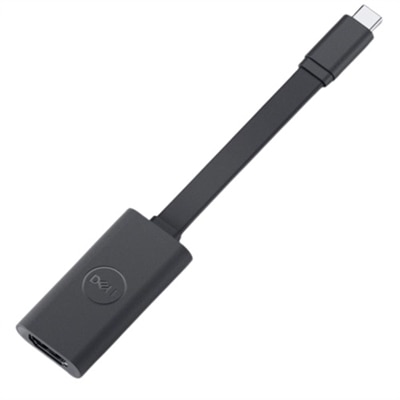
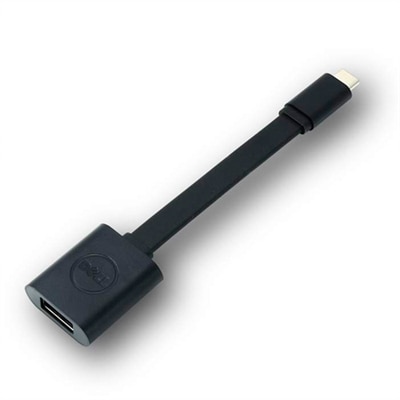
An adapter that connects USB-C devices to USB-A 3.0 displays for seamless content viewing.
Unlock seamless connectivity and enhance your tech experience with our selection of USB-C to USB-A adapters. These versatile adapters are designed to bridge the gap between modern USB-C devices and traditional USB-A peripherals, ensuring compatibility across a wide range of gadgets. Whether you're transferring data, charging devices, or connecting peripherals, these adapters provide a reliable solution to keep your workflow efficient and uninterrupted. Explore our collection and find the perfect adapter to meet your needs, making device compatibility one less thing to worry about.
An adapter that connects USB-C devices to USB-A 3.0 displays for seamless content viewing.
A black USB-C to USB-A adapter enabling 5Gbps data transfer and 10,000 connection cycles.
A black USB-C to USB-A adapter offering 5Gbps data transfer and 900mA power for seamless connectivity.
A black USB-C to USB-A adapter offering 5 Gbps transfer speeds and gold-plated contacts.
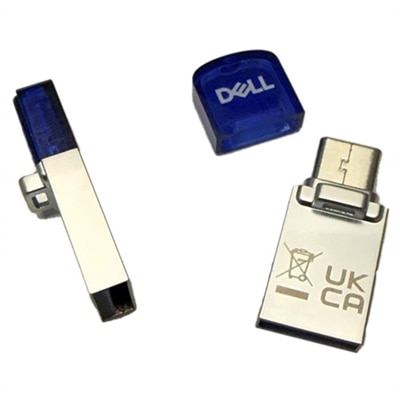
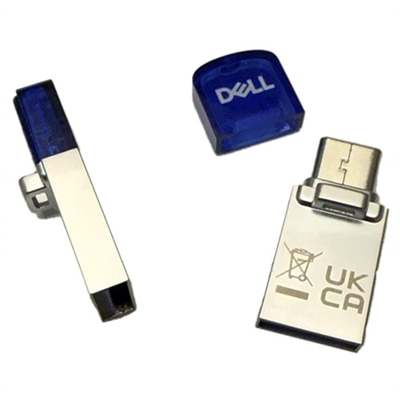
A versatile 128GB flash drive featuring USB 3.2 Type-A/C connectors and a detachable cap.
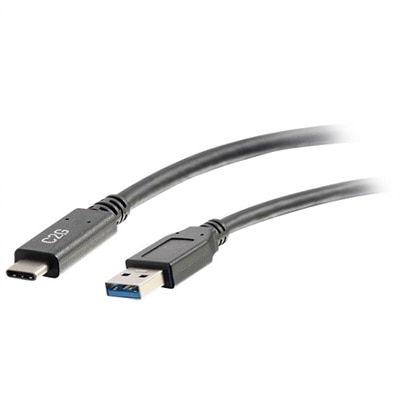
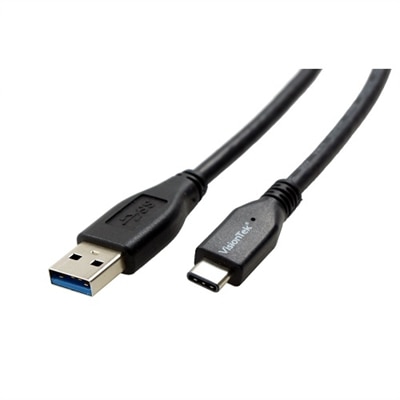
A 6ft black USB-C to USB-A cable offering 5Gbps data transfer and 3A charging output.
A versatile 256GB flash drive featuring both Type A and C connectors with a detachable cap.
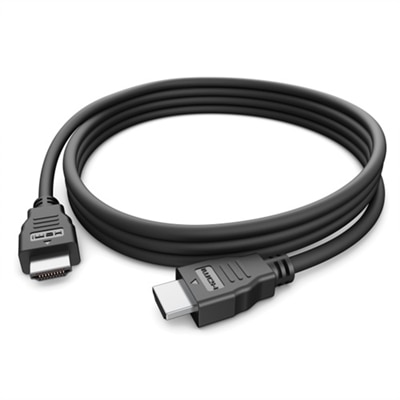
A black 1-meter cable enabling 10 Gbps data transfer and 60W charging for USB-C devices.
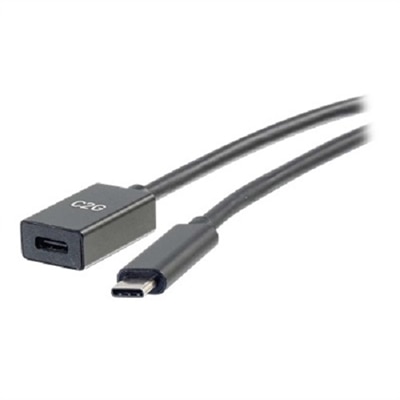
USB C to USB A adapters provide a simple way to connect devices that use different generations of USB ports. The compact accessory can help bridge the gap between a newer laptop, desktop, tablet or phone with a USB-C port and familiar USB-A accessories such as flash drives, keyboards, mice, card readers, wired controllers and other everyday peripherals. The most important detail is the connector arrangement. A USB-C male to USB-A female adapter plugs into a USB-C port and creates a traditional rectangular USB-A port for an older accessory or cable. A USB-A male to USB-C female adapter does the reverse, fitting into a USB-A port so a newer USB-C cable or peripheral can be used. These two styles are not interchangeable, so checking both devices before choosing is the best way to avoid an adapter that cannot make the intended connection. USB-C and USB-A describe the physical connector shape, while the USB version determines capabilities such as data speed and power handling. A USB 2.0 adapter may support data transfer rates up to 480 Mbps, which can be sufficient for a keyboard, mouse, printer or occasional document transfer. For moving photos, videos and large folders, a USB 3.0 or USB 3.2 Gen 1 adapter with speeds up to 5 Gbps can make the process feel considerably more responsive, provided the connected devices, cable and computer also support that standard. Higher-rated hardware will not make an older drive operate beyond its own limits, but choosing an adapter that matches the faster equipment helps preserve available performance.
Physical design matters just as much as the connector type. A short, low-profile adapter can sit nearly flush against a laptop and is easy to keep in a desk drawer, travel pouch or computer bag. This style works well when a flash drive or compact accessory needs to be connected briefly, especially at a shared workspace, in a classroom or while traveling. A cable-style dongle adds a little length between the ports, which can be helpful when adjacent connections are crowded or when a wide accessory would block a neighboring port. It can also reduce strain on the computer’s port by allowing a larger device to rest on the desk instead of hanging from the side of a laptop. Before selecting a USB C to USB A adapter, compare the available clearance around the port, the size of the connected accessory and the direction in which the adapter will extend. A sturdy housing, secure connector fit and strain relief around any attached cable are useful signs of a design made for regular handling. Finish and size can be personal preferences, but practical details such as a smooth insertion, a firm connection and a shape that is easy to remove are especially valuable for people who connect and disconnect accessories often. Standard adapters are generally plug and play for ordinary data synchronization and charging, without separate software or drivers. Even so, performance can vary according to the computer, phone, peripheral and operating system. Some phones and tablets may need USB host or OTG support to read a connected drive, and a USB-C port does not automatically provide every USB feature. A USB-C connector may support data, charging, display output or a combination of those functions, so an adapter intended for basic USB data should not be assumed to replace a dedicated video adapter or a high-power charging accessory. For charging, check the power requirements of the device and the limits listed for the adapter and cable. Those needing a cable for a direct connection can also explore USB C Cables.
These adapters are useful for people updating their personal technology without replacing every accessory at once. Someone moving from an older computer to a newer laptop may still have a dependable keyboard, mouse, external drive or collection of USB-A memory devices. An adapter keeps those items useful while the rest of the setup changes. Students can carry one with a laptop for presentations, file transfers or connecting a classroom accessory, while remote workers may use one to attach familiar peripherals to a slim notebook with fewer traditional ports. Photographers, travelers and anyone who regularly moves files can appreciate having a small adapter ready when a drive or card reader uses a different connector than the available computer. It can also be a thoughtful practical gift for a person setting up a new laptop, assembling a home office or organizing a travel electronics pouch; its compact size makes it easy to include alongside other useful accessories without adding much weight. Keeping one at a desk and another in a bag can prevent the familiar interruption of finding the right cable but no compatible port. For the best match, identify the USB-C or USB-A port on each device, confirm whether the adapter needs to be male-to-female in a particular direction, review the supported USB speed and consider whether the design should be flush or cable-based. Also check whether the connected accessory requires more power than a standard port can provide. With those details in mind, a USB C to USB A adapter can offer a dependable connection between newer and older electronics through changing routines, from warm-weather travel and school preparation to the cooler months spent refreshing a home workspace.
Add the products you would like to compare, and quickly determine which is best for your needs.