VGA Converters
VGA converters provide a practical solution for connecting devices with different video interfaces, making it easy to bridge the gap between older and newer technology. Whether you’re setting up a home office, enhancing your gaming setup, or equipping a professional workspace, these versatile adapters help ensure smooth video transmission across various devices. Explore a wide selection of VGA converters designed to support seamless connectivity and reliable performance for all your display needs.
This product is not available
Check out the following recommendations.
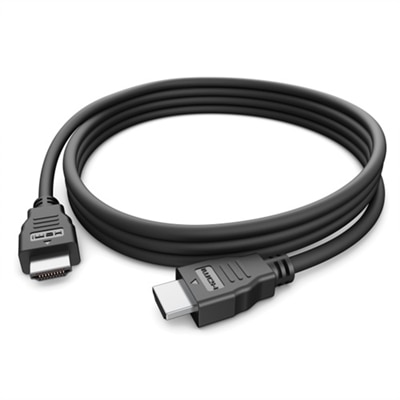
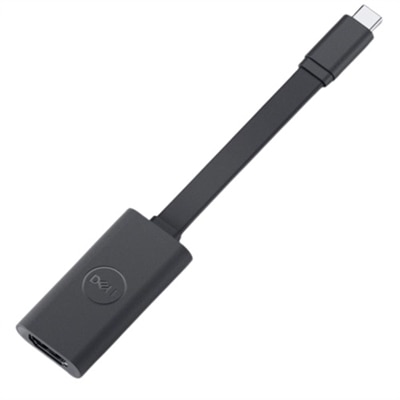
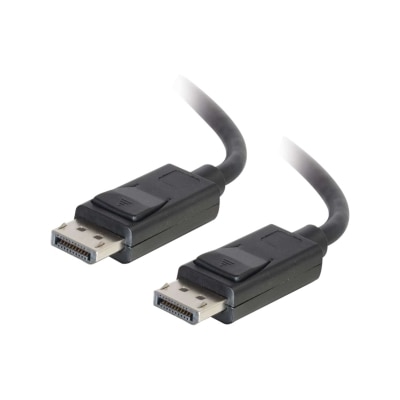
VGA Converters
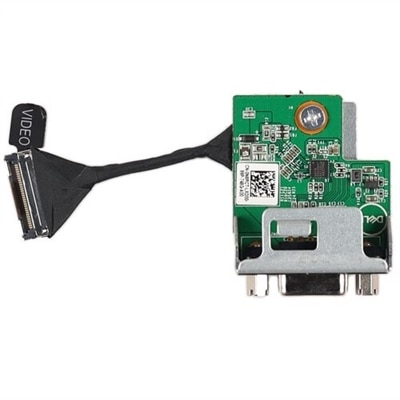
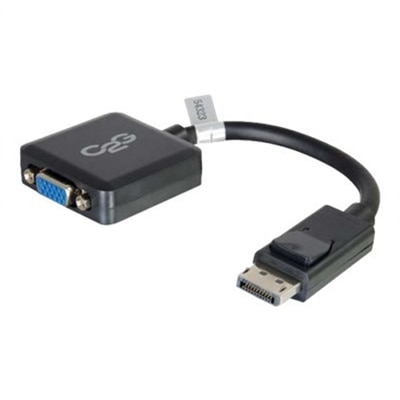
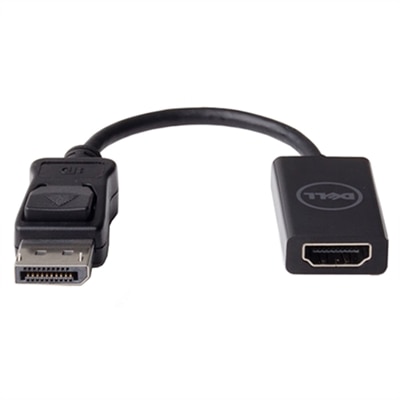
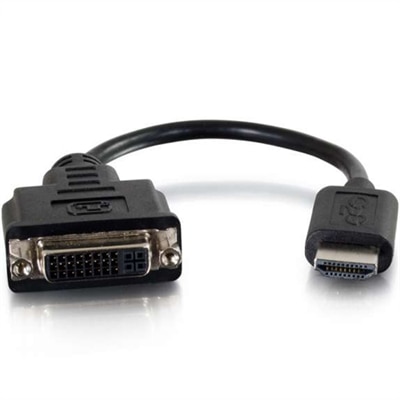
VGA converters connect computers and displays that use different video interfaces, helping an older monitor or projector remain useful alongside a newer laptop or desktop. VGA carries an analog video signal through a familiar 15-pin connector, while connections such as HDMI and DisplayPort carry digital signals. A converter bridges that difference with circuitry that translates the signal into a format the receiving display can recognize. That makes these accessories useful in everyday settings: a home office with a dependable VGA monitor, a classroom with a ceiling-mounted projector, or a meeting room where the presentation cable has not changed as quickly as the computers. HDMI-to-VGA converters send video from an HDMI source to a VGA display; VGA-to-HDMI converters serve the opposite arrangement, connecting a VGA source to an HDMI display. Most converters work in only one direction, so the output on the computer and the input on the screen matter more than whether the plugs happen to fit. A connector that physically joins two cables does not necessarily perform the required signal conversion. For computers with a DisplayPort output, DisplayPort To VGA Adapters offer a connection category suited to VGA monitors and projectors. USB-based options fill another role, with important differences between adapters that use a USB-C port’s video capabilities and USB graphics adapters that rely on software. Across these formats, the intended use is straightforward: bringing a working screen into a compatible setup without requiring every component to share the same connection. Office workers extending a spreadsheet onto a second screen, teachers displaying lesson materials, and students connecting a laptop to a desk monitor can all benefit from the right interface match. A compact converter can also be a practical addition to a travel accessory pouch, especially when presentations take place in rooms with older display connections.
Compatibility extends beyond the connector names printed on a package. A VGA converter’s supported resolution and refresh rate need to align with both the source device and the receiving display. Support for 1920 by 1080 at 60 Hz is common, but it is not universal, and an older projector may work best at a lower native resolution. A converter does not automatically increase a screen’s resolution or sharpen an image beyond the capabilities of the connected equipment. Matching the output to the display’s native resolution generally helps text, charts, and desktop windows look more natural, while an unsuitable aspect ratio can leave a presentation stretched or bordered by unused space. VGA also carries video only. Sound for a training clip, lecture recording, or presentation must travel separately, whether through the computer’s speakers, an independent audio connection, or an audio output supported by the converter. Some HDMI-to-VGA converters provide a separate audio jack, while some VGA-to-HDMI converters accept a separate audio input to combine with the outgoing digital video. Those functions depend on the design rather than the connector shape alone. Power requirements vary as well: certain converters draw enough power from the source port, while others need an additional USB power connection for their conversion circuitry. A nearby powered USB port or a compatible power source may therefore be part of the setup. USB-C-to-VGA adapters typically require a USB-C port that supports video output, often through DisplayPort Alternate Mode; a USB-C connector by itself does not guarantee that capability. USB-A-to-VGA graphics adapters generally use a different approach, processing display output through a chipset and driver, with operating system support determined by the adapter. On a work or school computer, permission to install that software can be as important as the hardware connection. For desktop work, documents, and presentations, these distinctions help determine whether a converter suits the task. Fast-moving games, color-sensitive creative work, and protected streaming video can introduce additional performance or compatibility limits, so an analog connection is not an interchangeable substitute for every direct digital display connection.
Physical fit and construction make a noticeable difference when a VGA converter becomes part of a daily workspace. Compact molded housings keep the accessory easy to carry, while metal housings may offer a more rigid enclosure; neither material alone establishes overall durability or signal quality. Cable flexibility, connector alignment, and strain relief where the cable enters the housing all affect how comfortably the converter sits beside a laptop or behind a monitor. A short, flexible lead can keep a bulky VGA plug away from neighboring ports, although the converter and cable still need support rather than hanging heavily from the computer. On VGA connections equipped with retaining screws, gently securing the screws helps prevent the plug from loosening when a desk moves or a projector cable is repositioned. The pins should line up without force, since bent pins can interrupt the picture or prevent a proper connection. Cable length also matters in the finished arrangement. A modest run between a desktop and a nearby monitor is different from a cable stretched across a conference table, and longer or poorly shielded analog runs can introduce softness, ghosting, or interference. A well-constructed cable of an appropriate length helps keep the workspace manageable without unnecessary coils beneath the desk. Converter specifications also distinguish between accessories with a built-in VGA cable and those that require a separate cable to reach the display. For a shared meeting room, a clearly identified connection direction and an accessible audio arrangement can make recurring presentations less cumbersome. For a home workstation, positioning the converter away from foot traffic and chair movement helps protect both the accessory and the computer port. Routine care is simple: disconnect by holding the plug rather than pulling the cable, keep the connectors dry and free of debris, and store the accessory with loose bends instead of tight wraps. A protective pouch can keep exposed pins from catching on other objects during travel. With the appropriate signal direction, display support, and physical fit, VGA converters provide a practical link between familiar screens and the computers used for everyday work and learning.
FAQs:
A VGA converter allows you to connect devices with modern outputs, such as HDMI, DisplayPort, or USB-C, to displays or projectors that use a VGA input. This is especially useful for connecting newer laptops or desktops to older monitors, projectors, or televisions that still rely on VGA technology.
The choice depends on the output port available on your source device. If your laptop or desktop has an HDMI port, a dell hdmi to vga adapter is ideal. If your device features a DisplayPort output, you should consider a DisplayPort to VGA adapter to ensure proper compatibility and optimal performance.
While VGA is an analog signal and may not match the clarity of digital connections, a high-quality VGA converter can deliver excellent image quality for most everyday uses. It's important to use well-made adapters, such as a dell vga adapter, to minimize signal degradation and ensure stable performance.
VGA connectors transmit video signals only and do not carry audio. If you require audio output, you'll need a separate audio cable or choose an adapter that includes an audio-out feature to connect to external speakers or audio systems.
If you encounter a 'no vga signal from your device' message, first ensure all connections are secure and that the correct input source is selected on your display. Restarting both the source device and the display can help. If the issue persists, verify that the adapter is compatible with your devices and consider updating your device’s graphics drivers.