$34.99
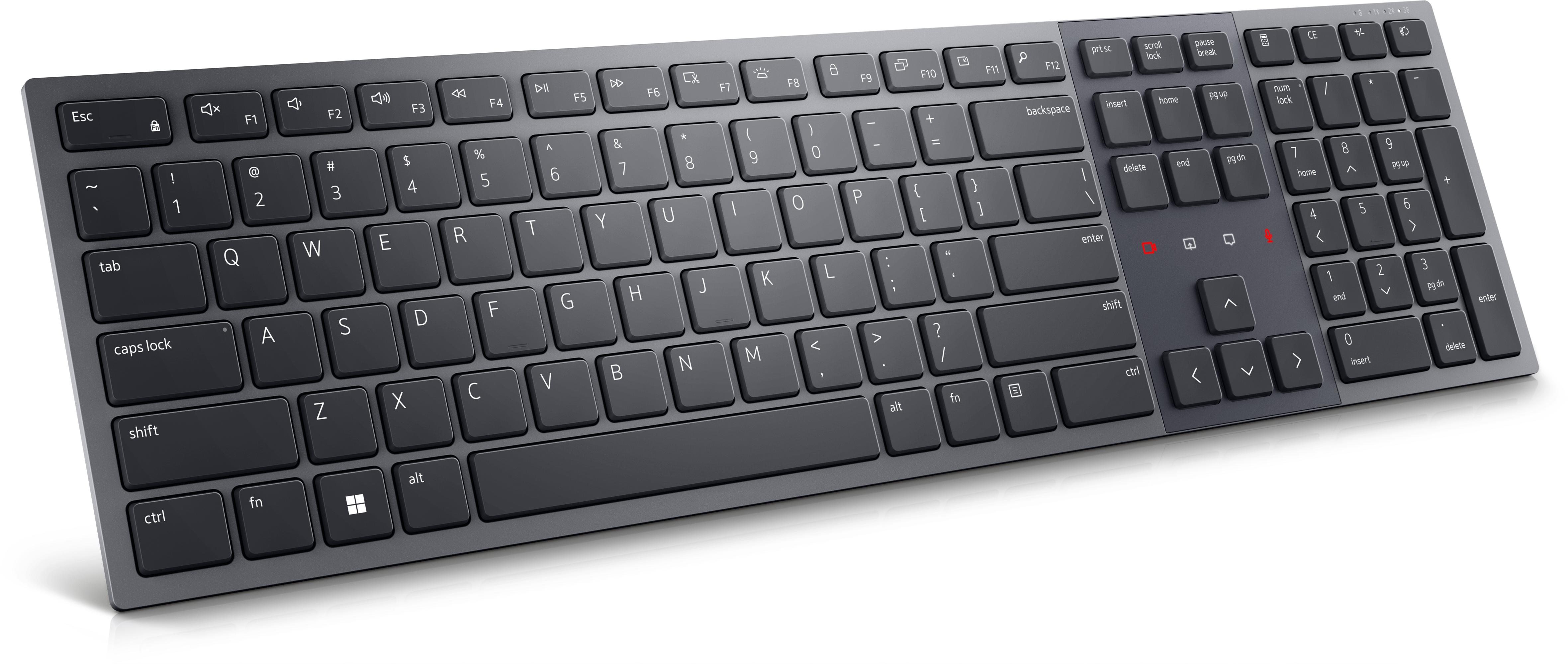
A wired productivity keyboard with built-in collaboration keys, designed for comfortable, efficient typing.
Elevate your team's productivity and engagement with cutting-edge presentation collaboration tools, designed to transform the way you work together. In today's fast-paced digital landscape, seamless communication and effective collaboration are more important than ever. These innovative tools empower teams to create, share, and collaborate on presentations effortlessly, whether working remotely or in the office. Discover solutions that streamline workflows, enhance creativity, and keep everyone on the same page, ensuring your presentations are not just informative but also impactful. Dive into a world where collaboration meets technology, and take your team's presentation game to new heights.
A wired productivity keyboard with built-in collaboration keys, designed for comfortable, efficient typing.
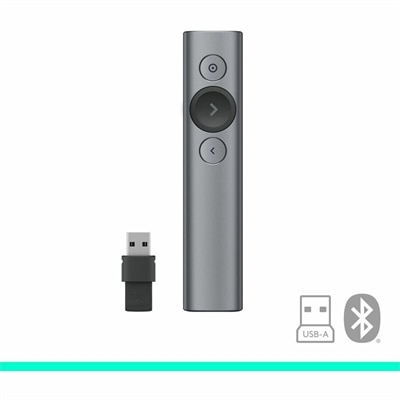
A slate wireless presentation remote with laser pointer, Bluetooth connectivity, digital highlighting, 30-meter range, and quick charging.
A premium keyboard and mouse combo designed for productive collaboration and all-day comfort.
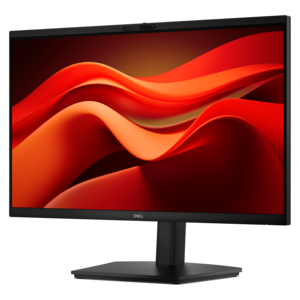
A Full HD conferencing monitor with built-in webcam, speakers, and microphone for seamless everyday collaboration.
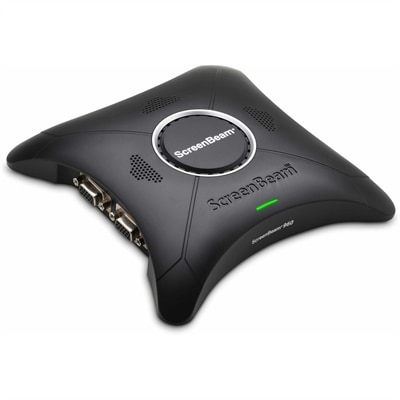
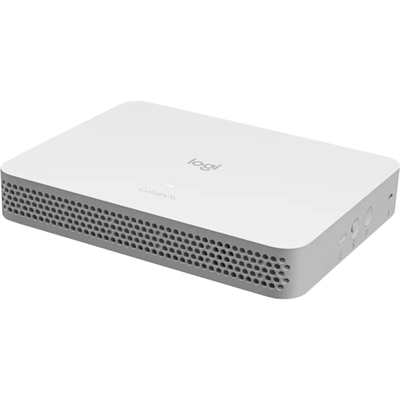
A wireless display receiver enabling app-free presentations, extended desktops, interactive touch, and centralized remote management.
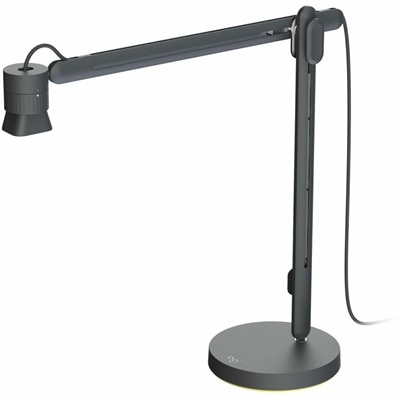
An articulating overhead camera arm with base mount, 1080p60 video, USB connectivity, and versatile pivoting controls.
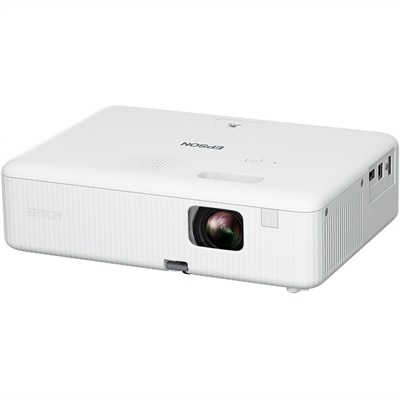
A portable WXGA 3LCD projector delivering 3,000 lumens, 378-inch images, HDMI connectivity, and easy keystone correction.
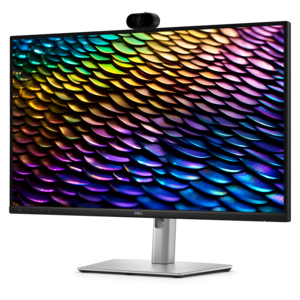
A QHD IPS conferencing monitor with integrated webcam, speakers, microphone, and USB-C connectivity for productive collaboration.
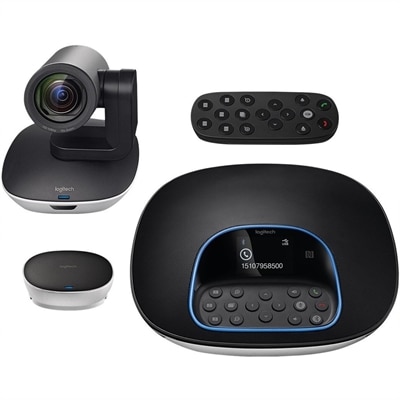
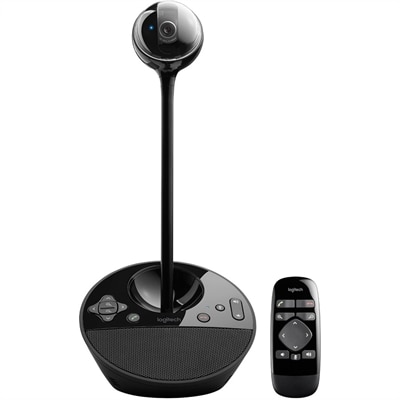
A plug-and-play conferencing system delivering 1080p video, 90-degree viewing, 10X zoom, and clear audio.
A purpose-built conferencing appliance supporting Zoom Rooms and Teams Rooms with USB cameras and HD displays.
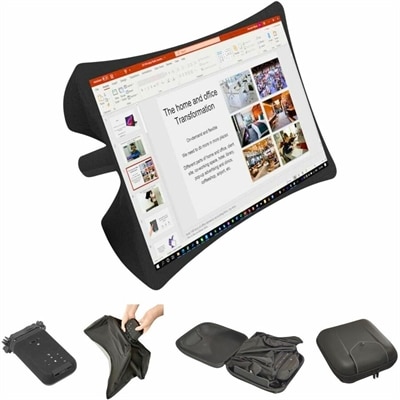
A foldable, rugged projection system with a nanomaterial screen, built-in battery, HDMI and USB-C connectivity.
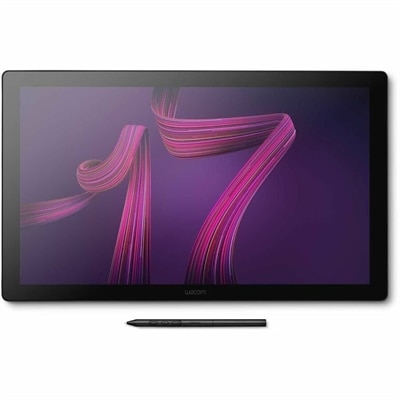
A professional 4K touchscreen pen display with 120Hz refresh, multi-touch control, customizable ExpressKeys, and pressure-sensitive stylus.
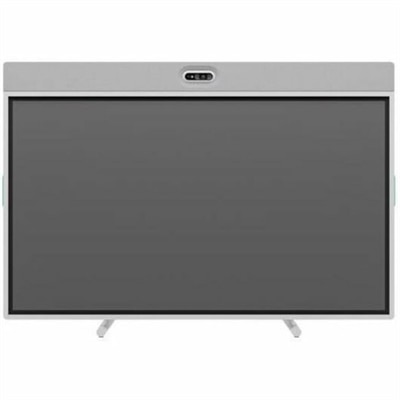
An off-white all-in-one conferencing solution featuring a touchscreen, AI-enhanced audio and video with flexible camera placement.
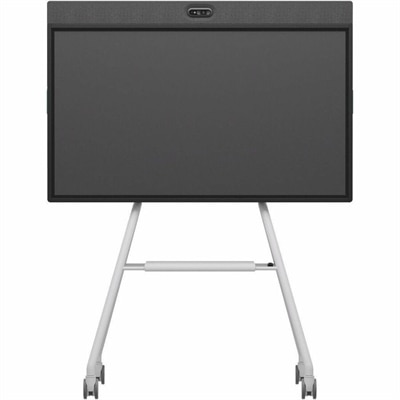
An all-in-one mobile conferencing system with touchscreen collaboration, AI-powered audio/video, recycled plastic, and lockable cart.
Presentation collaboration tools help people create, review, refine, and deliver presentations together, whether everyone is gathered around a conference table or contributing from different locations. This category includes applications for shared slide editing, visual brainstorming, feedback, and presentation delivery, along with compatible computing and display accessories that support those activities. The most useful capabilities depend on how a team works: real-time coauthoring supports simultaneous contributions, slide-level comments keep feedback close to the content, and version history helps contributors understand what changed. For a project team preparing a quarterly update, that might mean one person revising a chart while another checks the supporting figures and a third sharpens the introduction. Shared access can reduce the confusion of separately saved attachments, although permission settings and file ownership still determine who can view, edit, or distribute the presentation. Tools with assigned comments or review statuses can also make the next step clearer when several people have a hand in the same deck. Related Presentation Applications support the broader work of organizing information into slides, combining text with visuals, and preparing content for an audience. Collaborative features extend that work by giving contributors a common place to develop the message rather than simply passing finished files from person to person. Intended use matters here: an instructor building a group lesson, a small business preparing a client proposal, and a volunteer committee organizing an event may need different levels of editing control and design flexibility. Some groups benefit most from straightforward layouts and easy commenting, while others need detailed formatting, reusable templates, embedded media, or ways to organize a large collection of presentations. A shared deck also needs to remain understandable after the original author steps away. Clear slide names, consistent layouts, and accessible notes help a teammate pick up the thread without reconstructing every decision from a separate conversation.
The practical fit of presentation collaboration software comes down to compatibility, access, and the way feedback moves through a project. Browser-based editing can make participation easier across different computers, while desktop applications may provide additional formatting or offline capabilities; the exact balance varies by application and subscription. File compatibility deserves attention when a presentation will move between programs, because fonts, animations, charts, and embedded video may not appear or behave identically after conversion. A team presenting at a client’s office, for example, benefits from checking both the editable file and a portable viewing format before leaving. Offline access is another consideration for travelers or anyone rehearsing where an internet connection may be unreliable. Where supported, synchronization can bring local changes back into the shared file, but conflicting edits may still require review. Permissions should suit the audience as well as the workflow. An external reviewer may need to leave comments without changing the underlying slides, while a project lead may need control over sharing and final revisions. Version history and recoverable revisions can provide a useful safety net when a slide is accidentally removed or a previous explanation turns out to be clearer. For early-stage work, a collaborative whiteboard or flexible canvas can help a group sort ideas, cluster research, and sketch a narrative before committing to a slide sequence. Templates and shared design elements can then bring consistency to headings, spacing, and visual emphasis. Where artificial intelligence features are included, they may assist with outlines, draft text, or layout suggestions, but factual accuracy, confidentiality, and the final message still need human review. Accessibility features also deserve consideration, including support for alternative text, readable contrast, logical reading order, and captions where available. These details affect whether a presentation communicates effectively to the whole audience, not just whether it looks polished on the creator’s screen. Comment notifications, clear ownership, and manageable review stages further help keep collaboration productive without turning every minor adjustment into another meeting.
The physical workspace shapes the experience of creating and presenting shared content, even when most collaboration happens in an application. Laptops suit people who move between home, classrooms, meeting rooms, and client locations, while desktops can support a consistent workspace for lengthy editing sessions. A monitor with enough usable screen space makes it easier to compare source material with a slide, follow comments, or keep presenter notes separate from the audience view. Screen size should fit the desk and viewing distance rather than simply fill the largest possible area; legible text, comfortable positioning, and adjustable height can matter more during a long review session. Connection compatibility is equally practical. The computer, display, dock, and any adapter need to support the intended video output, and a connector’s shape alone does not establish all of its capabilities. For hybrid presentations, a webcam, microphone, or headset can help remote participants follow the conversation, especially when several people are discussing a detailed diagram. Microphone placement and room acoustics still matter: a voice can be harder to understand when the speaker faces away from the microphone or sits in an echoing room. A keyboard and mouse that fit the user’s reach and preferred working posture can make repeated text edits and object placement more comfortable. Portable accessories benefit from sturdy housings, protected connectors, and cables that can tolerate regular packing without sharp bends or constant tension. A padded carrying case should match the device’s dimensions and leave room for essential accessories without pressing against the screen. Materials and finishes influence everyday care as well; textured surfaces, fabric coverings, and smooth display panels may require different cleaning methods. Manufacturer-recommended care, gentle handling, and liquids kept away from connections help preserve equipment used across busy shared spaces. For instructors, consultants, designers, students, and distributed teams, a well-matched combination of presentation software and workspace equipment supports the full routine: gathering ideas, reviewing details, rehearsing transitions, and delivering a clear message. The strongest fit is the setup that lets contributors focus on the content while making participation, handoffs, and presentation delivery feel straightforward.
Add the products you would like to compare, and quickly determine which is best for your needs.