PowerEdge: Windows Update Install Stopping at Windows Splash Screen
Summary: The install stops at the Windows Splash screen on Server startup when installing a Windows Update package.
This article applies to
This article does not apply to
This article is not tied to any specific product.
Not all product versions are identified in this article.
Symptoms
Server reboot after Windows Update install stops at the Windows Splash screen and does not continue. The issue is seen on Windows 2016 Server Version 1607 (OS Build 14393.1884) with Intel Xeon Gold 6246R processor.
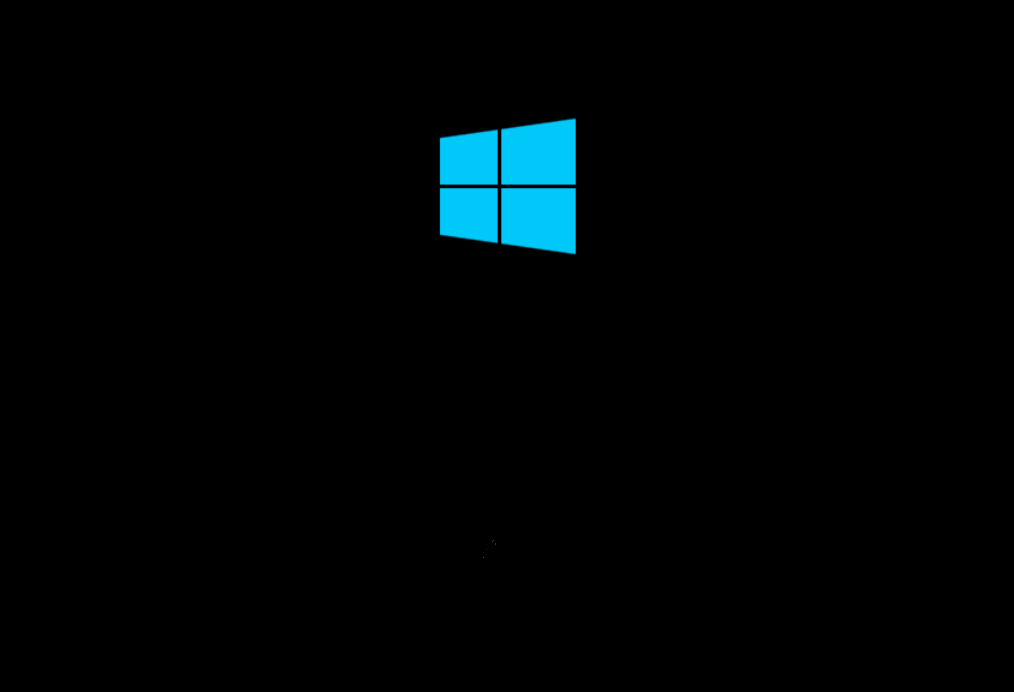
The screen view on startup is below and precedes the windows screen with a doted circle. The boot process here should be loading the OS kernel. The troubleshooting step of forcing an NMI dump for analysis cannot be exercised as the OS is not yet loaded.
Cause
The cause of the boot failure is unknown.
Resolution
Resolution is to disable X2APIC in the Server BIOS. Steps to disable X2APIC are below. The X2APIC feature may be re-enabled after install of the update.
- In the Server iDRAC UI, select the Configuration tab from the program ribbon at the top of the screen.

- Find Processor Settings section and select.
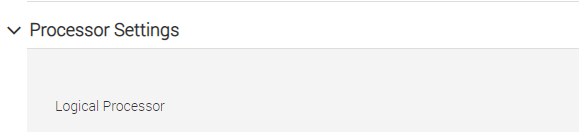
- Select the option x2APIC Mode. Select Disabled from the feature drop-down field.

- Click Apply button at the bottom of the screen to implement the change.
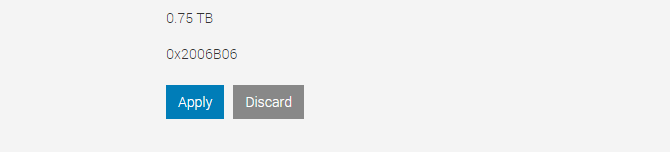
- To re-enable x2APIC Mode feature, follow steps 1-4 and change to Enabled in step 3.
Affected Products
Microsoft Windows Server 2016, PowerEdge R470, PowerEdge R540, PowerEdge R550, PowerEdge R570, PowerEdge R640, PowerEdge R6415, PowerEdge R650, PowerEdge R650xs, PowerEdge R6515, PowerEdge R6525, PowerEdge R660, PowerEdge R660xs, PowerEdge R6615
, PowerEdge R6625, PowerEdge R670, PowerEdge R740, PowerEdge R740XD, PowerEdge R740XD2, PowerEdge R7415, PowerEdge R7425, PowerEdge R750, PowerEdge R750XA, PowerEdge R750xs, PowerEdge R7515, PowerEdge R7525, PowerEdge R760, PowerEdge R760XA, PowerEdge R760xd2, PowerEdge R760xs, PowerEdge R7615, PowerEdge R7625, PowerEdge R770, PowerEdge R7715, PowerEdge R7725, PowerEdge R840, PowerEdge R860, PowerEdge R940, PowerEdge R940xa, PowerEdge R960, PowerEdge T350, PowerEdge T360, PowerEdge T440, PowerEdge T550, PowerEdge T560, PowerEdge T640
...
Article Properties
Article Number: 000196072
Article Type: Solution
Last Modified: 13 May 2026
Version: 6
Find answers to your questions from other Dell users
Support Services
Check if your device is covered by Support Services.