1. Display Size and Panel Type
2. Refresh Rate and Response Time
3. Connectivity Options
4. Ergonomics and Adjustability
Choosing the right QHD monitor can significantly enhance your computing experience, whether for work, gaming, or entertainment.
1. Display Size and Panel Type
2. Refresh Rate and Response Time
3. Connectivity Options
4. Ergonomics and Adjustability
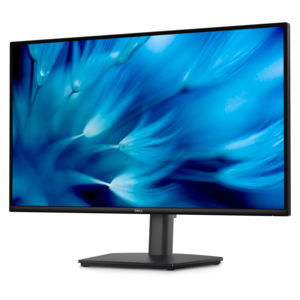
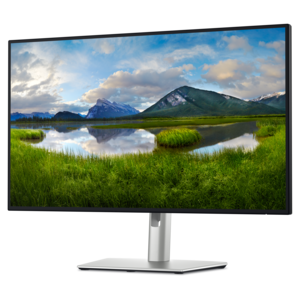
A height-adjustable QHD monitor certified by TÜV Rheinland for 3-star eye comfort and productive work.
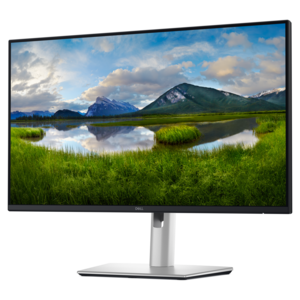
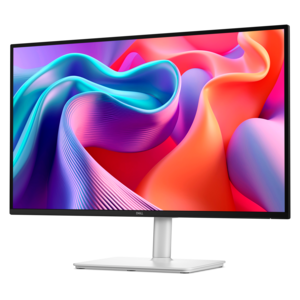
A QHD monitor with USB-C hub connectivity and TÜV-certified four-star eye comfort for productive, comfortable viewing.
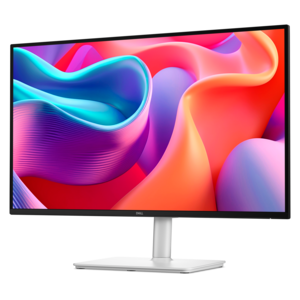
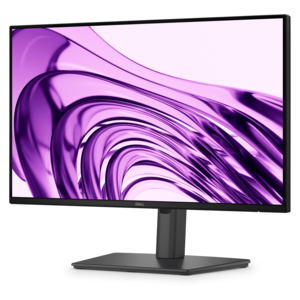
A QHD monitor with 144Hz refresh rate, USB-C connectivity, built-in speakers, and TÜV-certified eye comfort.
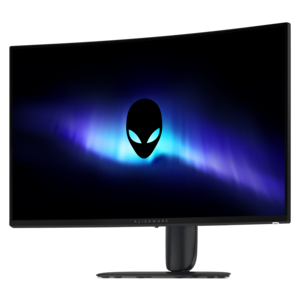
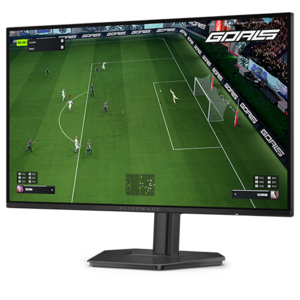
A curved QHD gaming monitor with a rapid 240Hz refresh rate and vivid colors for immersive gameplay.
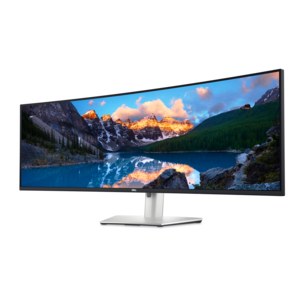
A curved dual-QHD productivity monitor featuring IPS Black technology and a convenient USB-C hub.
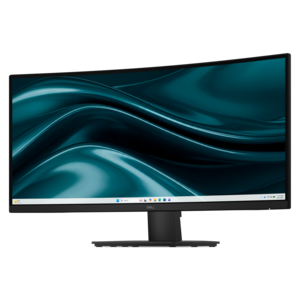
A curved WQHD monitor with 165Hz refresh rate, 1ms MPRT, and TÜV Rheinland 3-star certification.
QHD monitors offer a higher resolution than standard Full HD displays, providing more screen real estate and sharper images. This allows for easier multitasking, clearer text, and improved detail when working with graphics, spreadsheets, or multiple applications side by side.
QHD resolution delivers more detailed visuals and smoother graphics, making in-game environments look more realistic and immersive. Many QHD monitors also support higher refresh rates and adaptive sync technologies, reducing screen tearing and providing a more responsive gaming experience.
Yes, QHD monitors are ideal for creative professionals such as photographers, designers, and video editors. The increased pixel density allows for precise editing and accurate color representation, which is essential for detailed creative work.
Most QHD monitors feature a range of connectivity options, including HDMI, DisplayPort, and USB ports. Some models also offer USB-C connections for streamlined connectivity with laptops and other compatible devices.
Many QHD monitors include multitasking features such as Picture-by-Picture (PBP) and Picture-in-Picture (PIP), allowing users to display content from multiple sources simultaneously. This is especially useful for professionals who need to monitor different workflows or devices at once.




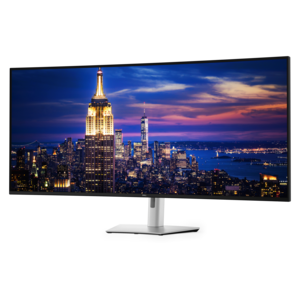
Add the products you would like to compare, and quickly determine which is best for your needs.