1. Processing Power
2. Memory (RAM)
3. Storage Type and Capacity
4. Operating System Compatibility
Are you a software engineering student looking for the best laptop to support your studies and projects? Look no further! Our carefully curated list of top-rated laptops has been compiled based on user reviews, ensuring that you have access to the most reliable and high-performing options on the market. Whether you're coding, running complex simulations, or multitasking between various software applications, these laptops are designed to meet the demanding requirements of software engineering students. From processing power and memory capacity to display quality and portability, we've got you covered with the best laptops to enhance your educational journey.
Choosing the right laptop is crucial for software engineering students to support coding, compiling, and multitasking needs.
1. Processing Power
2. Memory (RAM)
3. Storage Type and Capacity
4. Operating System Compatibility

A durable, serviceable Chromebook designed specifically for education environments.
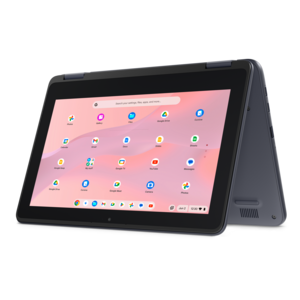
A durable, serviceable Chromebook designed for K–12 learning environments.
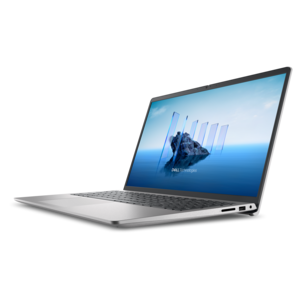
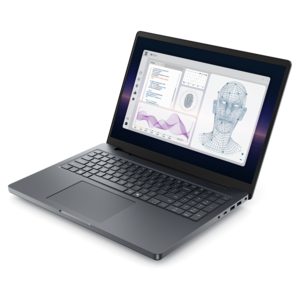
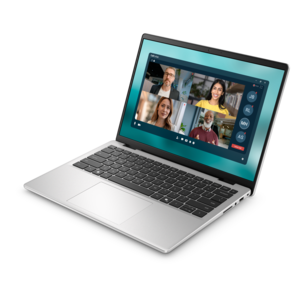
A laptop featuring an FHD camera, enlarged ergonomic keyboard, and AMD Ryzen™ processing.
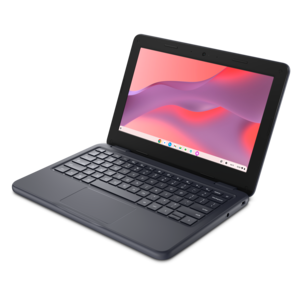
A durable, serviceable laptop or 2-in-1 designed specifically for K-12 learning environments.
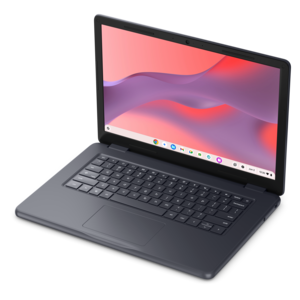
A durable, serviceable Chromebook designed specifically for education environments.
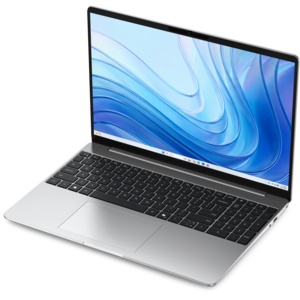
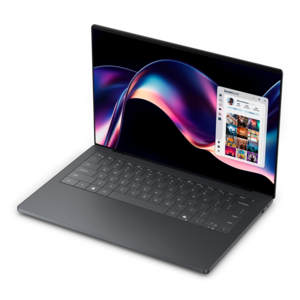
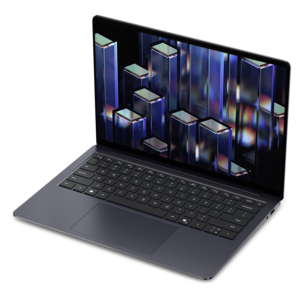
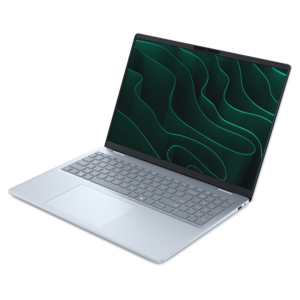
A thin, lightweight laptop crafted from eco-friendly materials with Series 3 Intel Core processors for productivity.
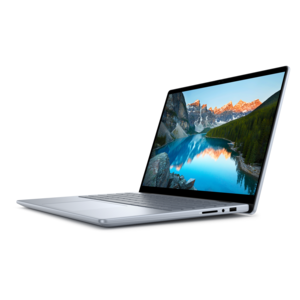
A versatile 2-in-1 laptop with Intel Core processors, DDR5 memory, and multiple modes for creative work.

A laptop featuring an FHD camera, enlarged ergonomic keyboard, and Intel 13th Gen processors.
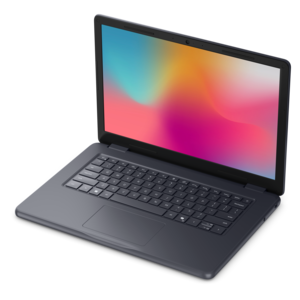
A durable, serviceable laptop designed specifically for demanding education environments.
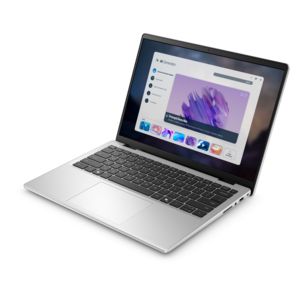
A portable laptop with a sleek design, 16:10 display, and AI PC options for productivity anywhere.
Software engineering students should prioritize laptops with powerful processors, ample RAM (at least 16GB is recommended), fast SSD storage, and a comfortable keyboard for extended coding sessions. A high-resolution display and long battery life can also enhance productivity.
While a dedicated graphics card is not essential for most programming tasks, it can be beneficial for students working with graphics-intensive applications, game development, or machine learning. For general software engineering, integrated graphics are typically sufficient.
Portability is important for students who need to carry their laptops between classes, libraries, and study spaces. Lightweight and slim designs make it easier to transport your device, ensuring you can work comfortably wherever you are.
The choice of operating system depends on personal preference and the specific programming languages or tools required for coursework. Windows, macOS, and Linux all offer robust environments for coding, but many students prefer Windows laptops for their versatility and compatibility.
A touchscreen is not a necessity for software engineering students, but it can offer added convenience for note-taking, sketching diagrams, or navigating certain applications. However, it is not a critical feature for most programming tasks.
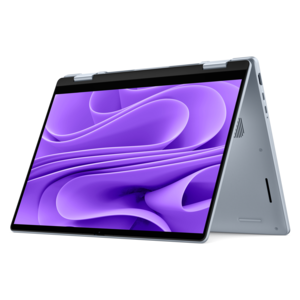

Add the products you would like to compare, and quickly determine which is best for your needs.