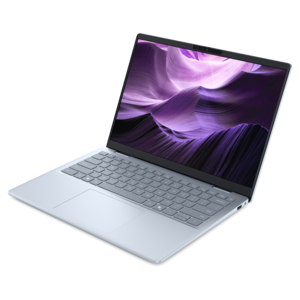
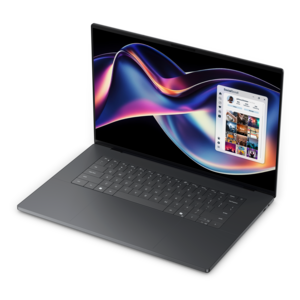
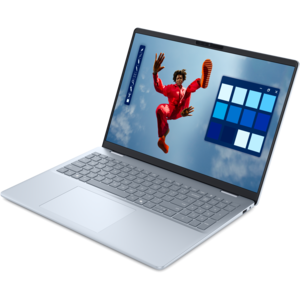
1. Display Quality and Color Accuracy
2. Performance and Graphics Capability
3. Stylus Support and Touchscreen Functionality
4. Portability and Battery Life
Choosing the right laptop can empower artists to create digital masterpieces with ease and efficiency. Consider these key factors when shopping for a laptop tailored to artistic needs.
1. Display Quality and Color Accuracy
2. Performance and Graphics Capability
3. Stylus Support and Touchscreen Functionality
4. Portability and Battery Life
Check out the following recommendations.


Artists should prioritize laptops with high-resolution displays for accurate color representation, powerful processors for smooth performance with creative software, ample RAM for multitasking, and compatibility with digital pens or styluses for drawing and design work.
An IPS or OLED display is ideal for digital art creation, as these panels offer wide viewing angles, vibrant colors, and excellent color accuracy, making them well-suited for detailed visual work.
Stylus support allows artists to draw, sketch, and annotate directly on the laptop screen with precision and responsiveness, closely mimicking the experience of working with pen and paper.
For most digital art and design software, a minimum of 16GB of RAM is recommended to ensure smooth multitasking and efficient handling of large files and complex projects.
Many laptops featured for artists come equipped with dedicated graphics cards and powerful processors, making them capable of handling 3D modeling, animation, and other resource-intensive creative tasks with ease.
Add the products you would like to compare, and quickly determine which is best for your needs.